Back to guides
Create or edit insurance providers
- 1
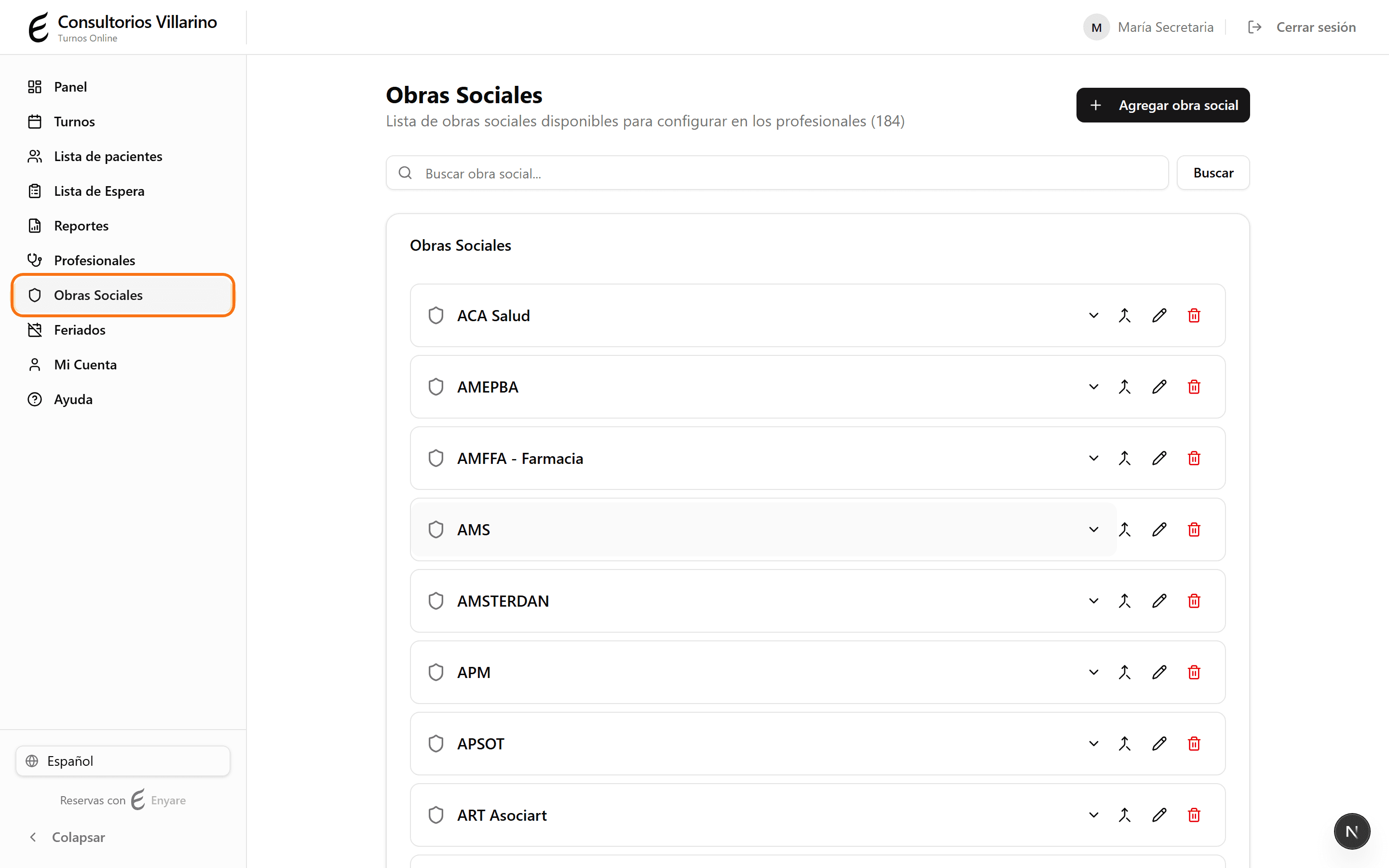
Open «Insurance providers»
In the side menu, click «Insurance providers». You'll see the list of providers with a search box at the top.
- 2
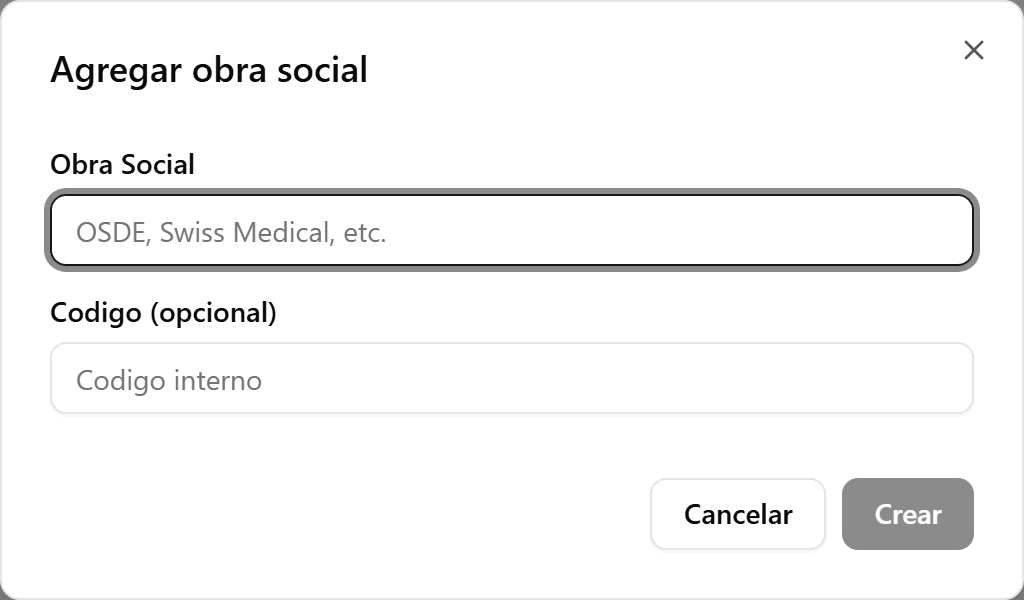
Add a provider
Click «Add provider». Enter the name (for example OSDE, Swiss Medical) and an optional internal code. Click «Create».
- 3
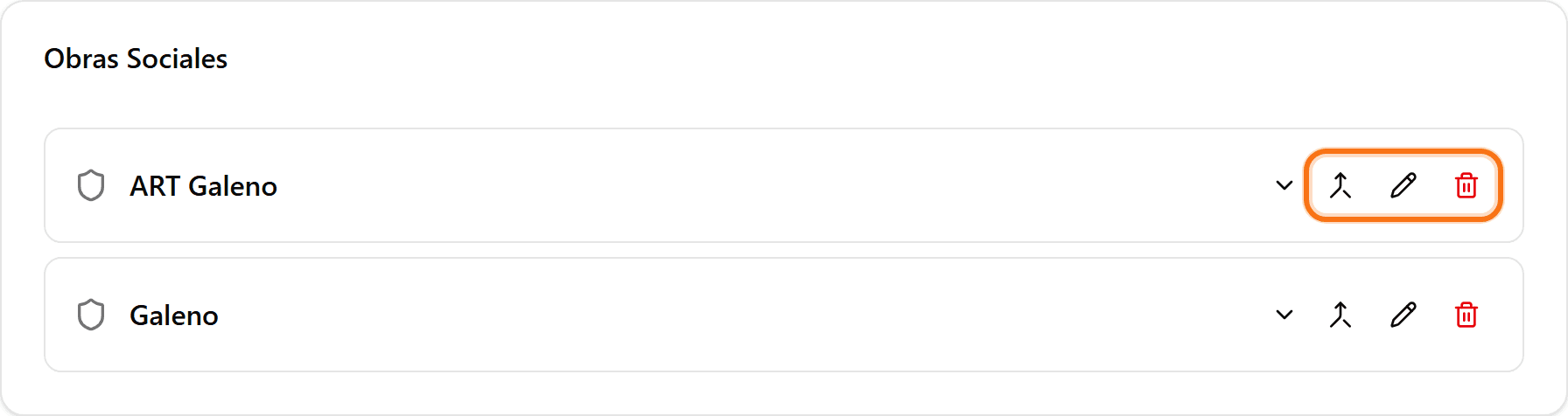
Edit or delete a provider
Use the pencil icon to change the name or code, and the trash icon to deactivate it. You can also merge two duplicate providers into one with the merge icon.
- 4
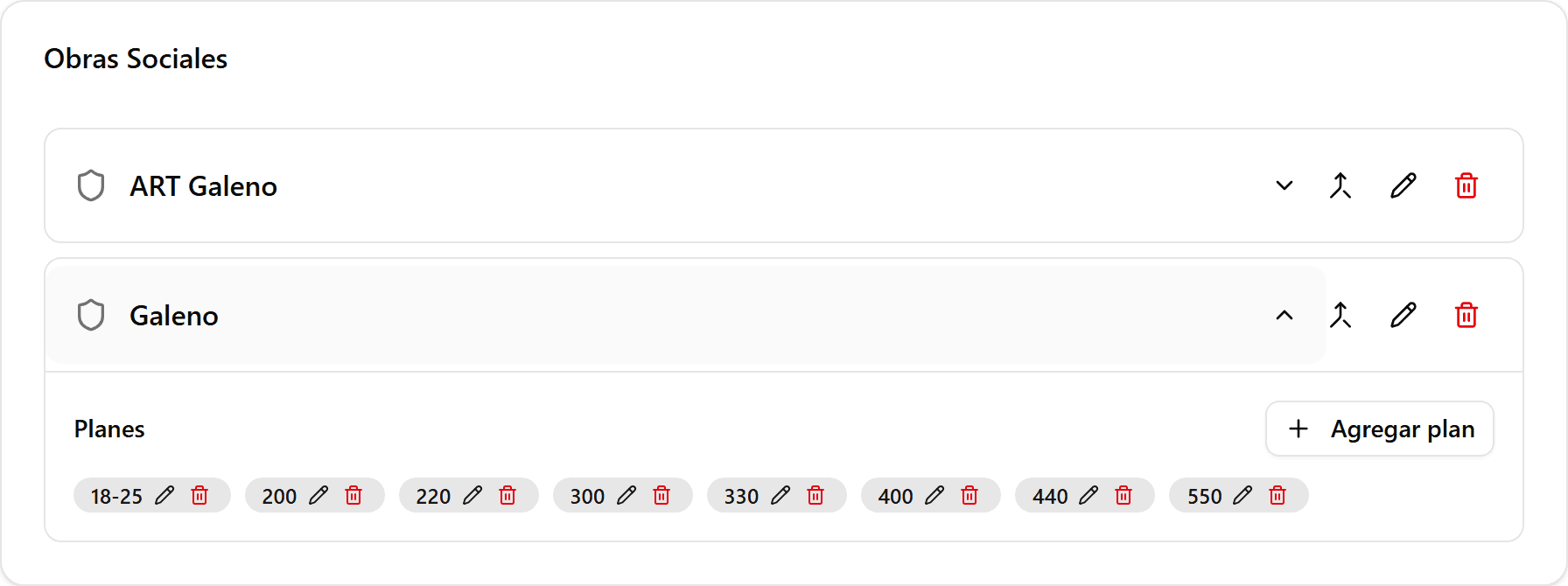
Add plans to a provider
Click the provider to expand it and use «Add plan» to load its plans (for example 210, 310, Silver, Gold). Each plan can be edited or deleted separately.