Back to guides
Payment report
Important: each payment is recorded on the day it is charged, which is not always the appointment day. For example, if today you charge for tomorrow’s appointment, that payment shows up in today’s report.
- 1
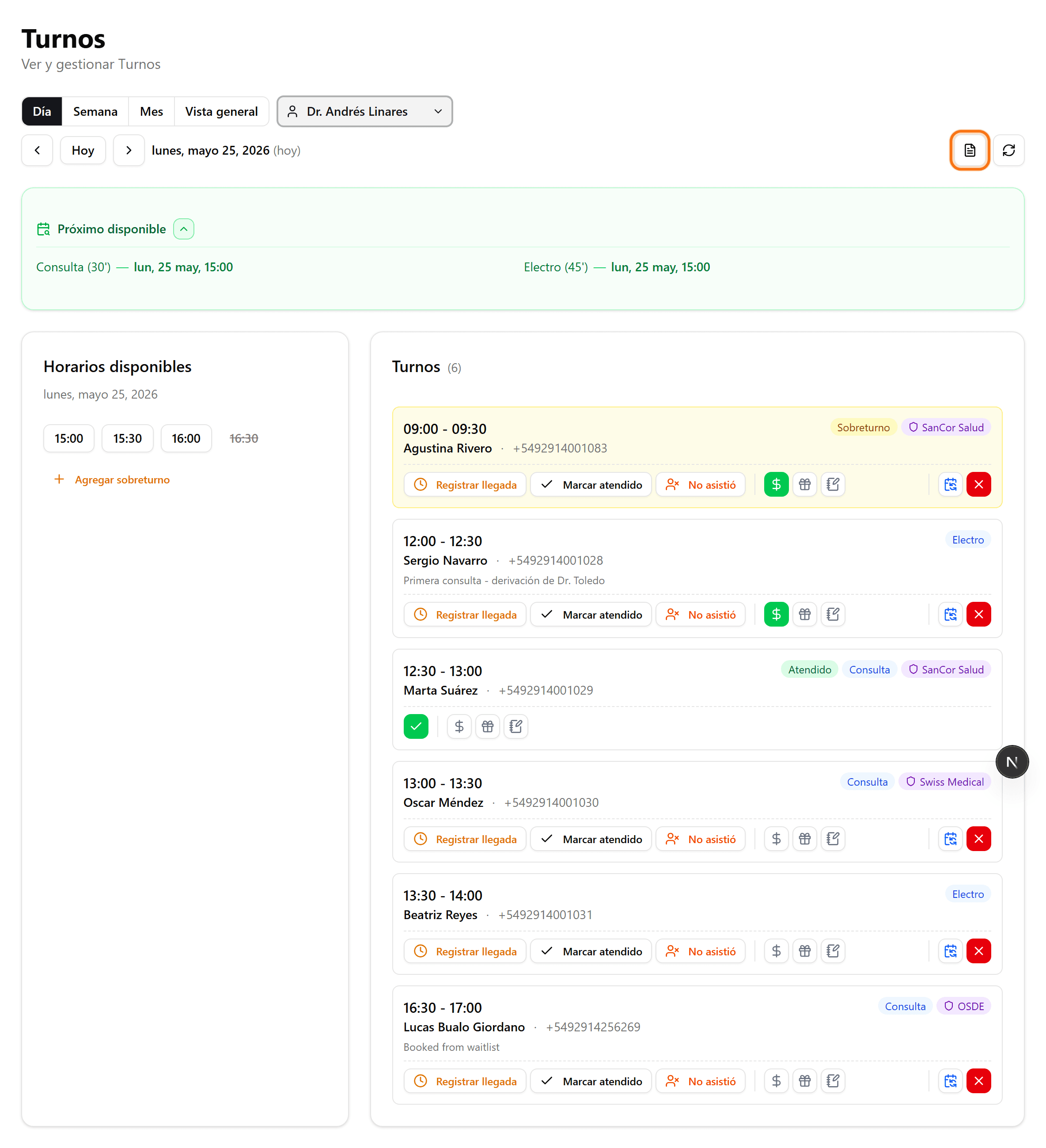
Option 1: find the date in the agenda
In Appointments, navigate to the day you want and open the report icon (top right) for a quick report of that day.
- 2
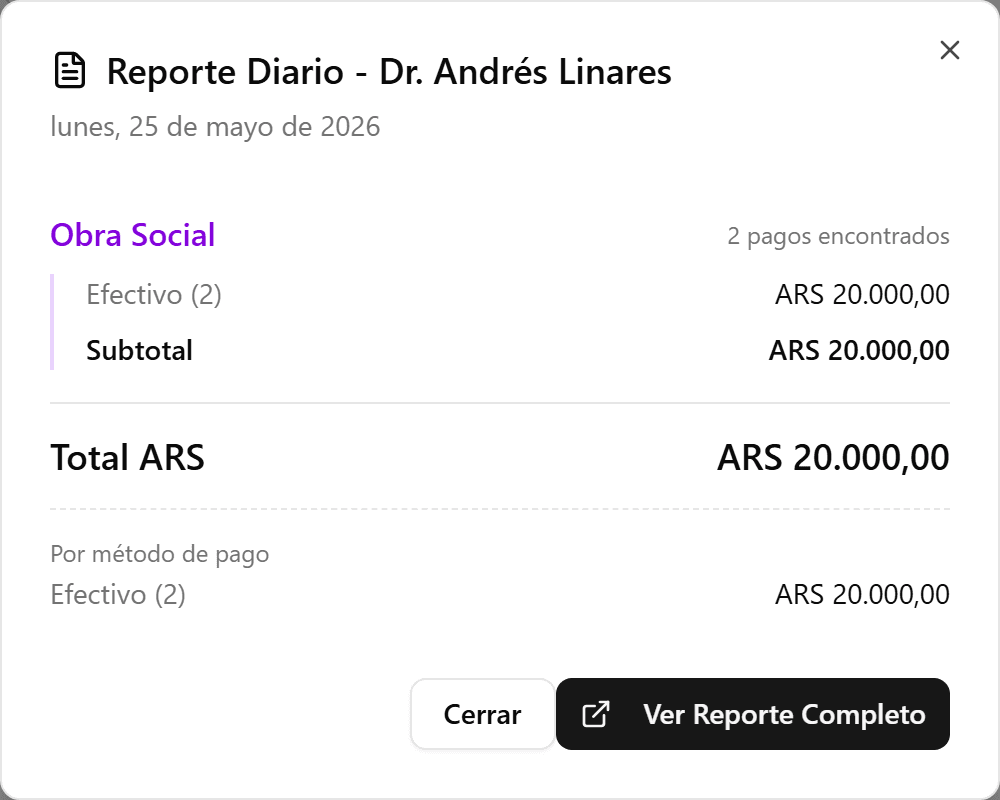
Daily report generated
The day summary opens: self-pay and insurance, subtotals by method, and the total. You can close it or open the full report.
- 3
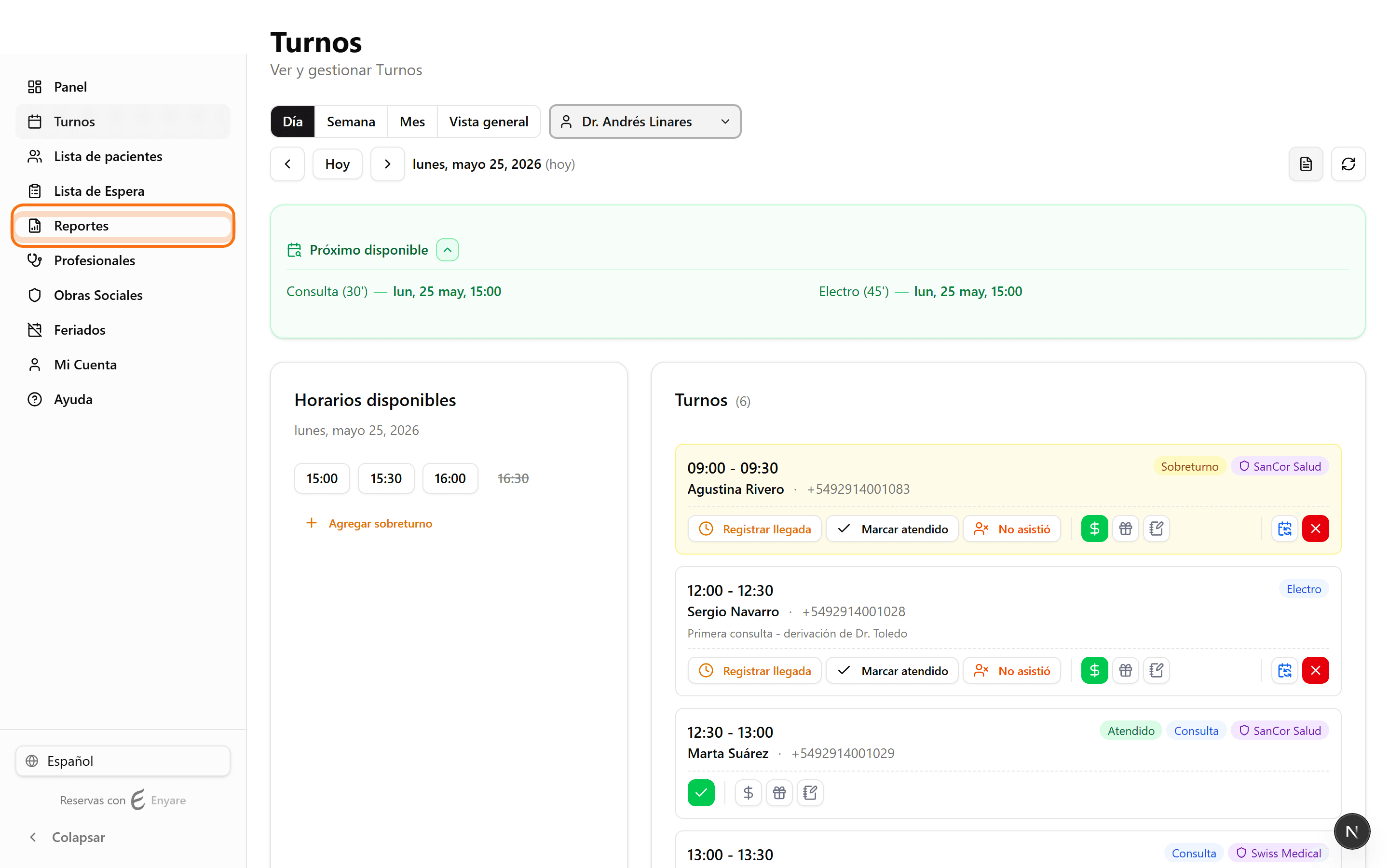
Option 2: go to "Reports"
In the side menu, click "Reports" to generate reports by date range.
- 4
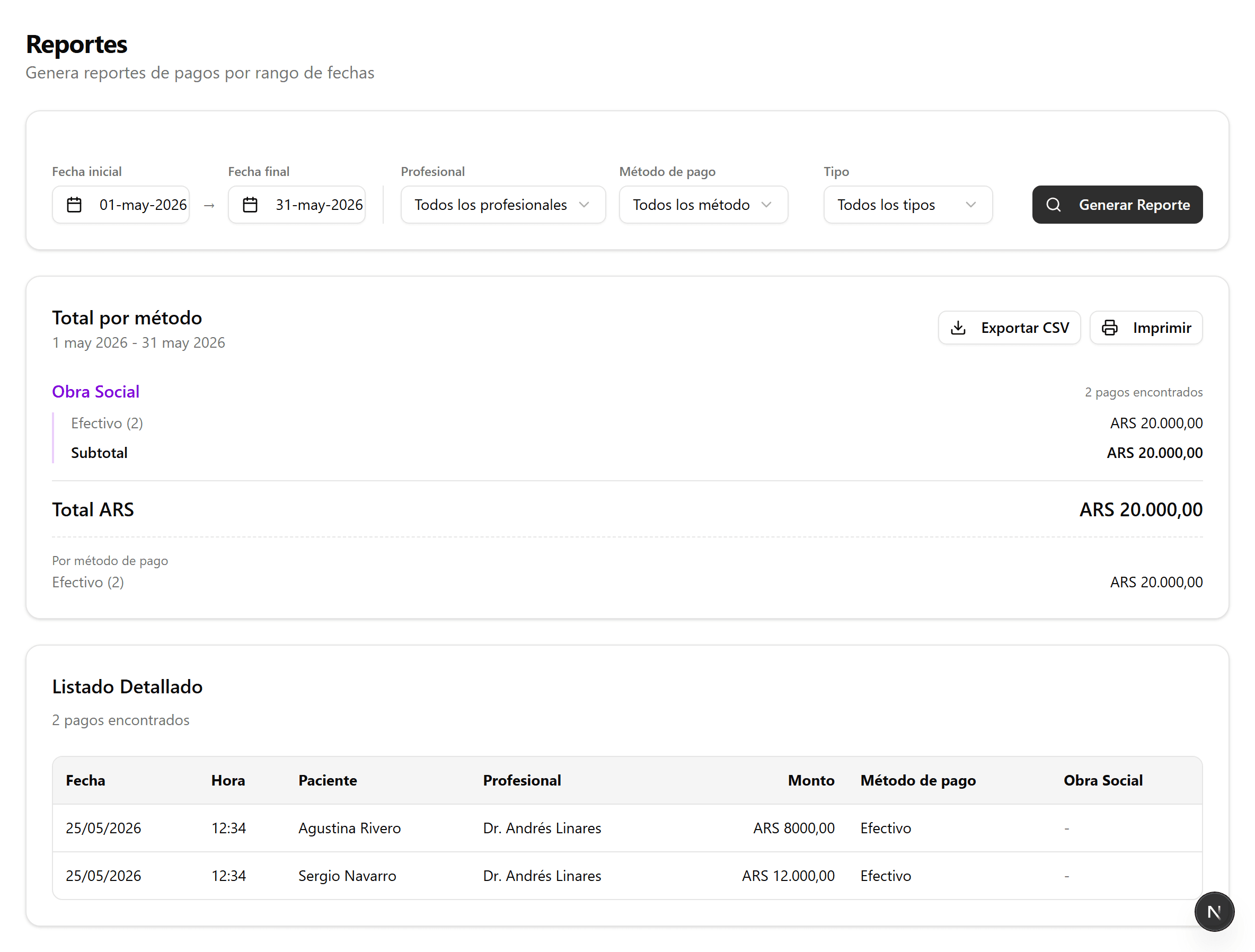
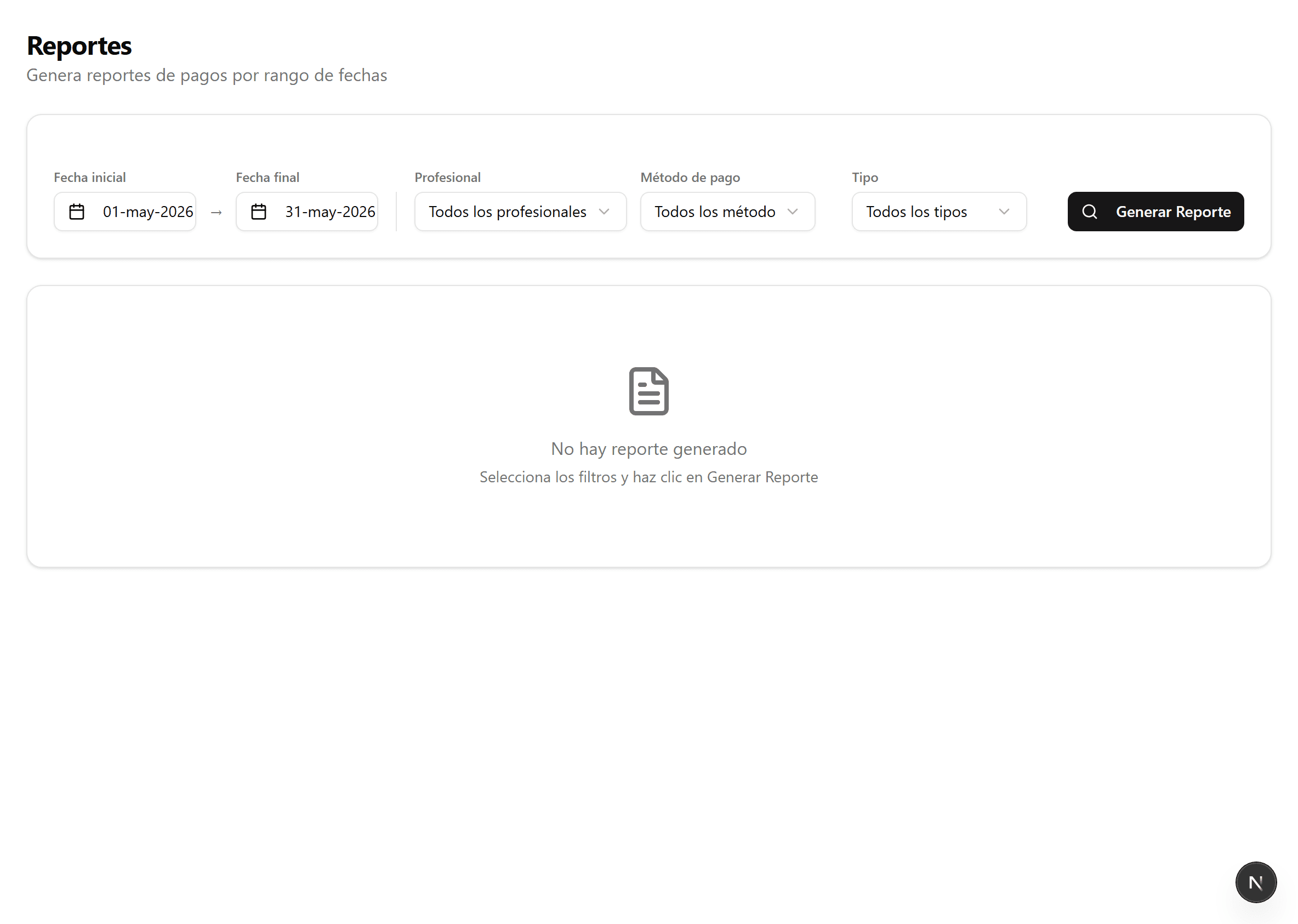
Pick the date range and filters
Select start and end dates. Optionally filter by provider, payment method and type (self-pay or insurance).
- 5
Generate the report
Click "Generate Report". You will see the total by method and the detailed list; you can export it to CSV or print it.