Back to guides
Get the booking links and QR codes
- 1
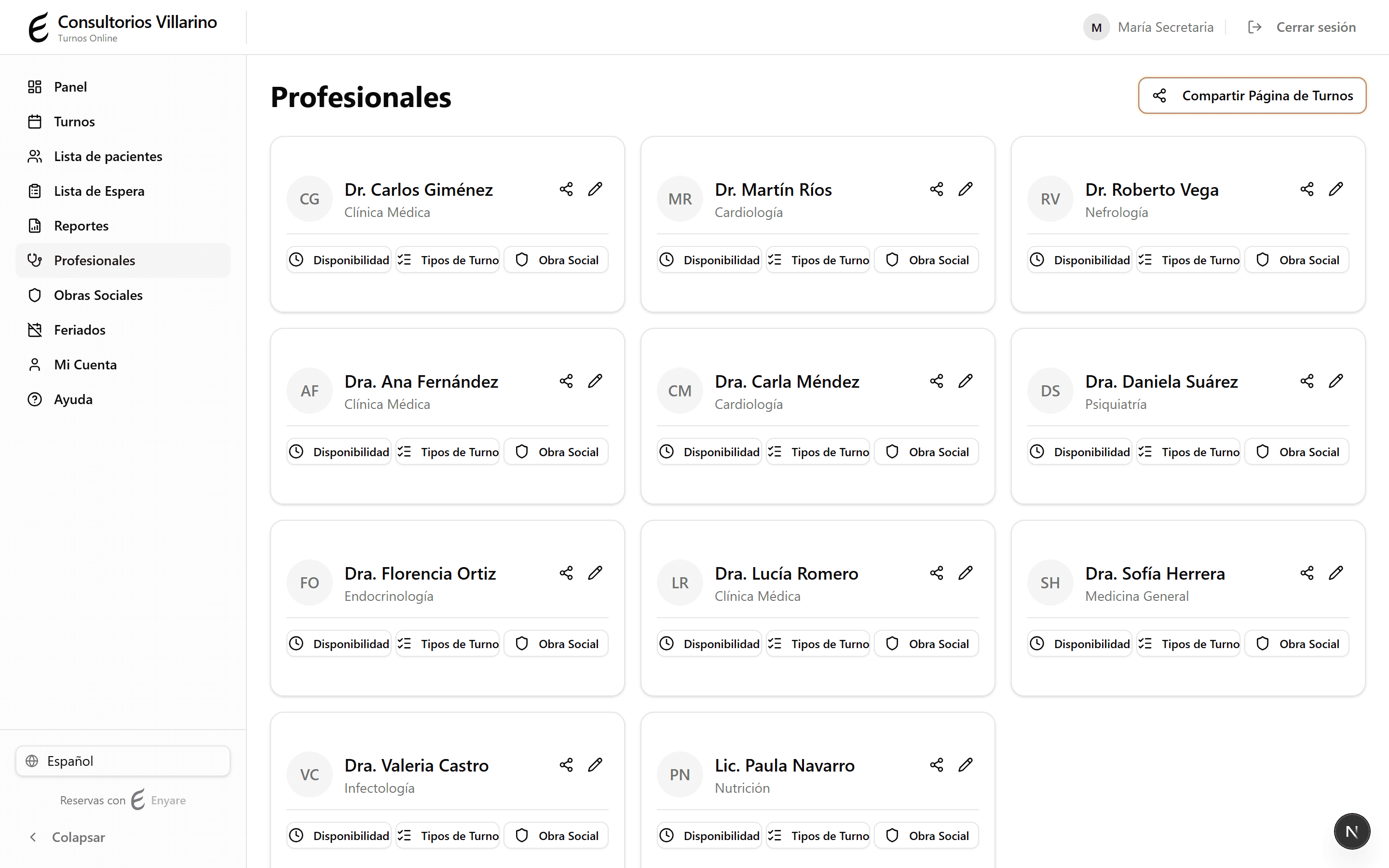
Organization link: open «Professionals»
In «Professionals», top right, click «Share Booking Page». This is the whole-organization link (it lists every professional).
- 2
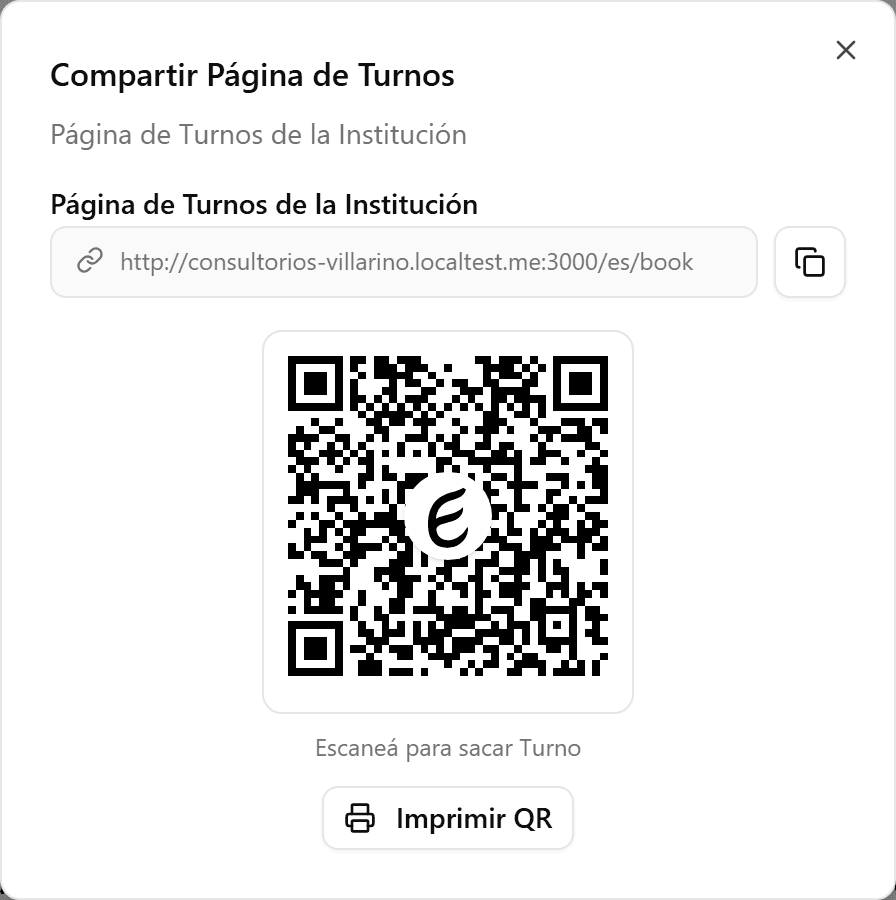
Copy the link or print the QR
In the dialog, click copy to grab the link, or «Print QR» to print the QR code patients scan to book.
- 3
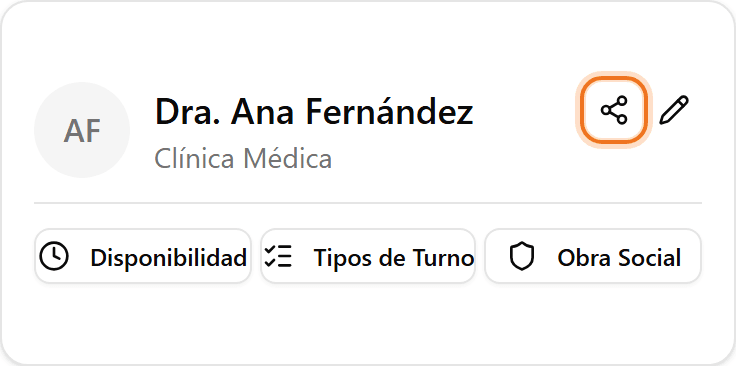
A single professional's link
For one professional's link, click the share icon on their card (or the «Share Link» button inside their edit page). The professional must be active and public.
- 4
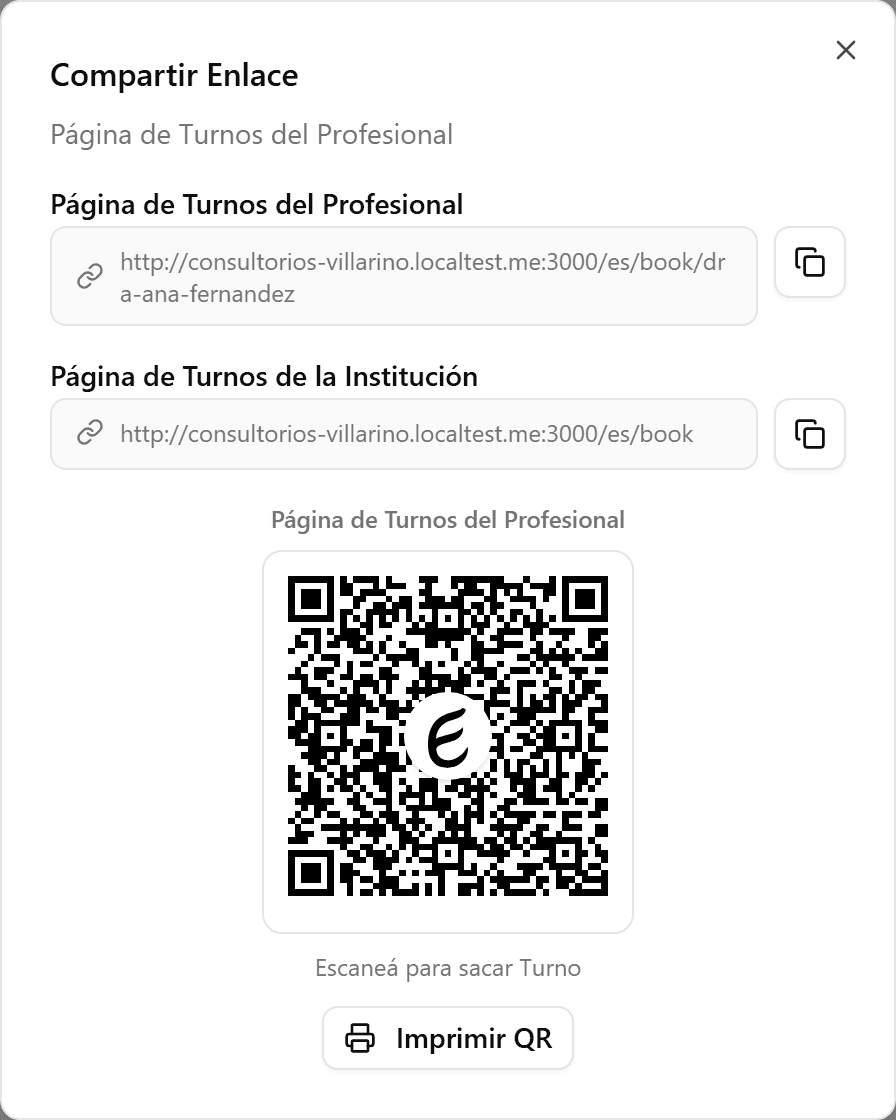
Share the QR or the link
The professional's dialog shows their own link and QR, plus the organization link. Copy it or print the QR to post it in the office or send it over WhatsApp.