Back to guides
Special attention hours
- 1
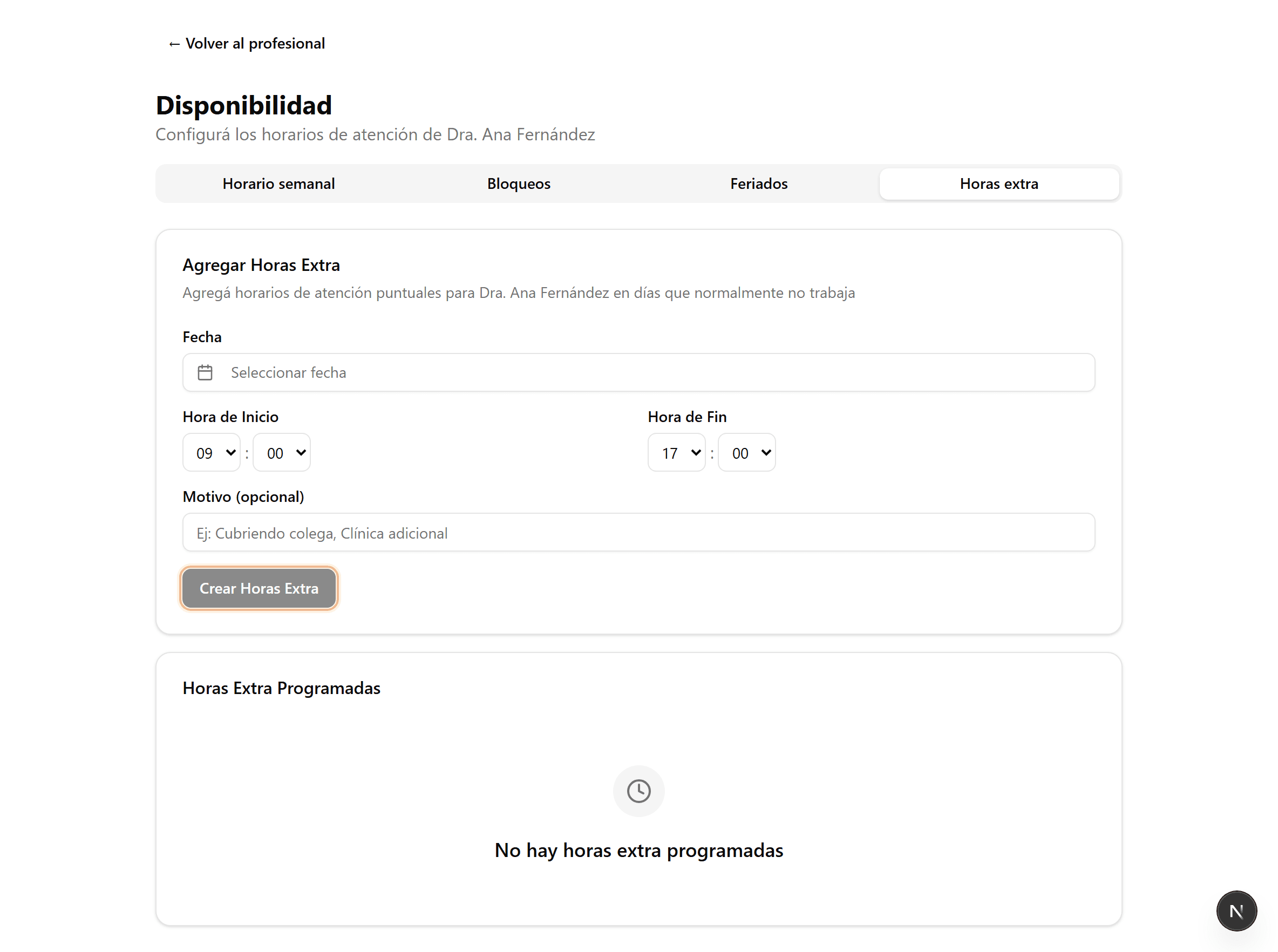
Open “Availability” and the “Extra hours” tab
In the sidebar, open “Professionals”, go into the professional, click “Availability” and choose the “Extra hours” tab. Use it to open appointments on a one-off day, outside the weekly schedule.
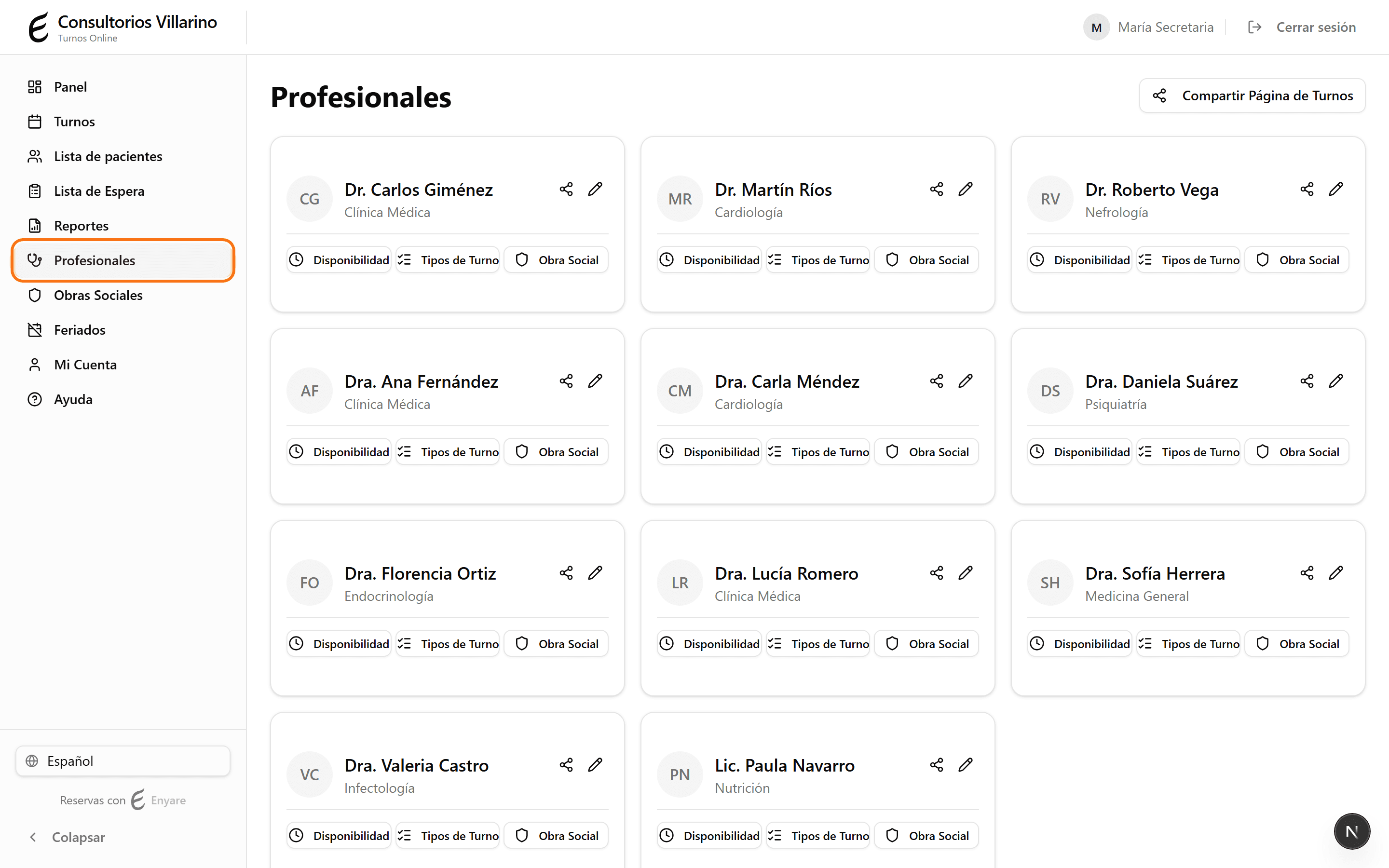
- 2
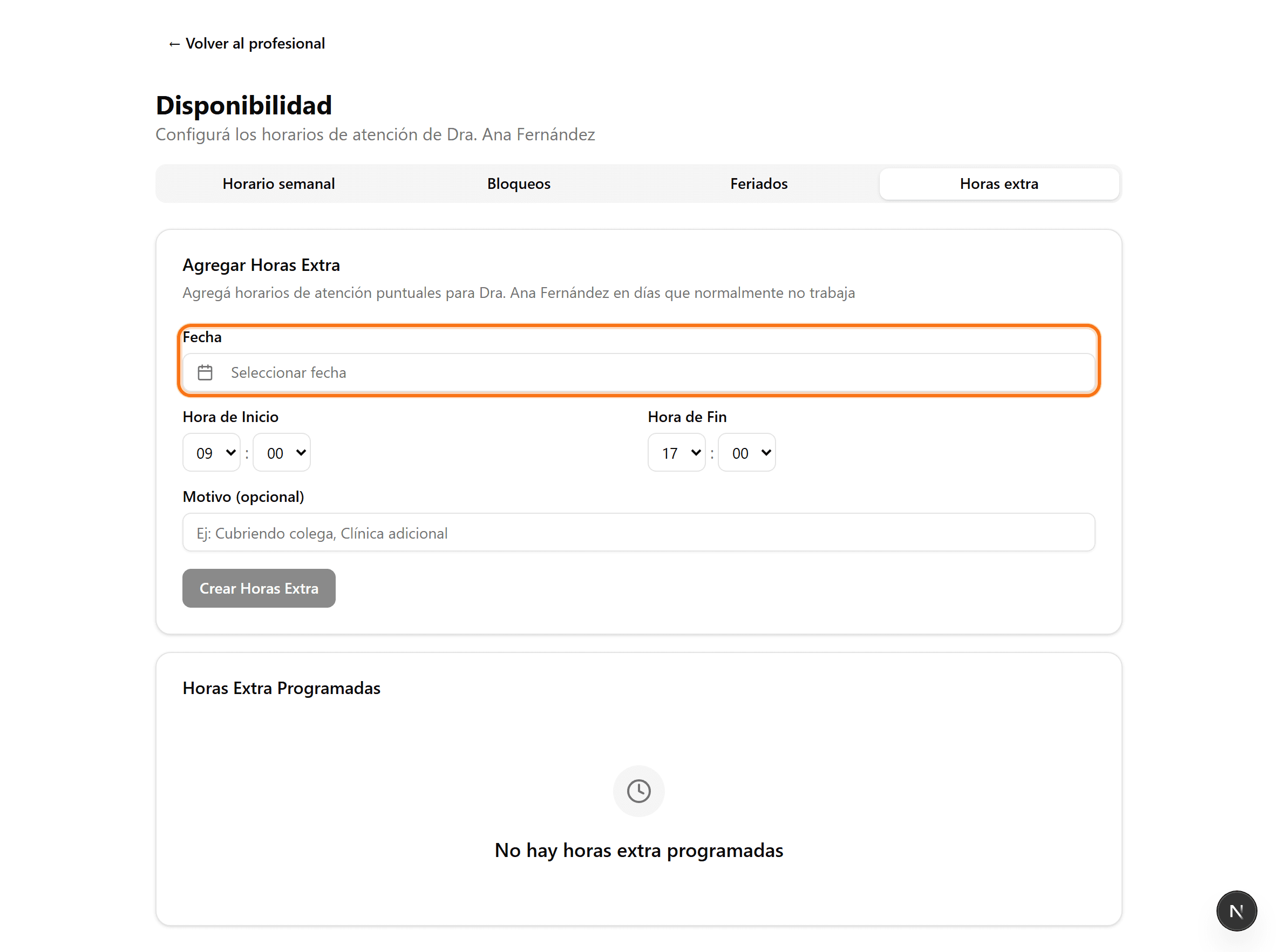
Pick the date
Under “Date”, choose the day you want to add extra hours (e.g. a one-off Saturday, or a day they normally don't work).
- 3
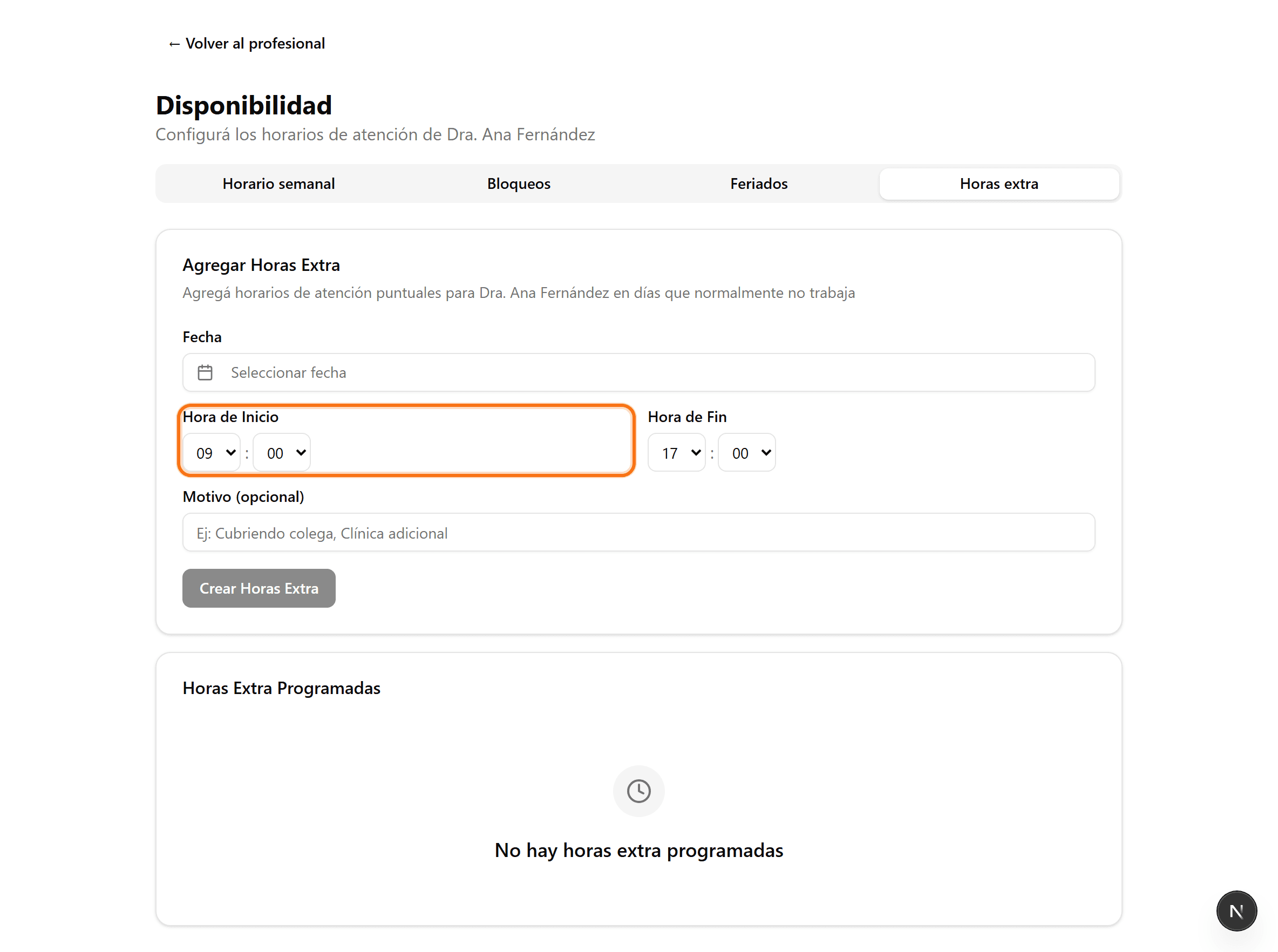
Set the time range
Enter the start and end time of the special session. Optionally add a reason (Covering a colleague, Extra clinic, etc.).
- 4
Create the extra hours
Click “Create extra hours”. Those slots become bookable and appear under “Scheduled extra hours”.