Back to guides
First-visit (new patient) policy
- 1
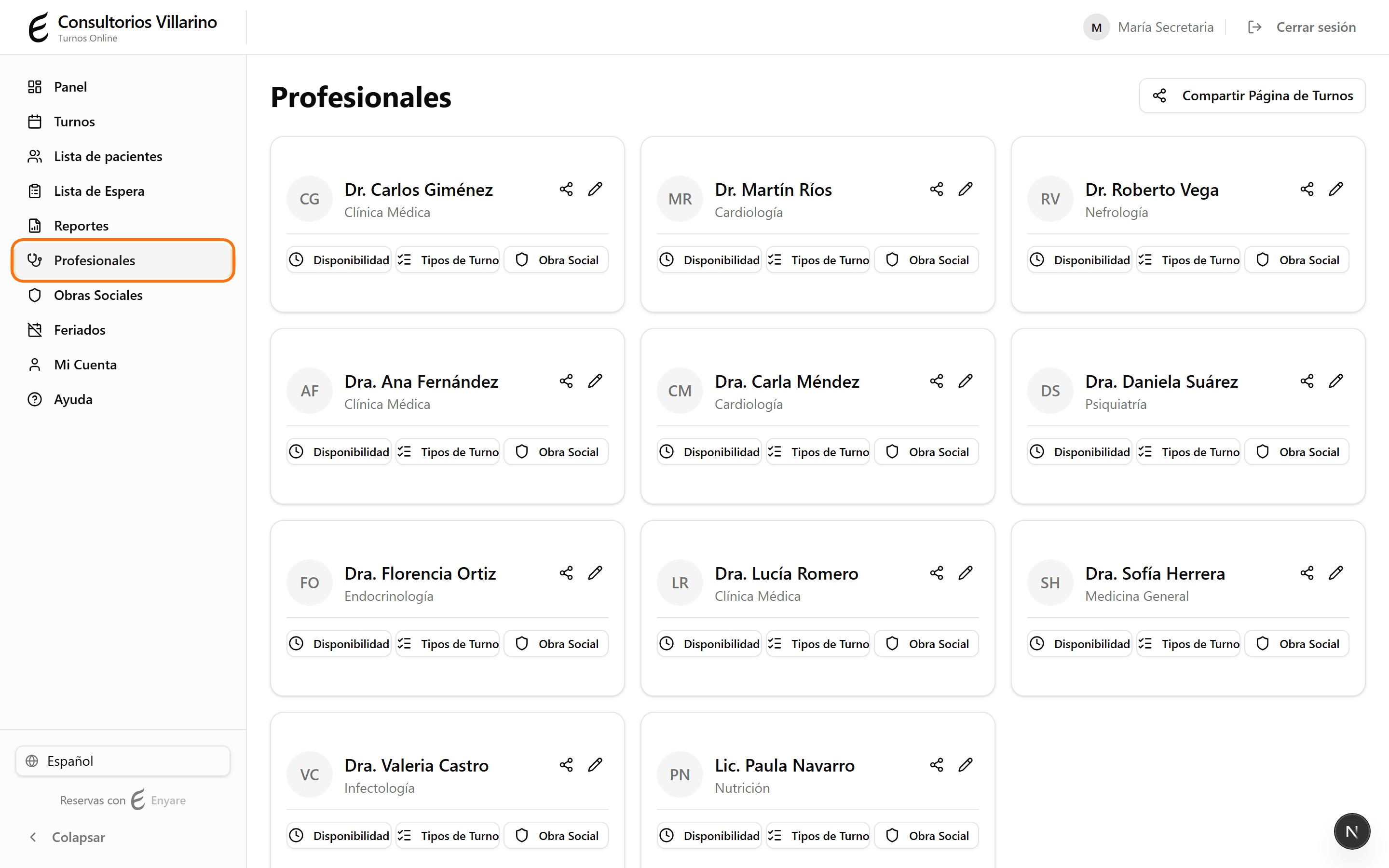
Open the professional's page
In the sidebar, open “Professionals” and click the professional you want to configure.
- 2
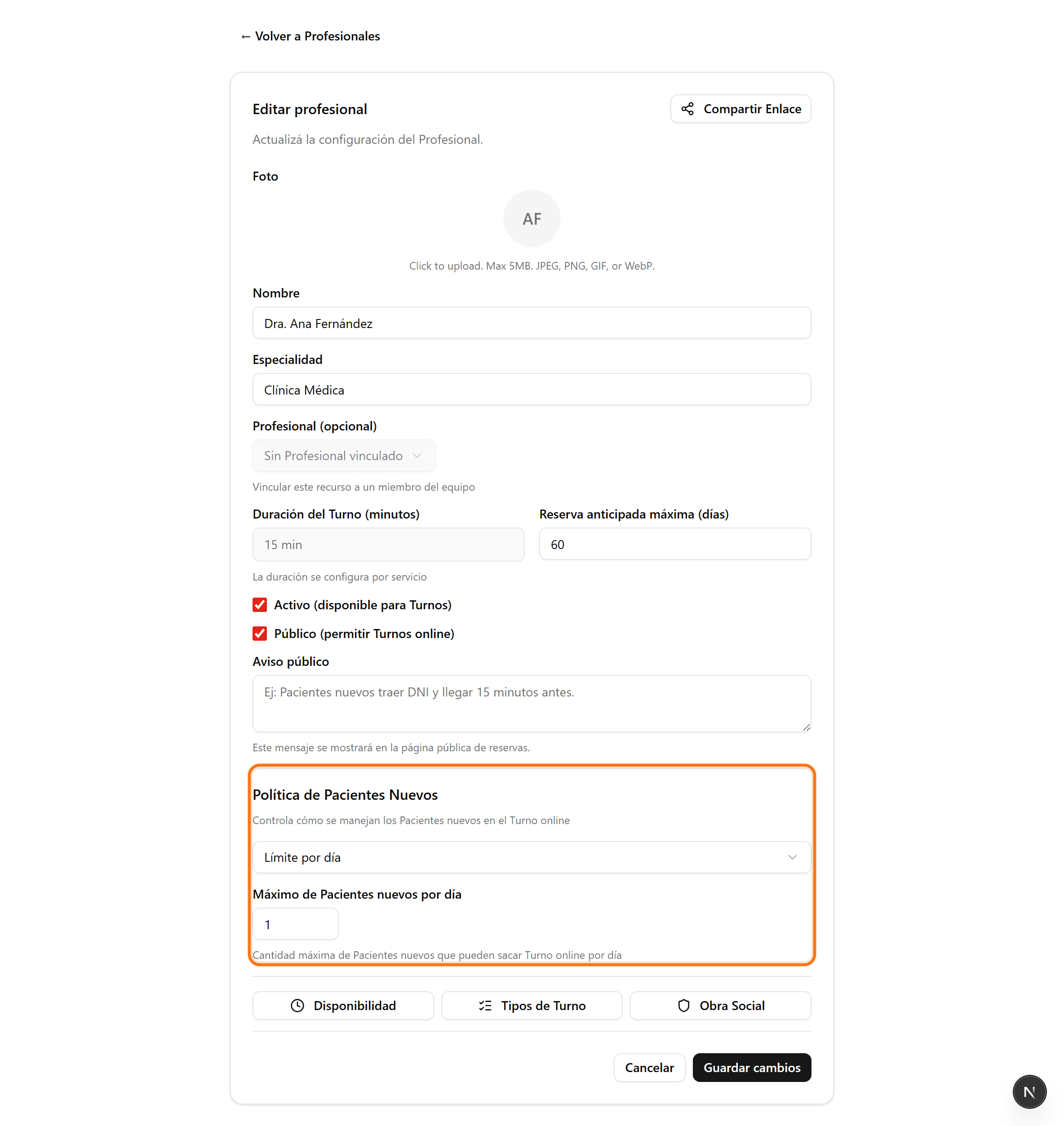
Find “First-visit policy”
Scroll to the “First-visit policy” section. This controls how new-patient bookings are handled for this professional.
- 3
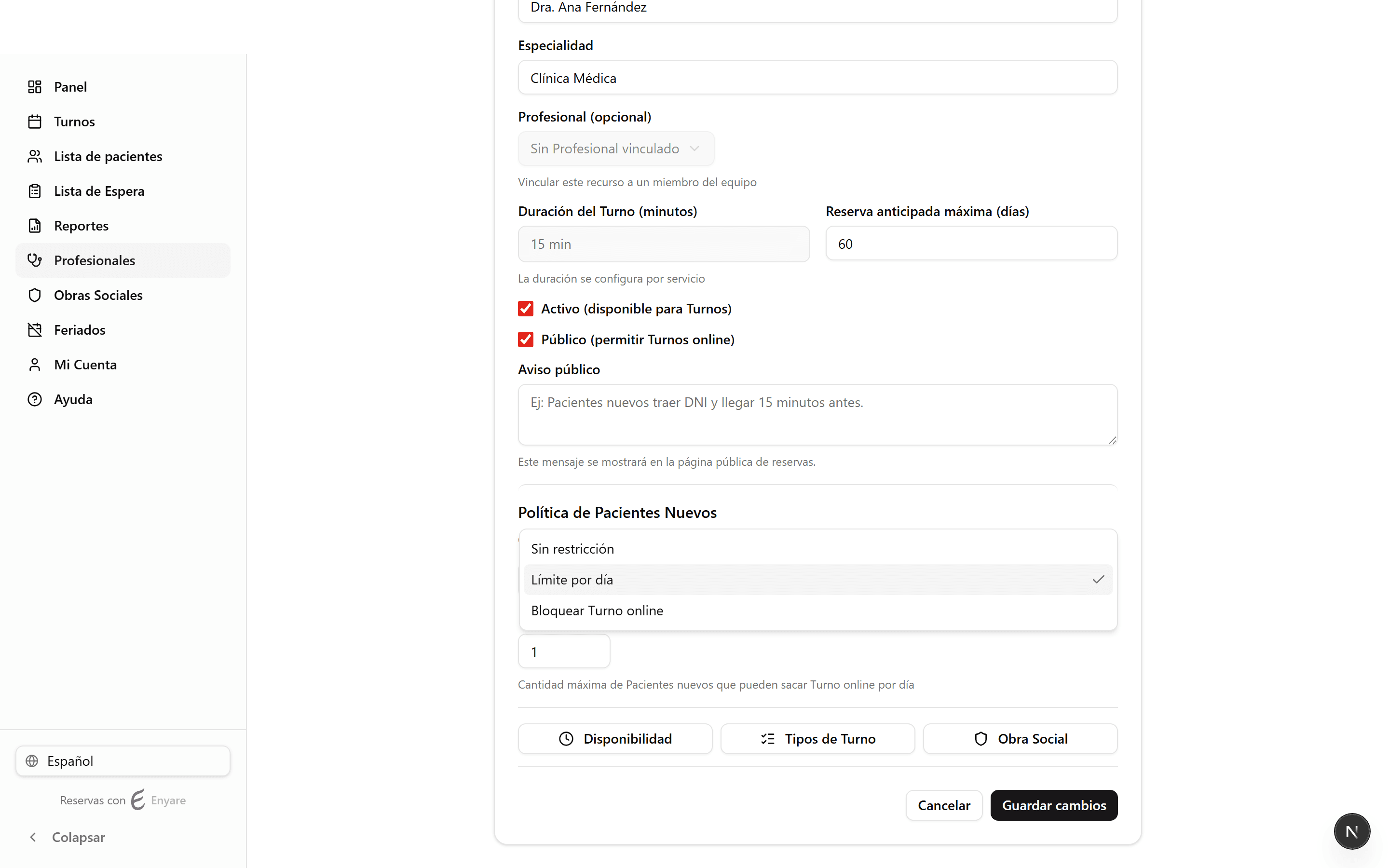
Choose the policy
“No restriction”: any new patient can book. “Limit”: allows a maximum number of new patients per day. “Block”: new patients can't book online (they're directed to call or message).
- 4
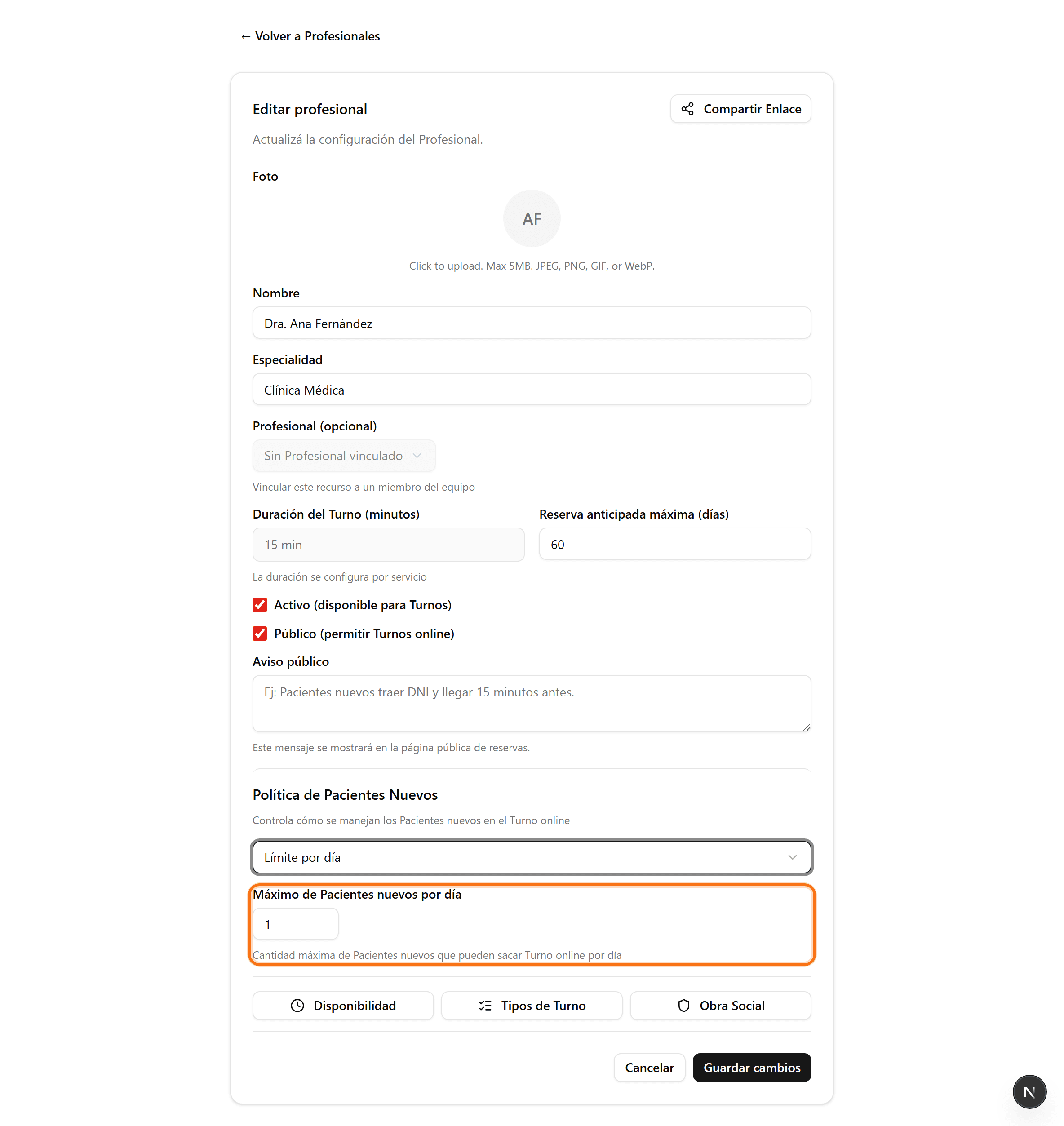
Set the limit and save
If you chose “Limit”, enter how many new patients per day are allowed. Then click “Save changes”.