Back to guides
A professional's working hours
Watch the video
- 1
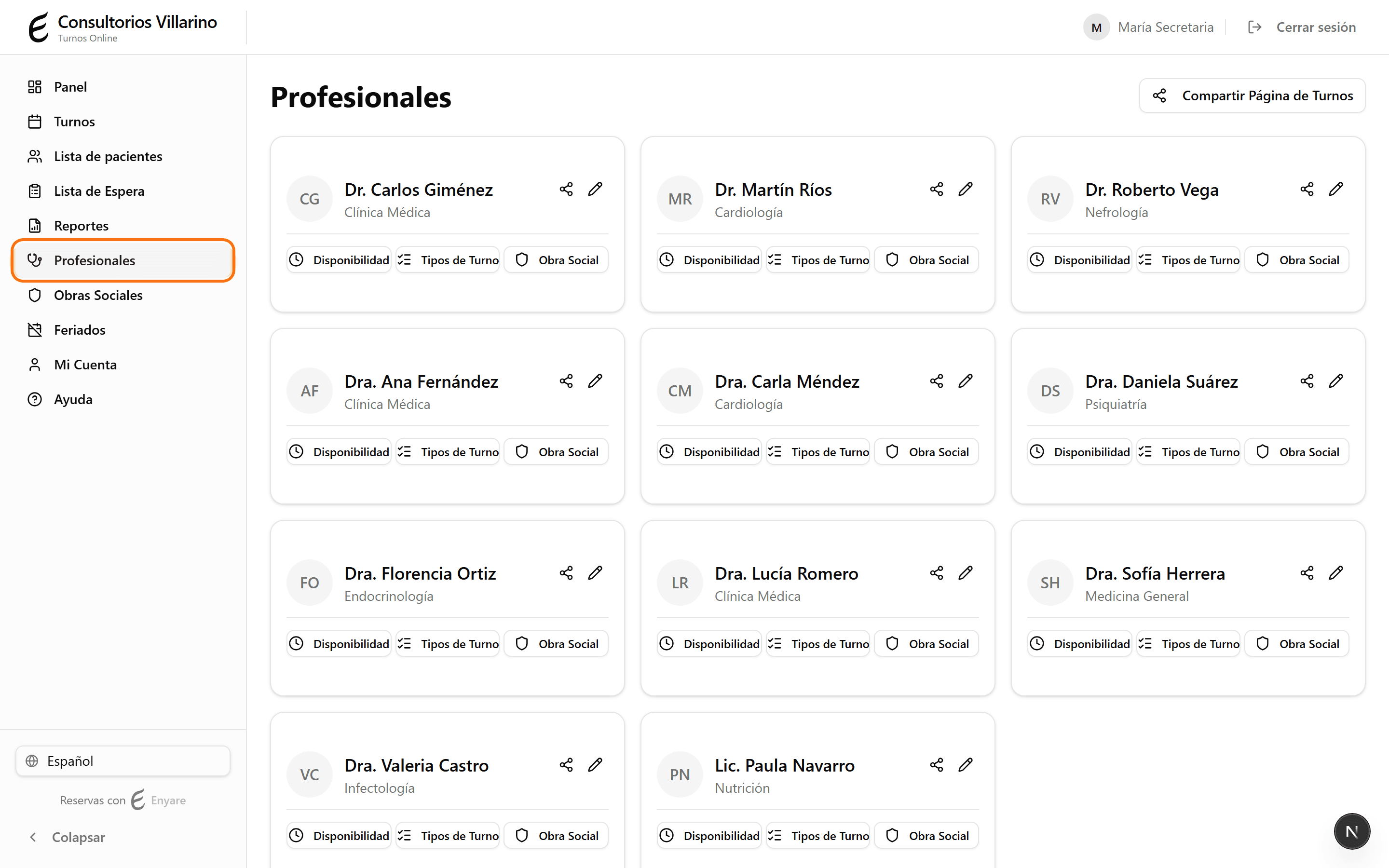
Open “Professionals”
In the sidebar, open “Professionals” and click the professional whose hours you want to change.
- 2
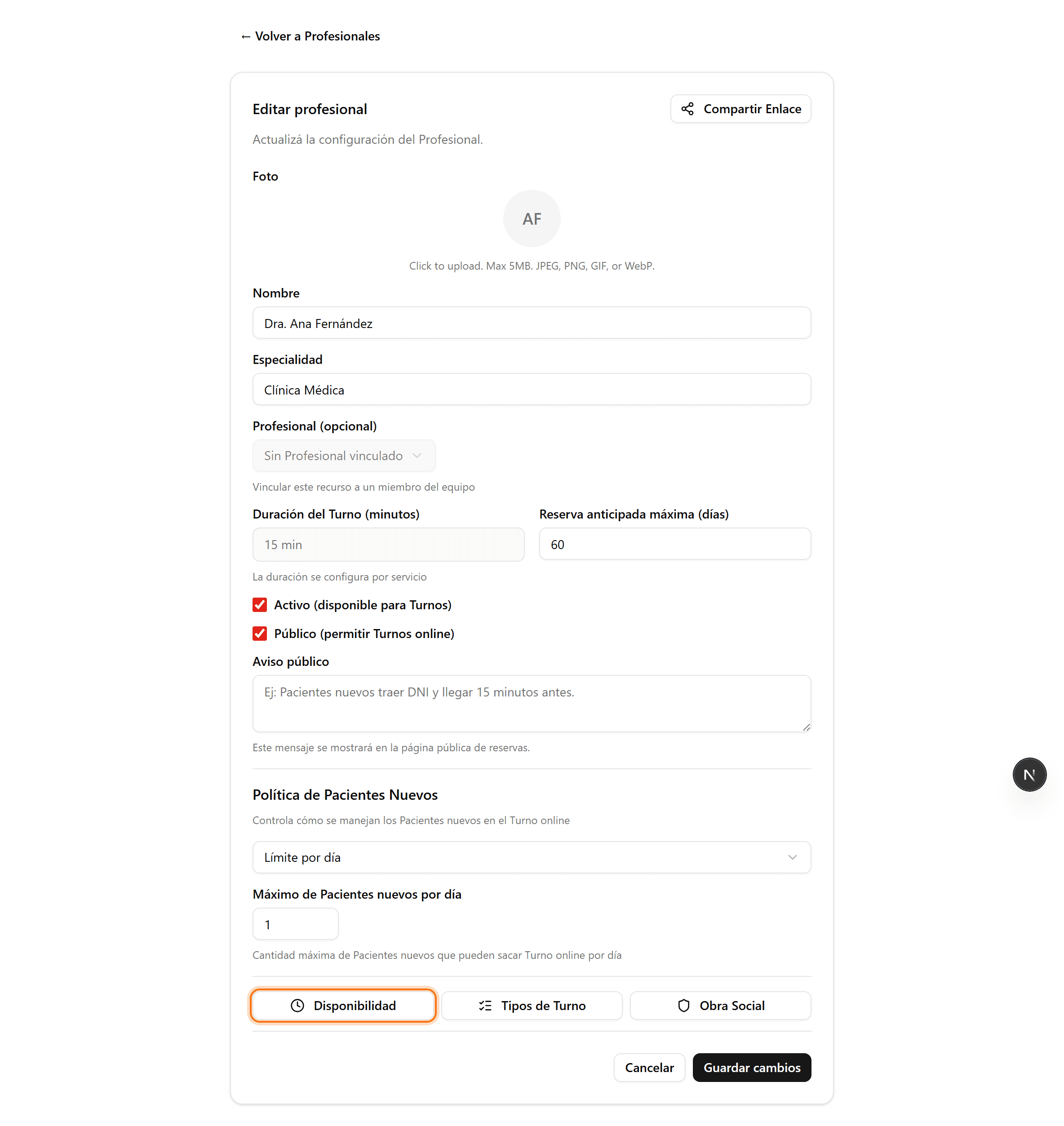
Open “Availability”
Inside the professional's page, click the “Availability” button. You'll land on the “Weekly schedule” tab.
- 3
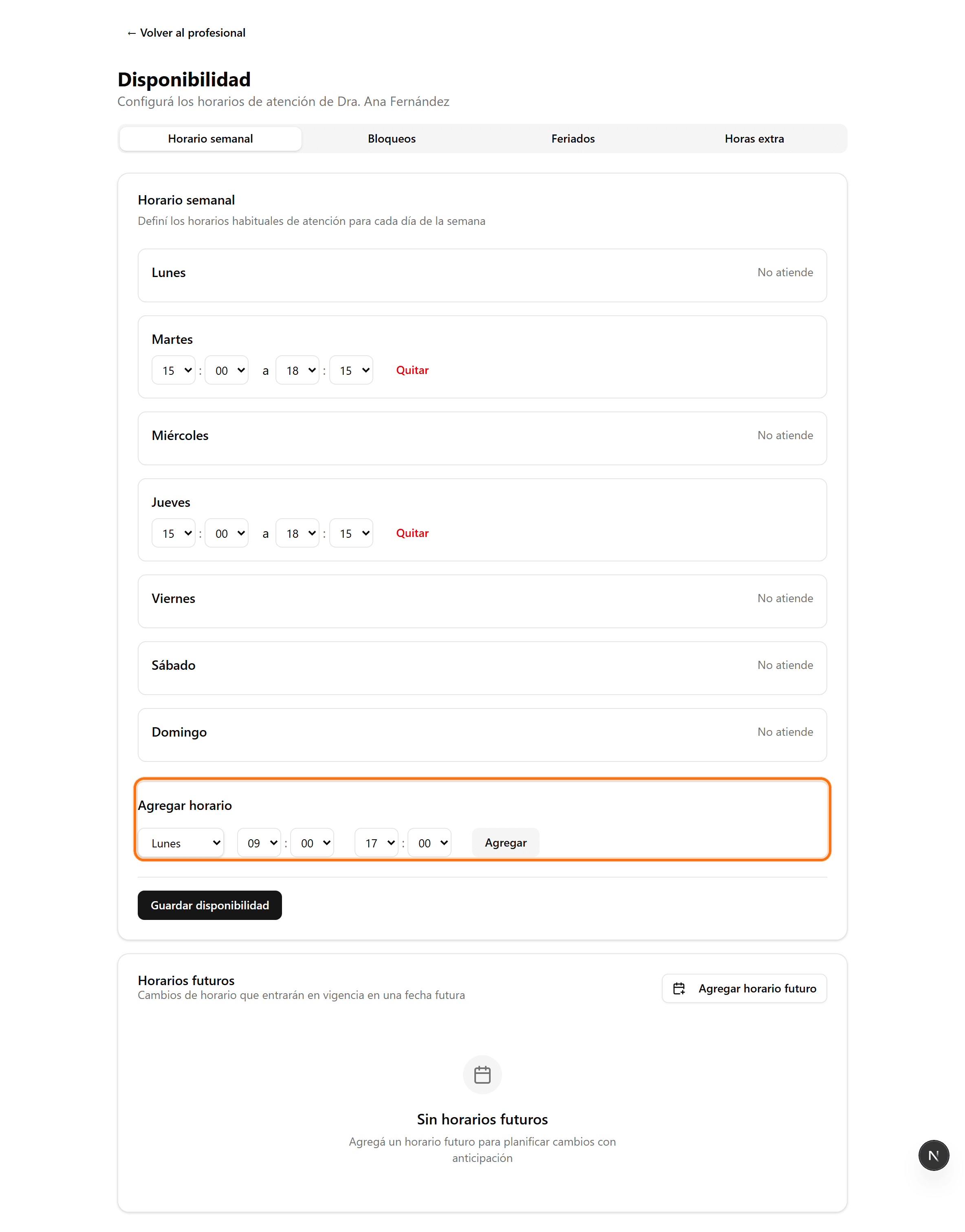
Add a time slot
Under “Add slot”, pick the weekday and the start and end times. Click “Add” to attach it to that day. You can add several ranges per day (e.g. morning and afternoon).
- 4
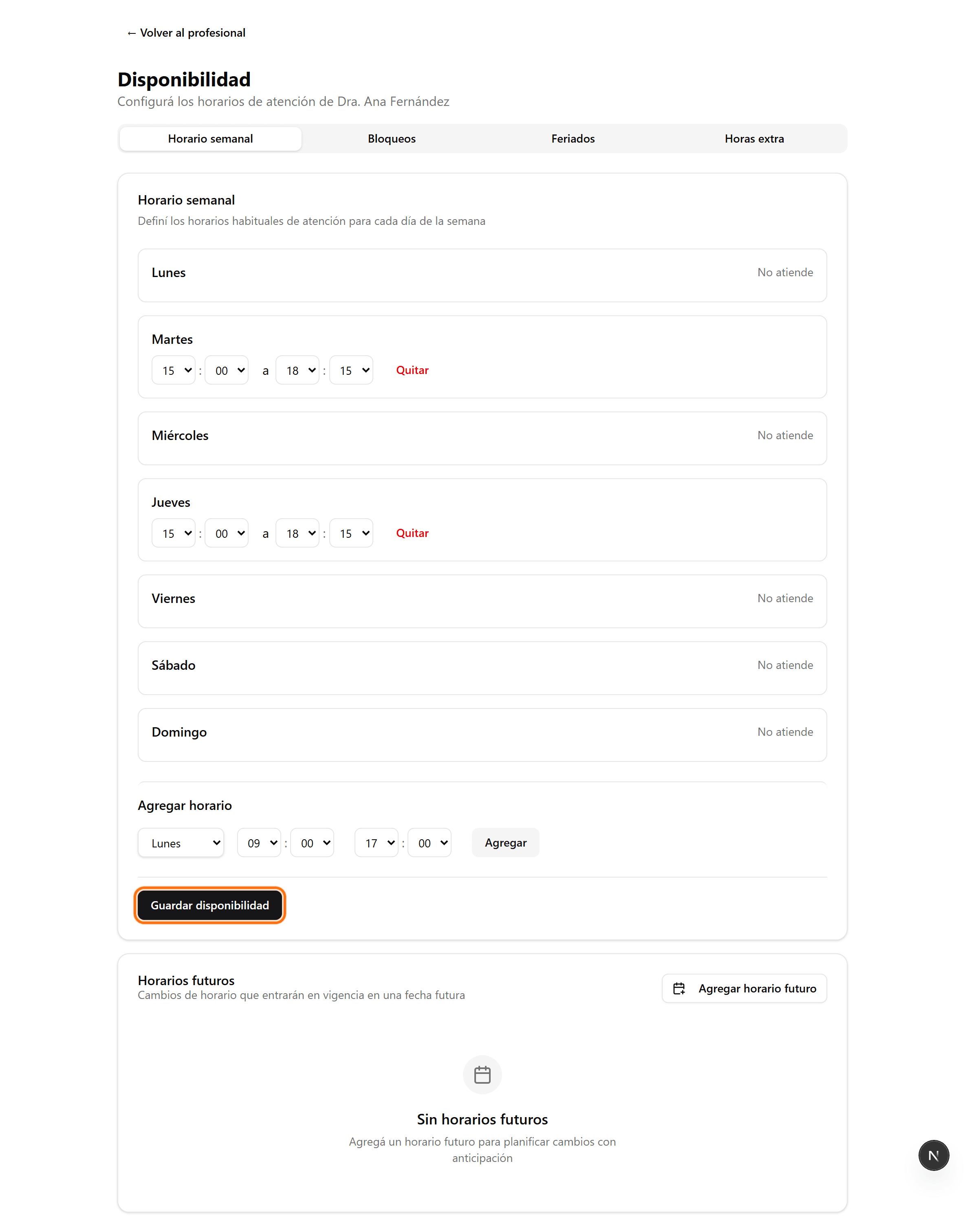
Save your changes
When you're done, click “Save availability”. Appointment slots are generated automatically from these hours.