Volver a las guías
Elegir qué obras sociales atiende un profesional
- 1
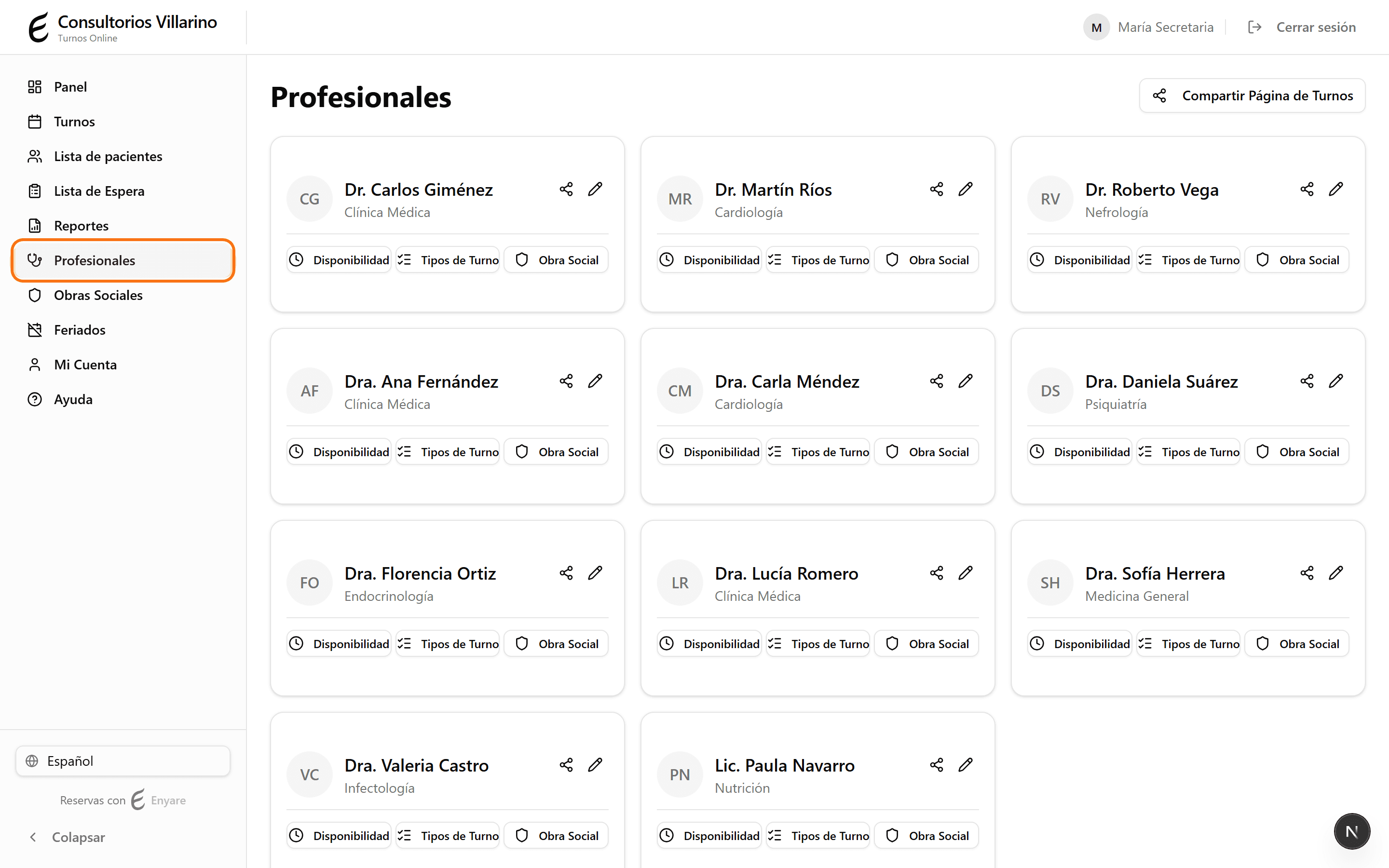
Abrí «Profesionales»
En el menú lateral, hacé clic en «Profesionales» para ver la lista de profesionales.
- 2
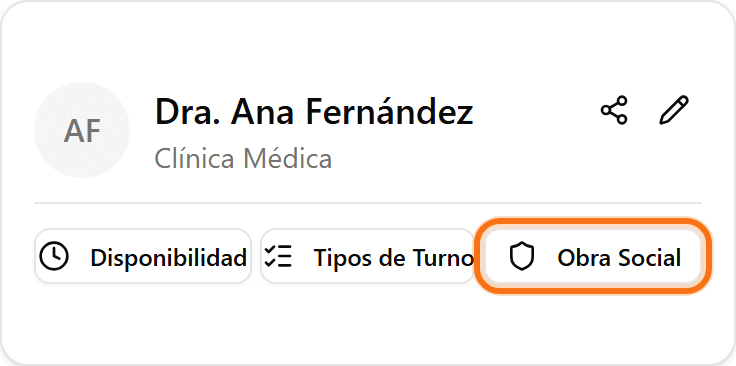
Entrá a «Obra Social» del profesional
En la tarjeta del profesional, hacé clic en el botón «Obra Social». Se abre la pantalla de obras sociales aceptadas por ese profesional.
- 3
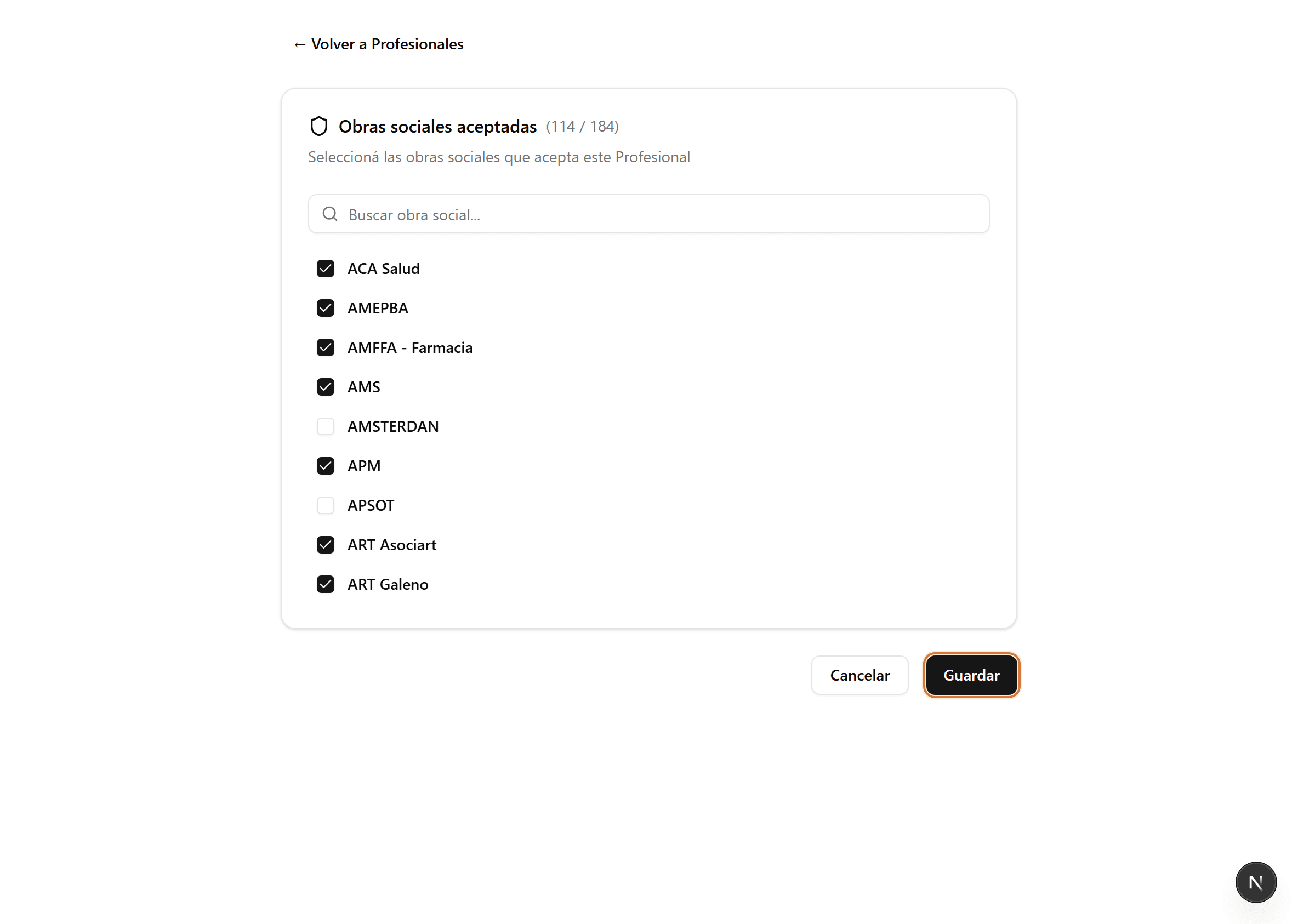
Marcá las obras sociales que atiende
Tildá cada obra social que el profesional acepta. Usá el buscador para encontrarlas rápido si la lista es larga.
- 4
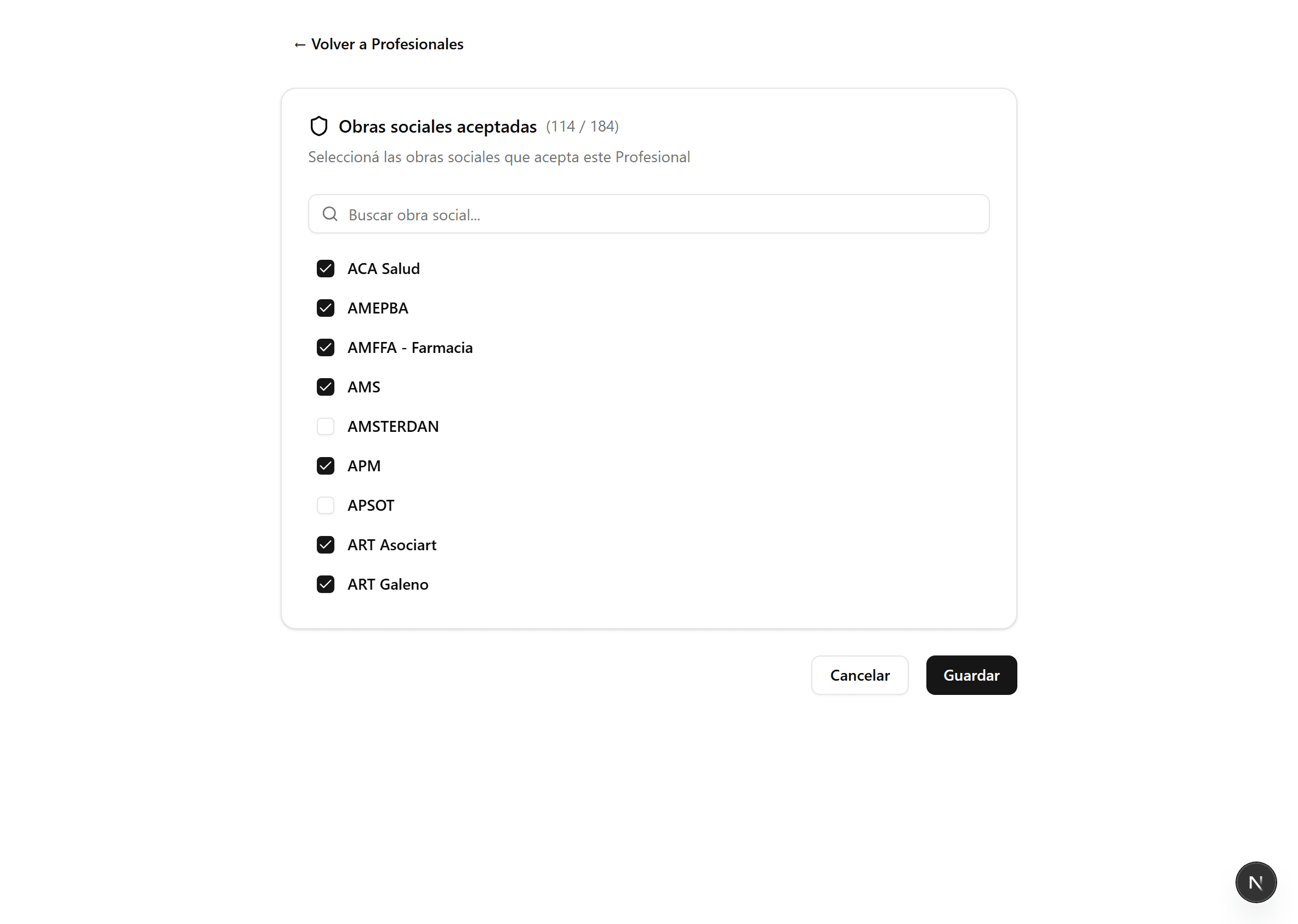
Guardá los cambios
Hacé clic en «Guardar». Las obras sociales aceptadas se usan para filtrar a los profesionales en la página pública de reservas.