Volver a las guías
Cambiar el aviso de la página de reservas
- 1
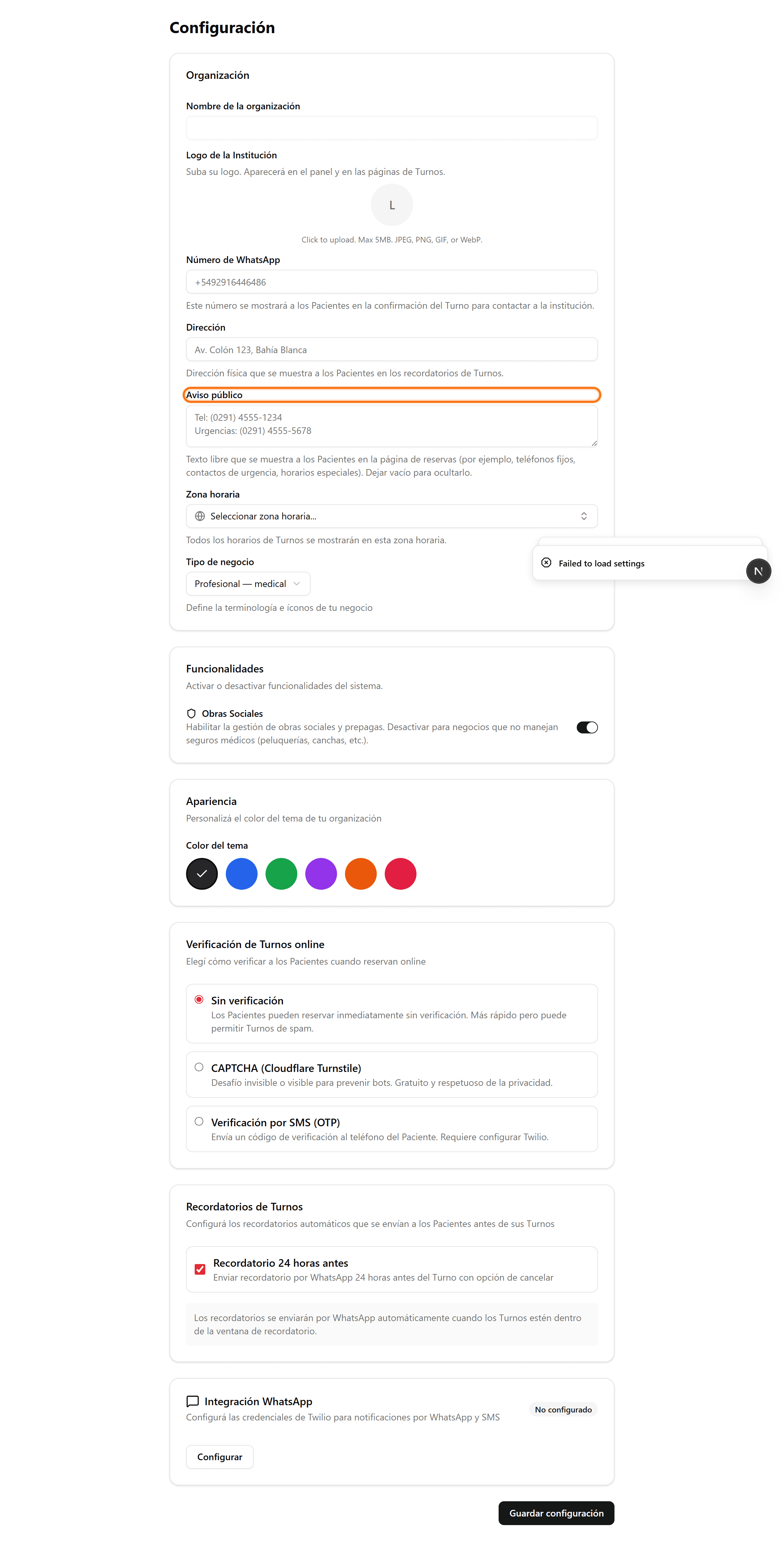
Aviso de toda la institución: abrí «Configuración»
En el menú lateral, hacé clic en «Configuración». En la tarjeta «Organización» vas a encontrar el campo «Aviso público».
- 2
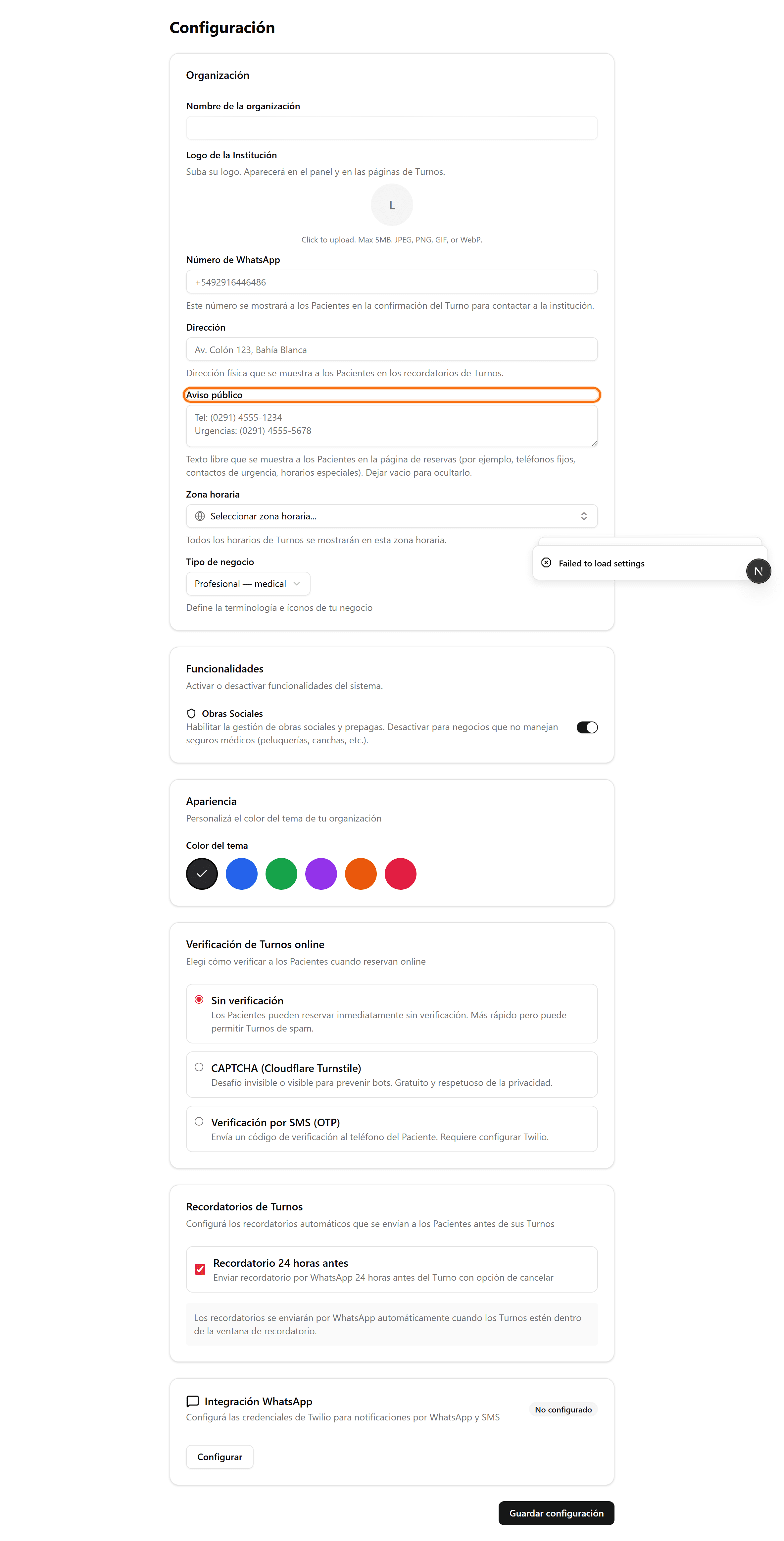
Escribí el aviso y guardá
En «Aviso público» escribí el texto (teléfonos, urgencias, horarios especiales) y hacé clic en «Guardar configuración». Si lo dejás vacío, no se muestra.
- 3
Aviso de un profesional: entrá a editarlo
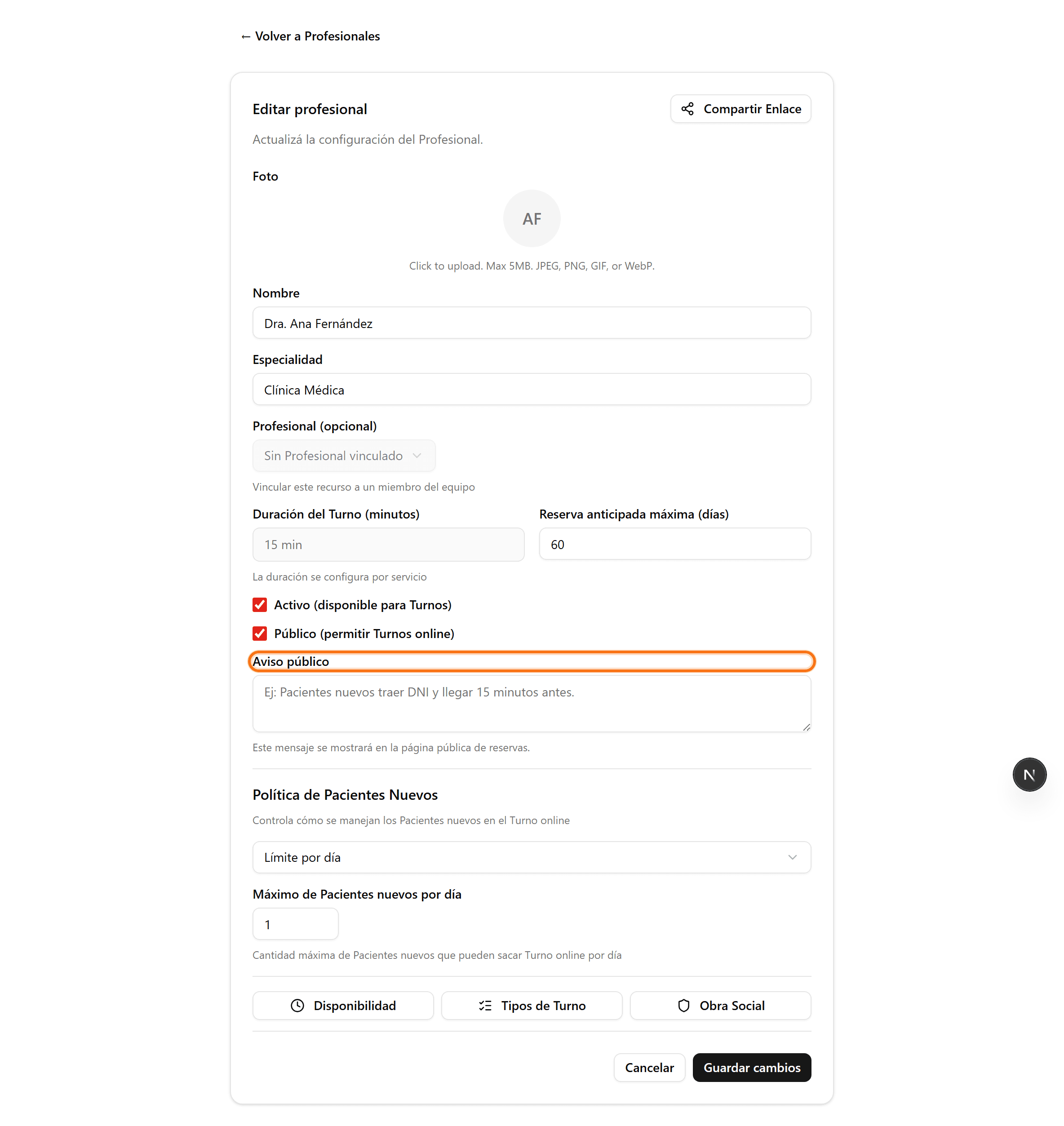
En «Profesionales», hacé clic en el lápiz del profesional. El campo «Aviso público» aparece cuando el profesional está marcado como «Público».
- 4
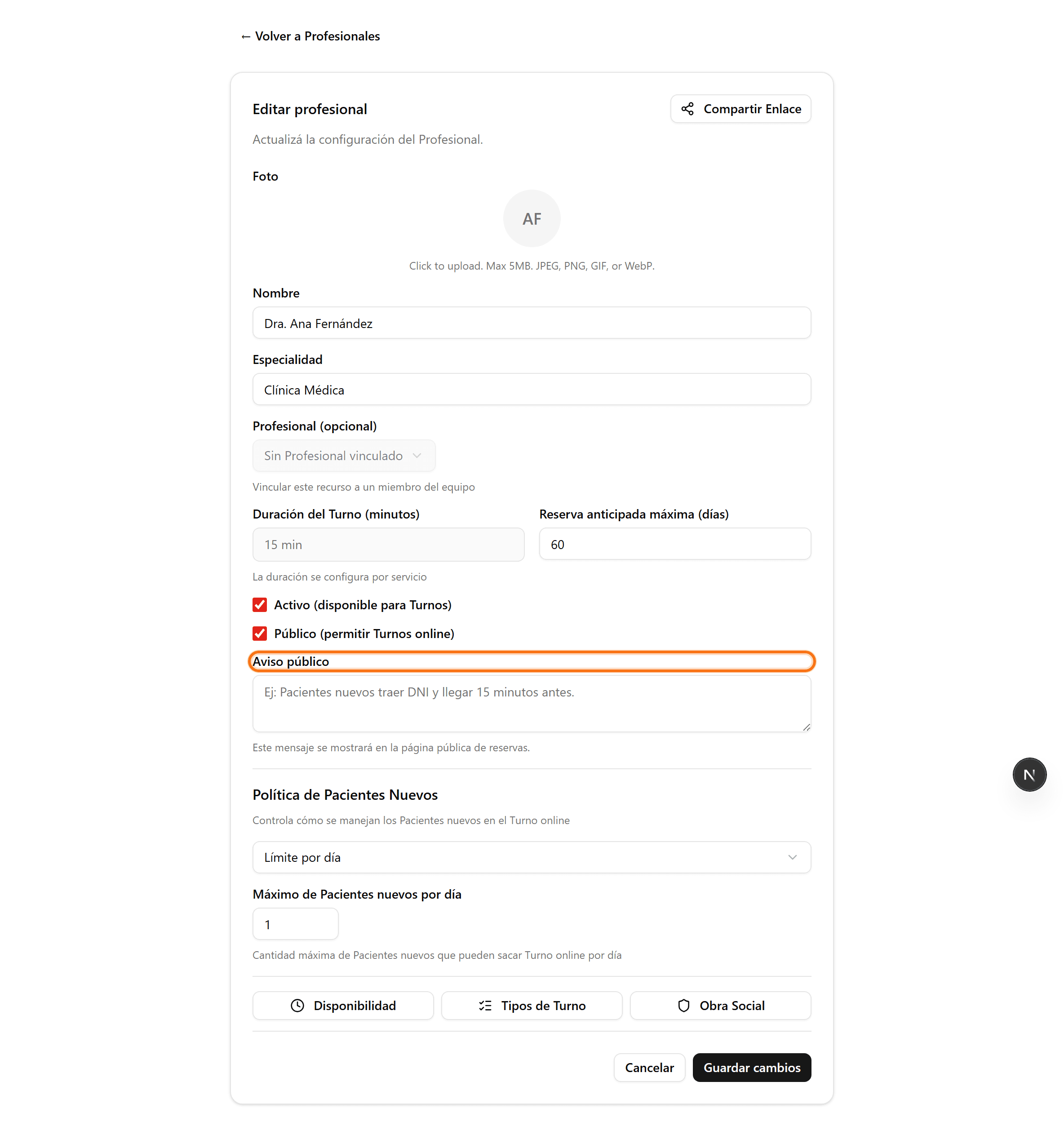
Escribí el aviso del profesional y guardá
Cargá el mensaje (por ejemplo «Pacientes nuevos traer DNI y llegar 15 minutos antes») y hacé clic en «Guardar cambios». Se muestra en la página pública de ese profesional.