Volver a las guías
Activar la reserva online de un profesional
- 1
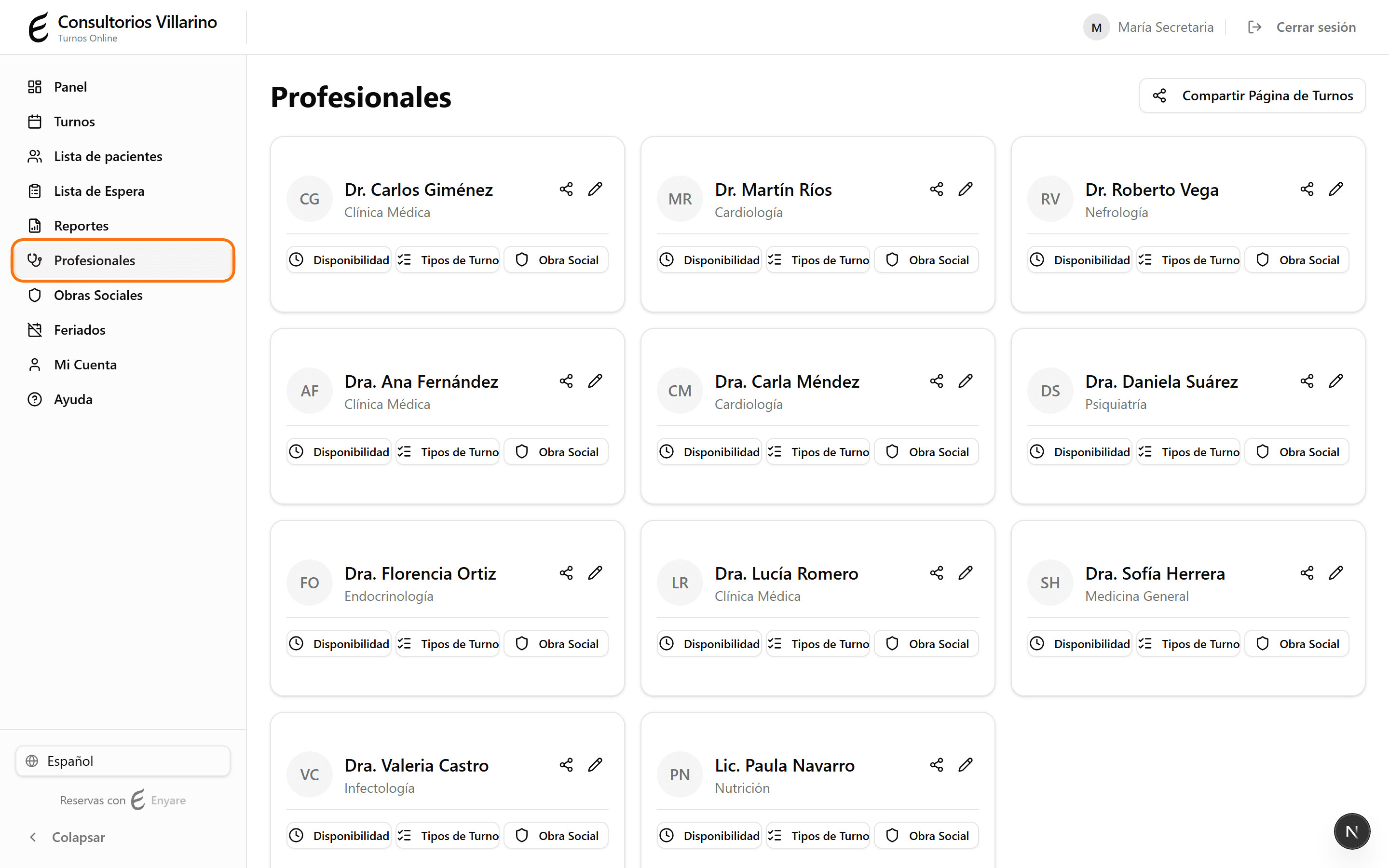
Entrá a la ficha del profesional
En el menú lateral, abrí «Profesionales» y hacé clic en el profesional que querés publicar.
- 2
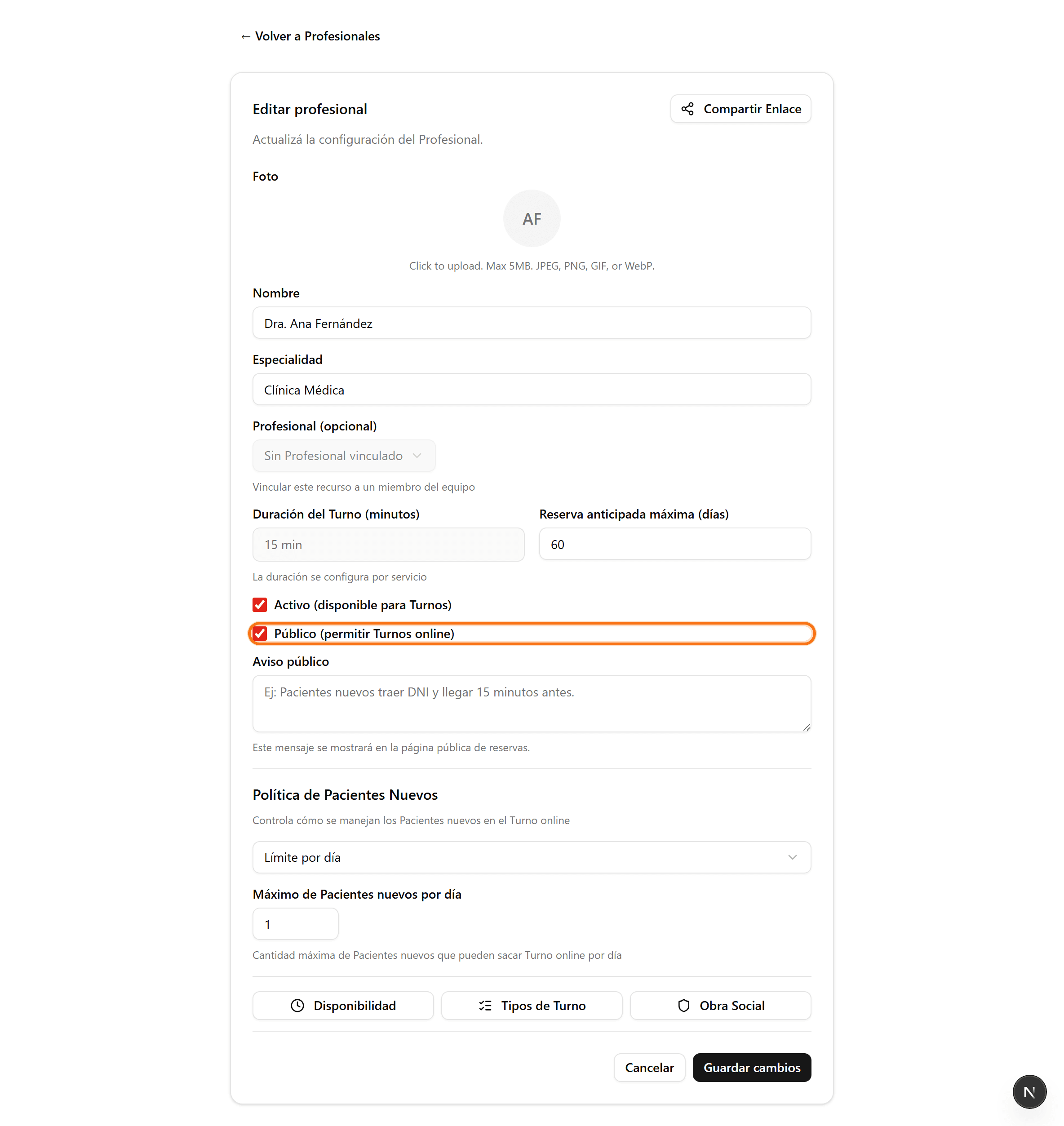
Activá «Visible al público»
Marcá la casilla «Visible al público». Con esto, el profesional aparece en la página de reservas online y los pacientes pueden sacar turno solos.
- 3
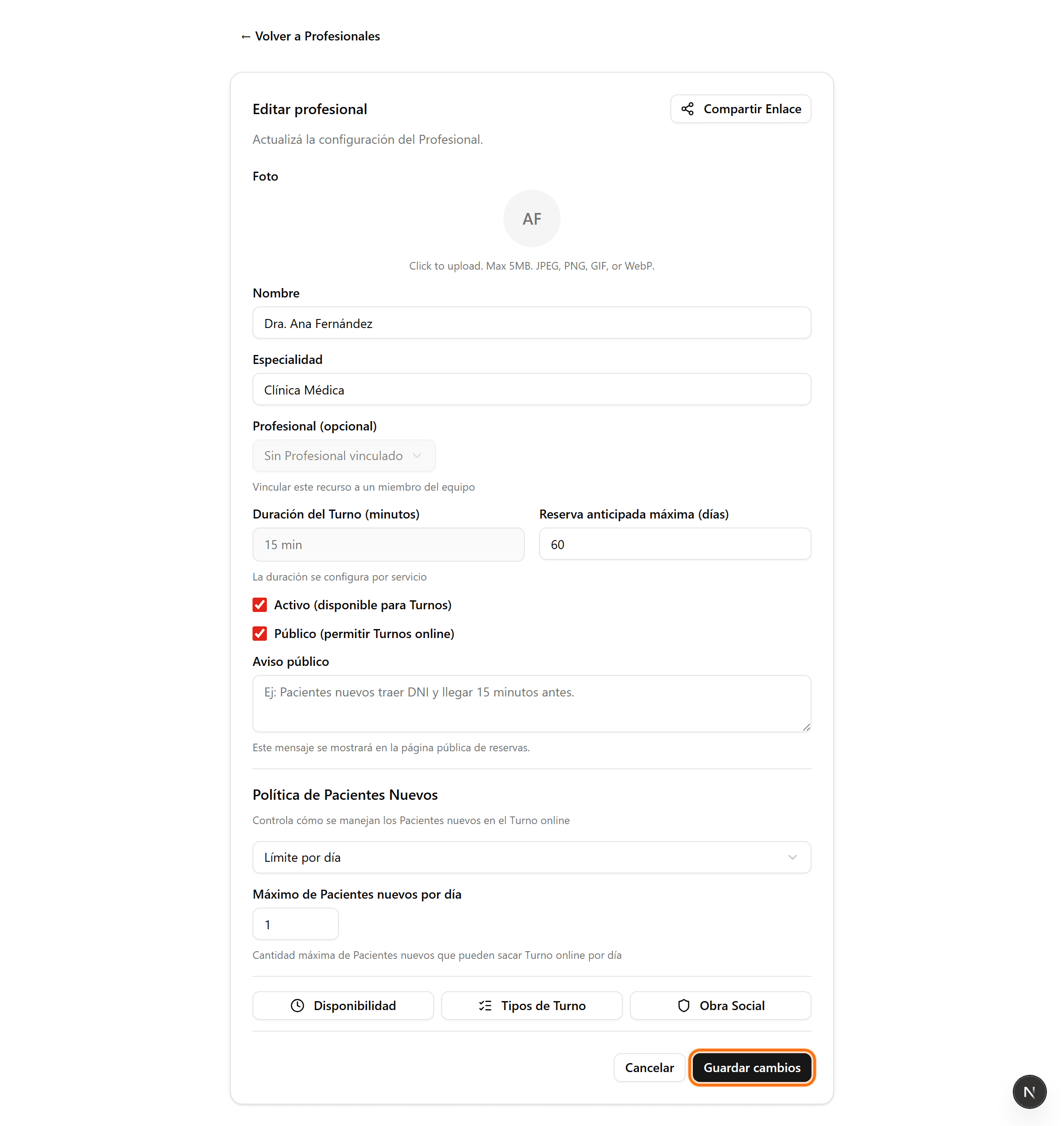
Guardá los cambios
Hacé clic en «Guardar cambios». El profesional ya queda disponible en la reserva online (siempre que también esté «Activo»).
- 4
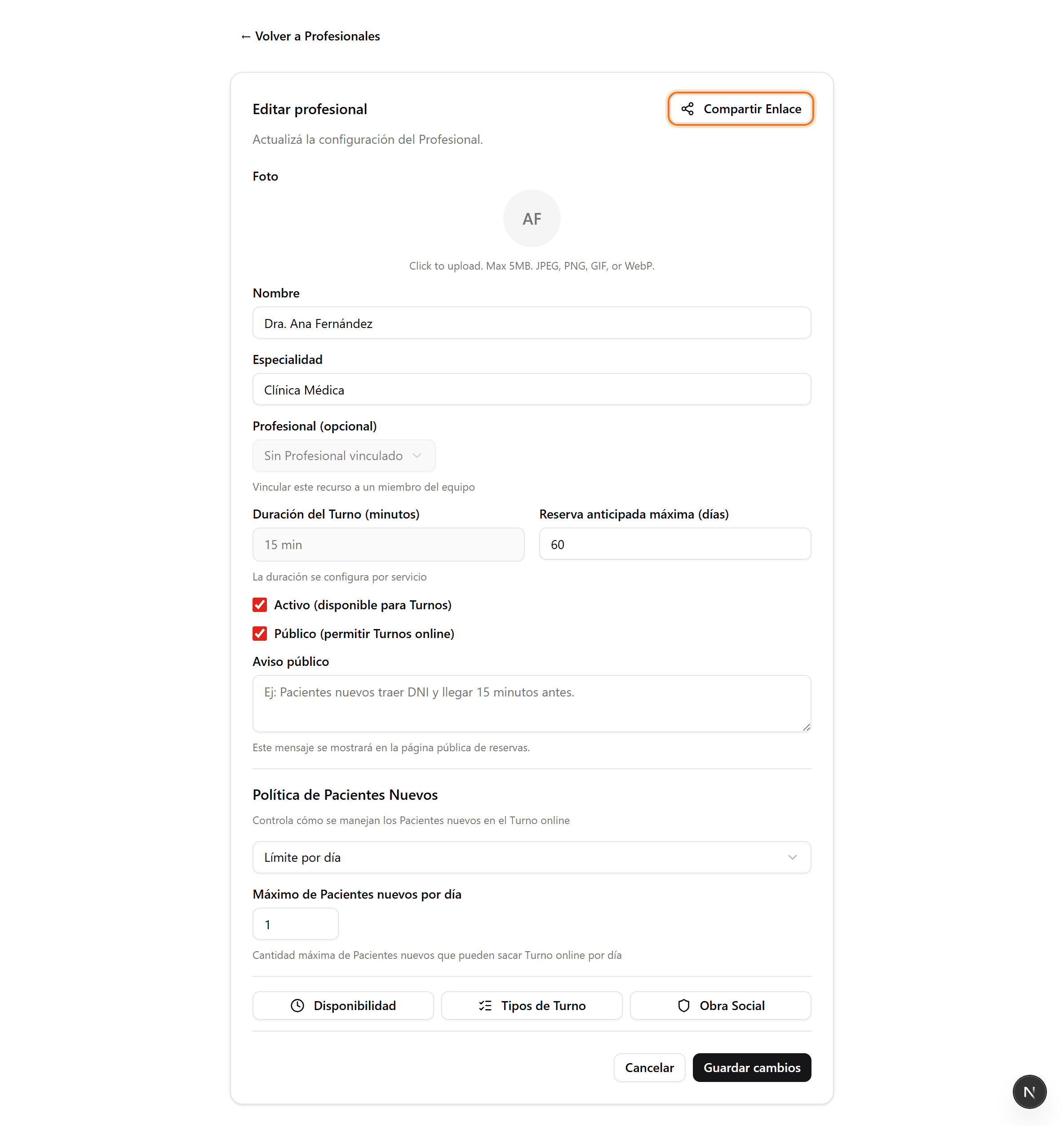
Compartí el enlace
Una vez publicado, aparece el botón «Compartir enlace» arriba a la derecha. Desde ahí obtenés el link y el código QR para compartir con los pacientes.