
Back to guides
Appointment info
Watch the video
- 1
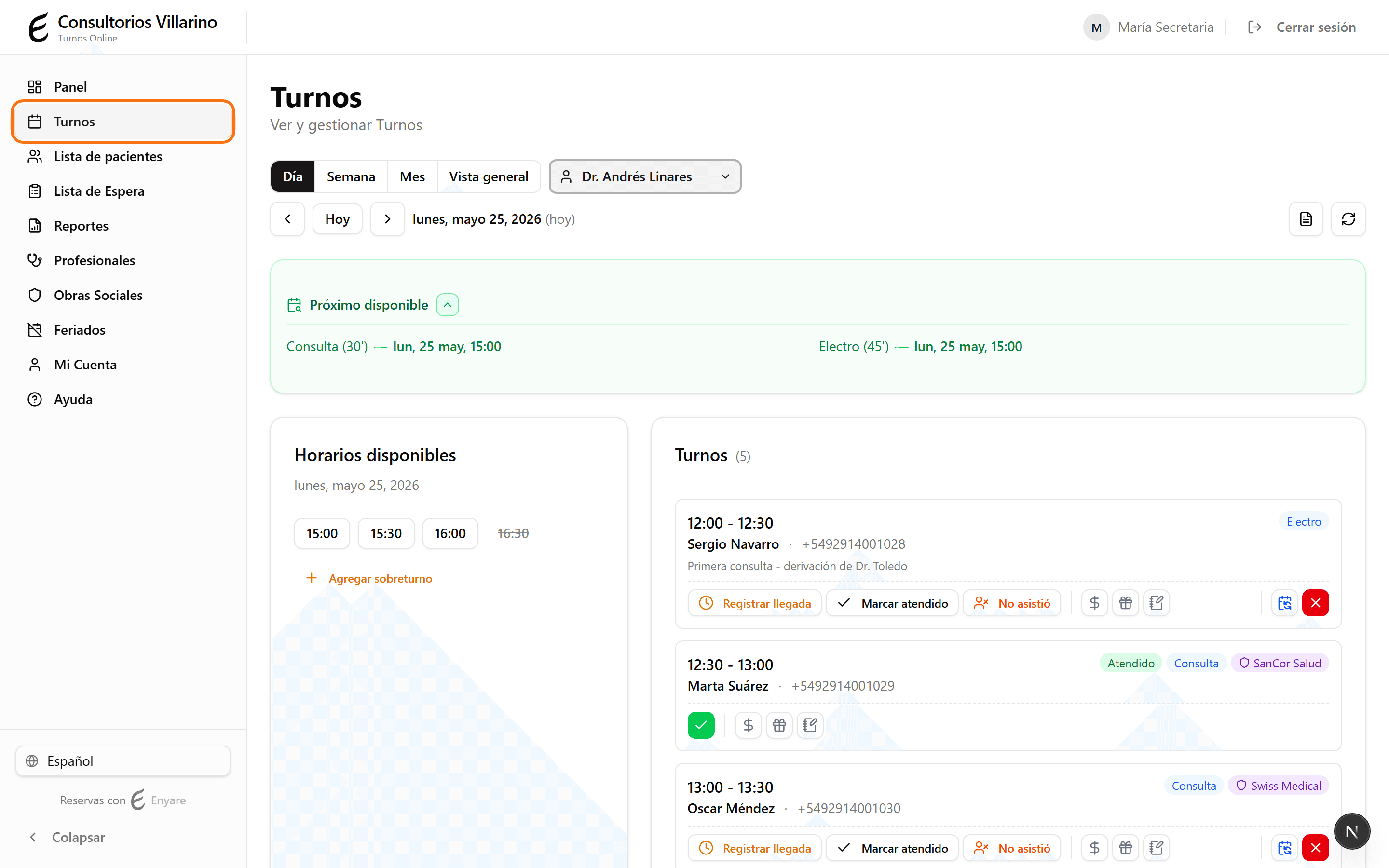
Open the Appointments agenda
In the side menu, click «Appointments» to see the day’s agenda.
- 2
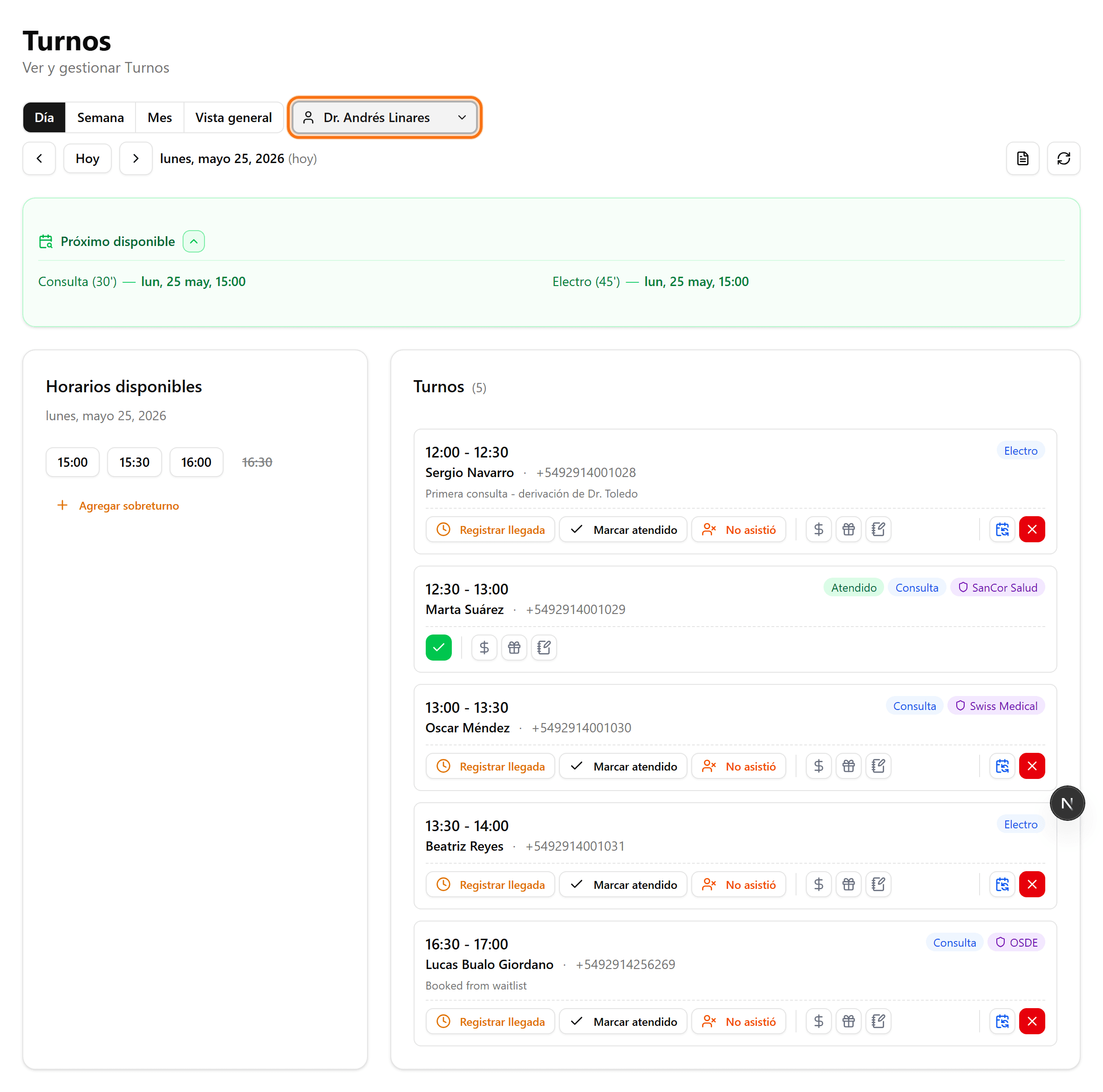
Pick the day and the provider
Use «Today» or the arrows to change the day, and the provider selector to filter. Find the appointment in the list on the right by time and patient.
- 3
Insurance and first visit
The appointment card shows the insurance and the «1st visit» tag for providers with first-consultation restrictions.

- 4
Patient in the waiting room
The secretary marks the patient as present; the appointment moves to «Waiting».

- 5
Payment status
Record the payment from the same card. The provider can mark the appointment as attended for follow-up.
