Back to guides
Create a quick booking
- 1
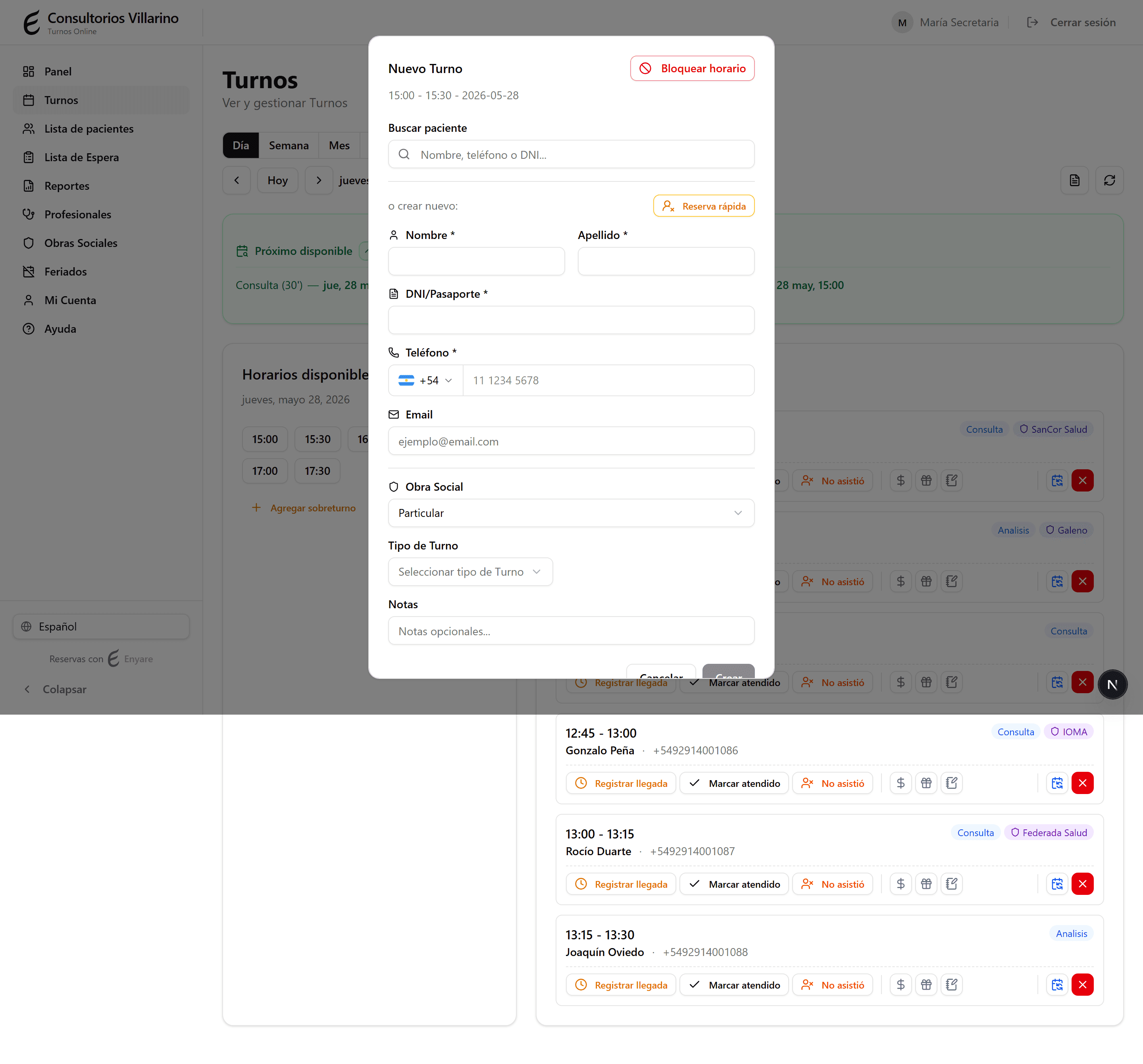
Open a free time slot
In «Appointments», click an available slot in the agenda. The form to create the appointment opens.
- 2
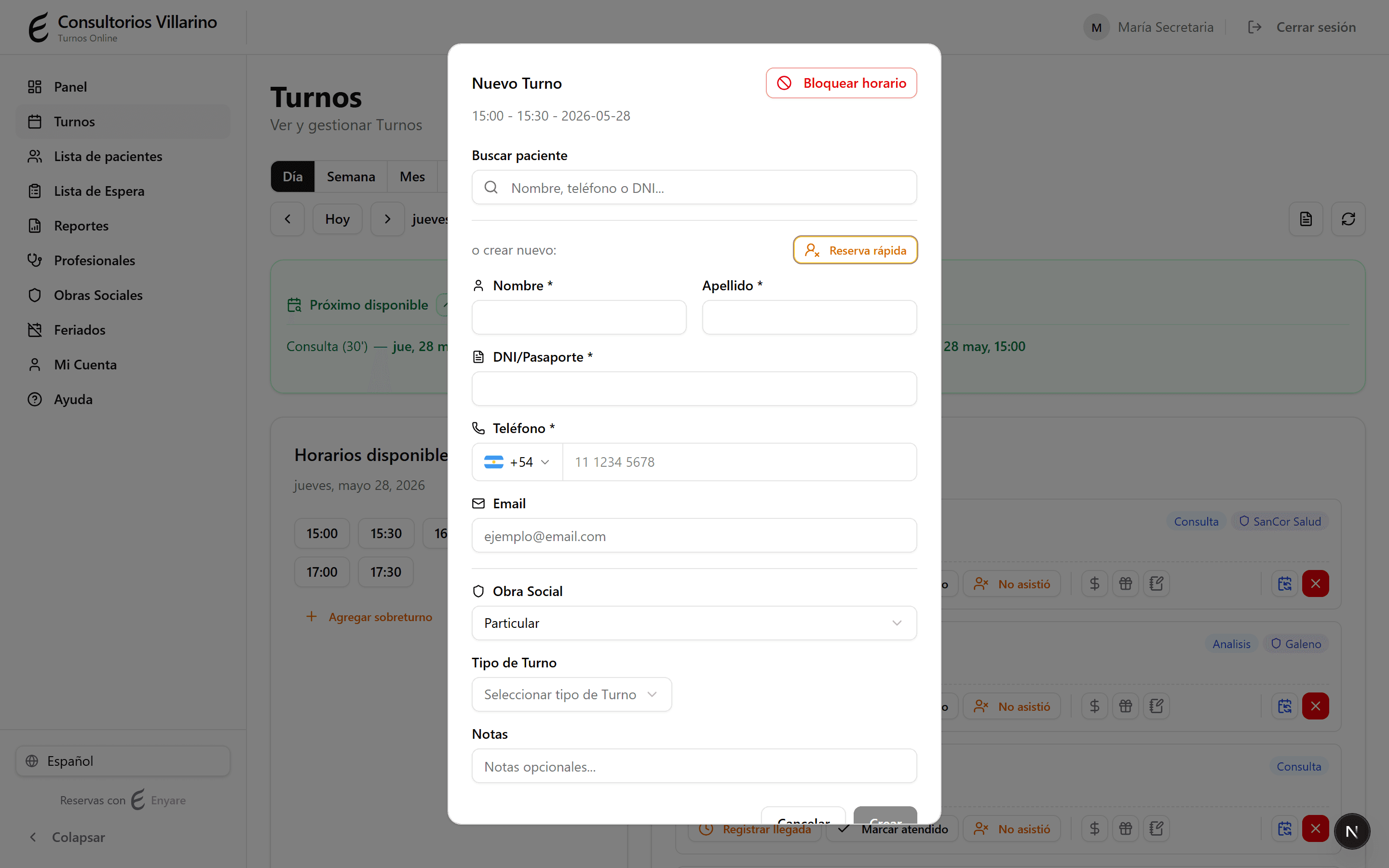
Turn on «Quick booking»
In the patient search, click «Quick booking». It lets you book the appointment without entering all of the patient's details.
- 3
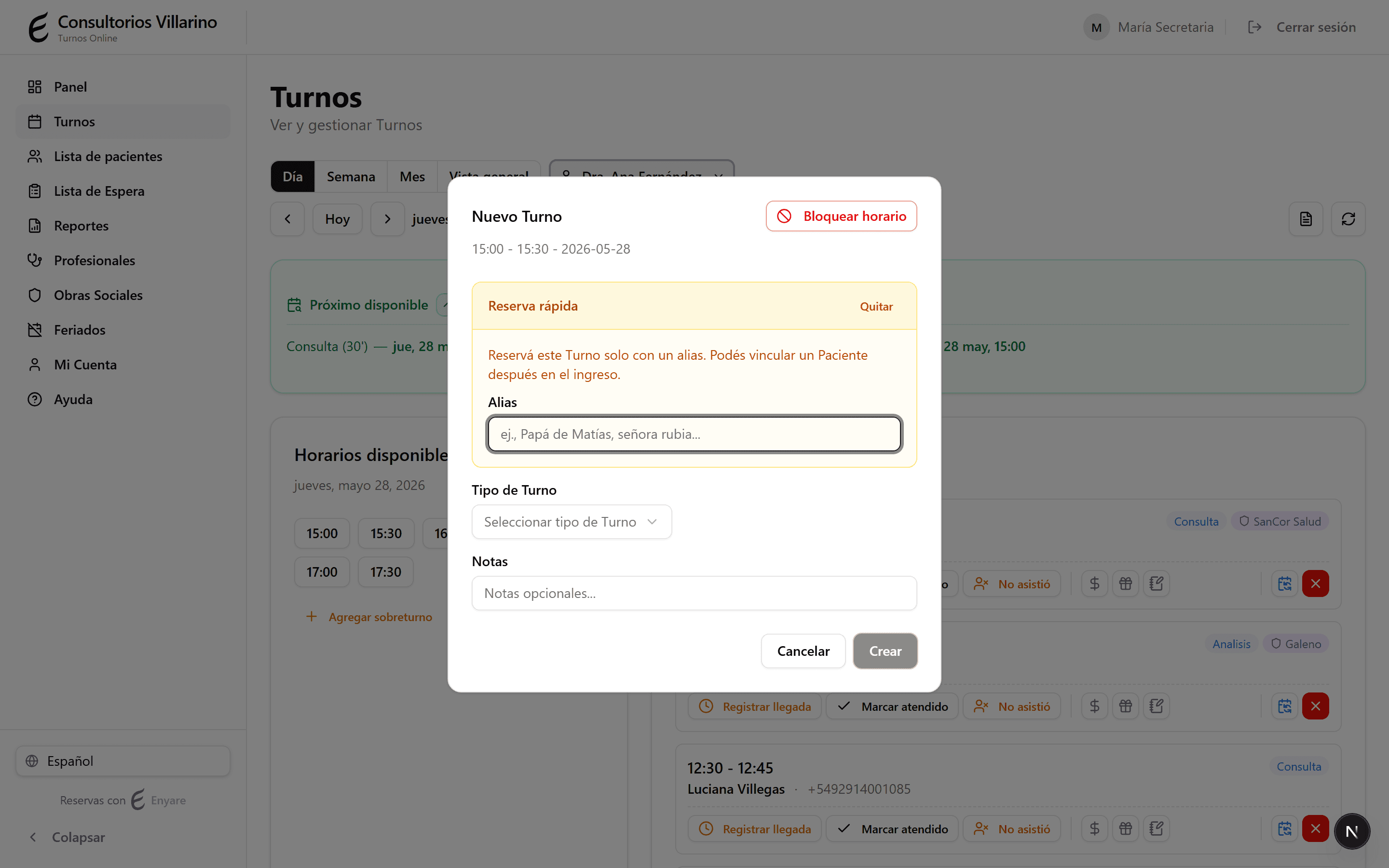
Write an alias
In «Alias», type a reference to recognize the appointment (for example «Matías's dad», «the blonde lady»). Also pick the appointment type.
- 4
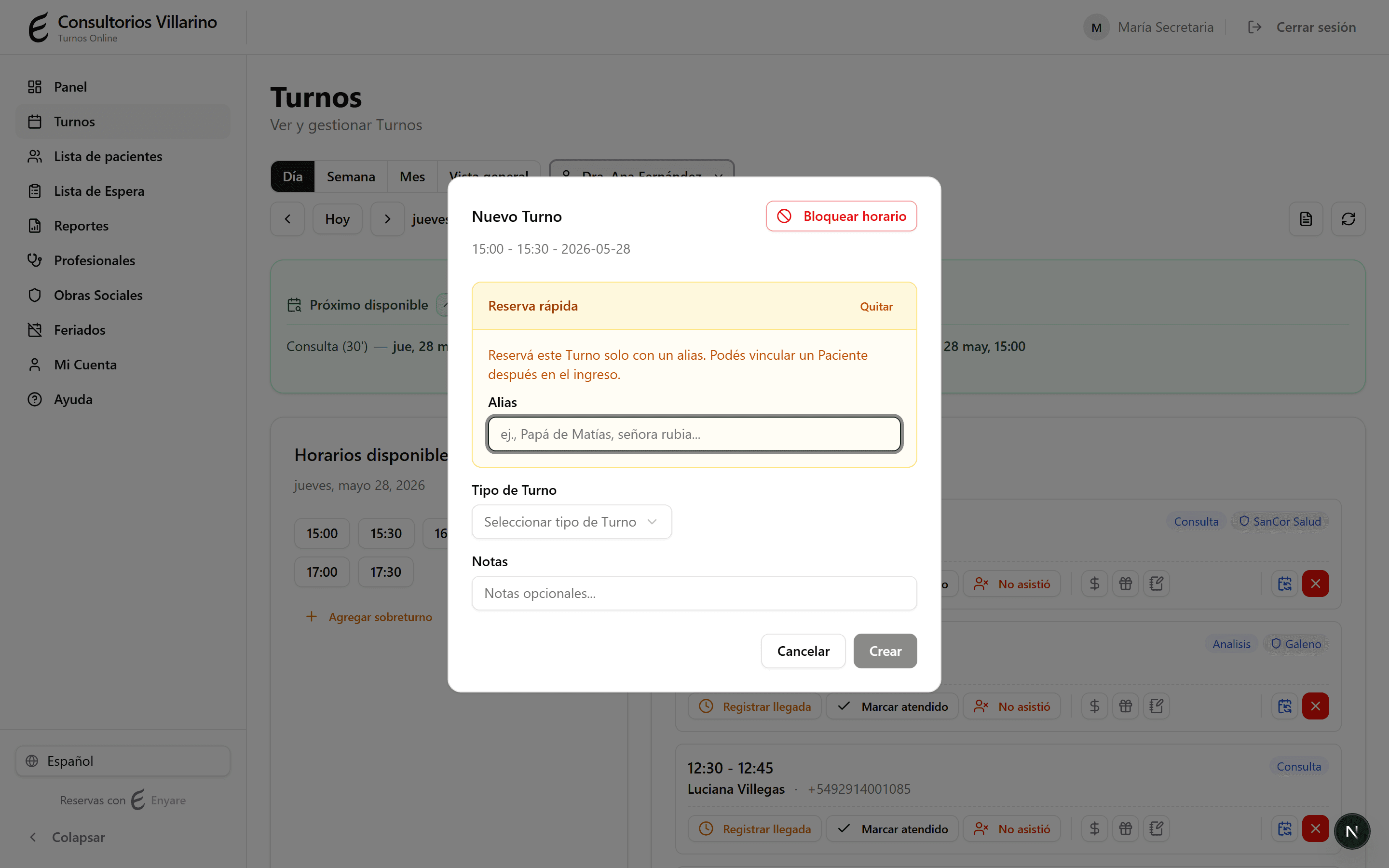
Create the appointment and complete it later
Click «Create». The appointment shows the alias with a warning icon. Later, at check-in, you link the real patient with their details.