Back to guides
Reschedule an appointment
- 1
Find the appointment in the agenda
In «Appointments», locate the confirmed appointment you want to move. On its card, click the reschedule icon.

- 2
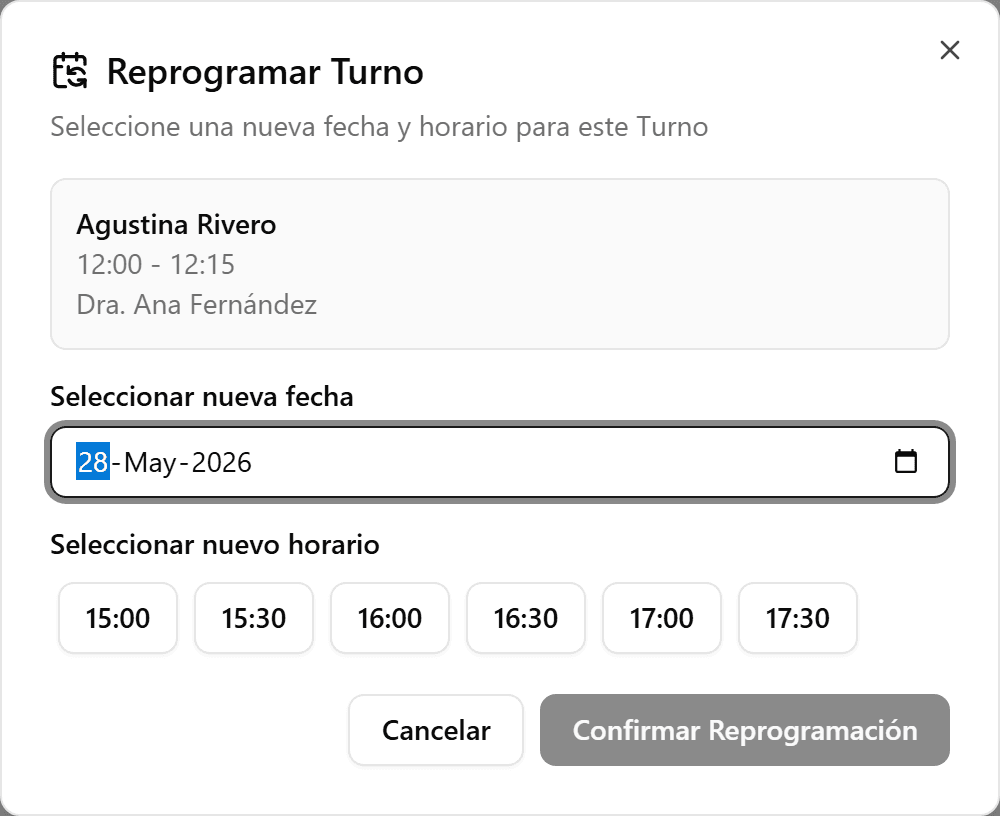
Pick the new date
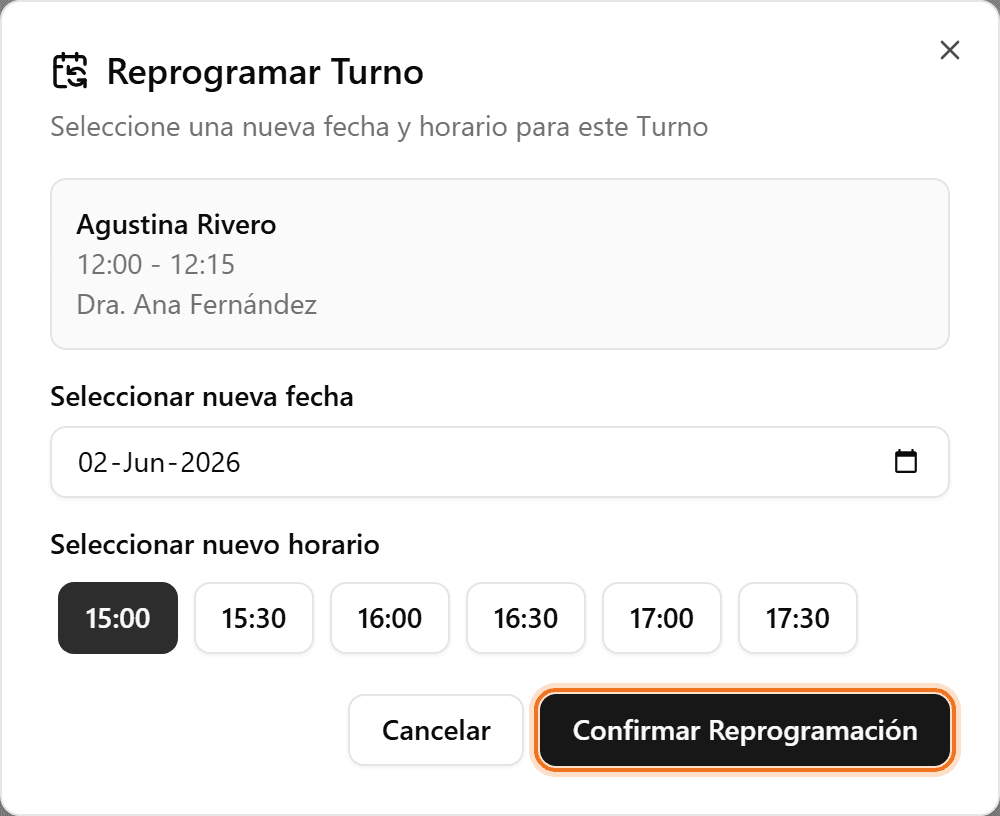
In the «Reschedule Appointment» dialog, pick the new date. The available times for that day load.
- 3
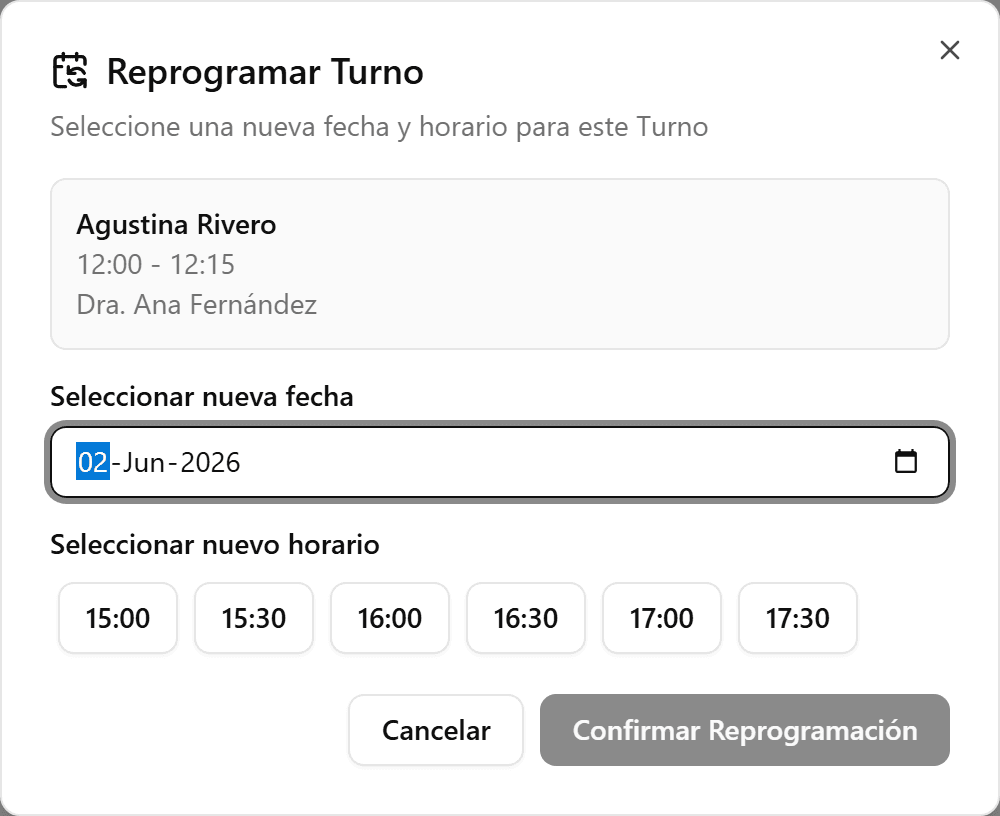
Pick the new time
Select one of the available times. If there are none, try another date.
- 4
Confirm the reschedule
Click «Confirm Reschedule». The appointment moves to the new time, keeping the patient, insurance, and notes.