Back to guides
Find patient info
- 1
Option 1: on the appointment card
If the patient has an appointment, find it in the agenda. The phone shows next to the name on the appointment card.

- 2
Option 2: go to "Patients"
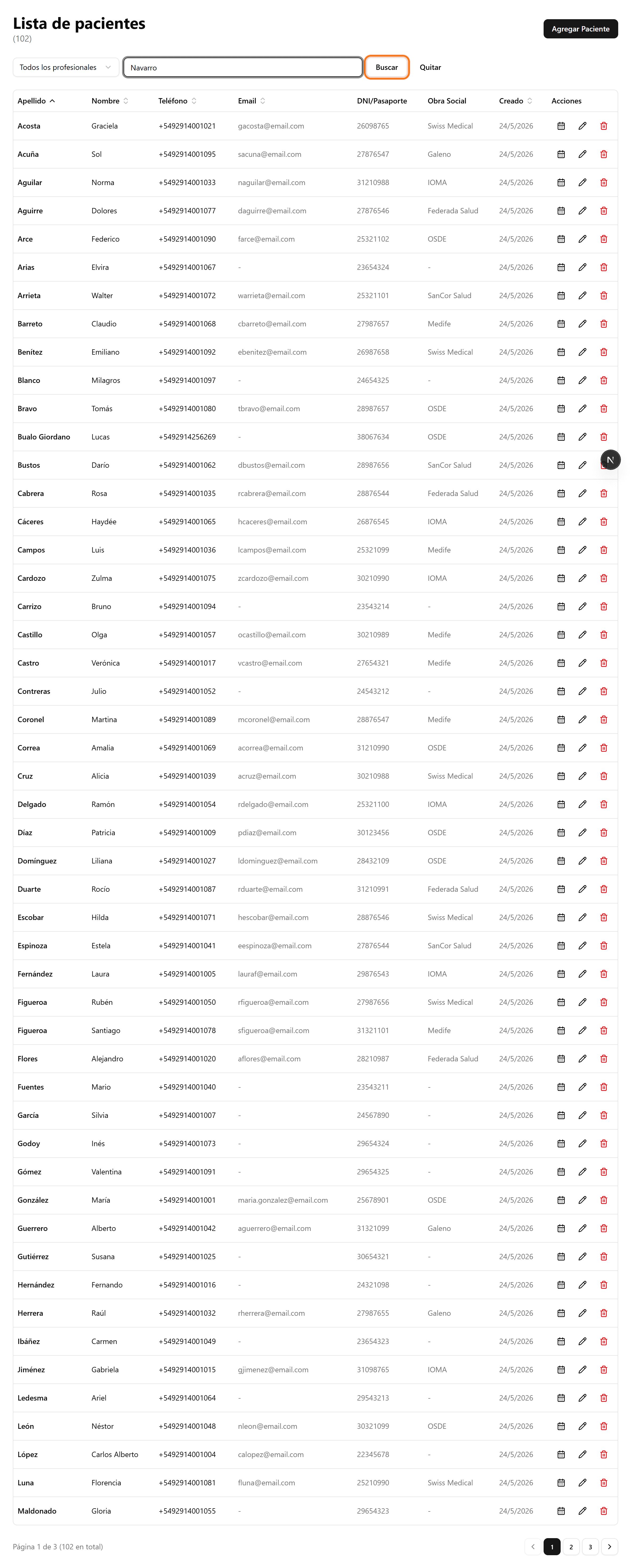
In the side menu, open "Patients" and search by name, phone or ID. Then click "Search".
- 3
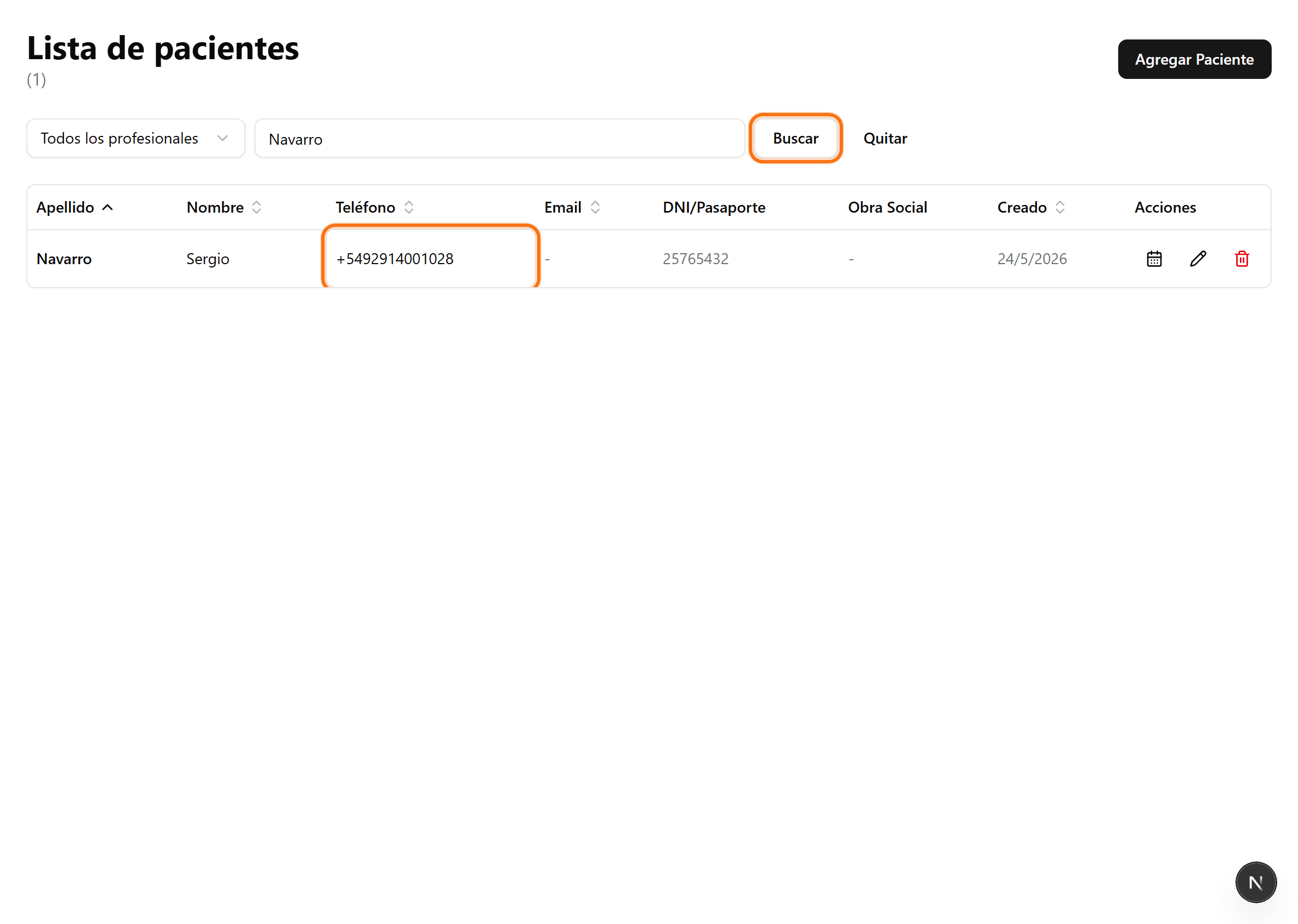
The phone shows in the row
The result shows the patient phone next to the name, along with the ID, insurance and email.