Volver a las guías
Con cuánta anticipación se abren los turnos
- 1
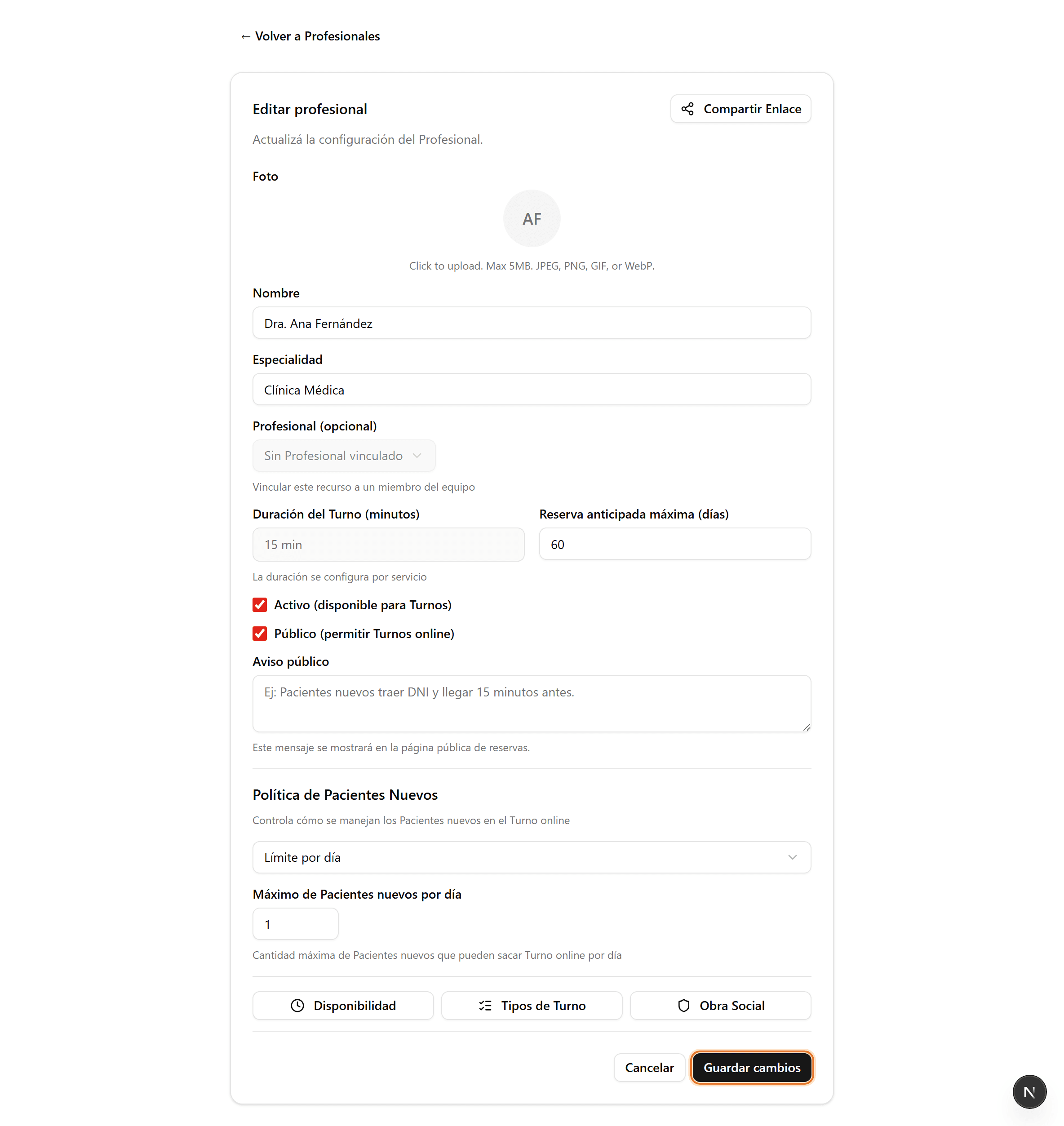
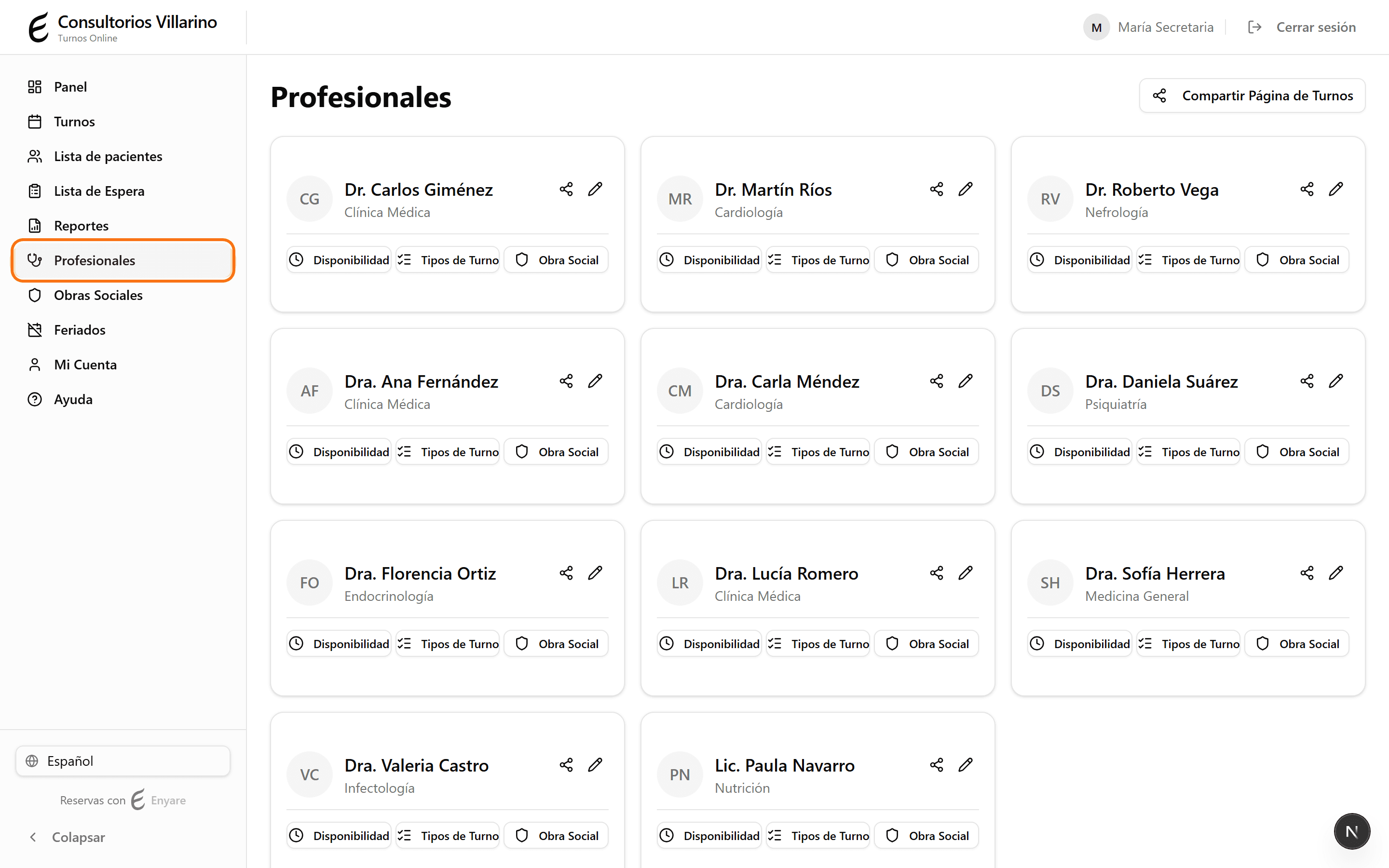
Entrá a «Profesionales»
En el menú lateral, abrí «Profesionales» y hacé clic en el profesional que querés configurar.
- 2
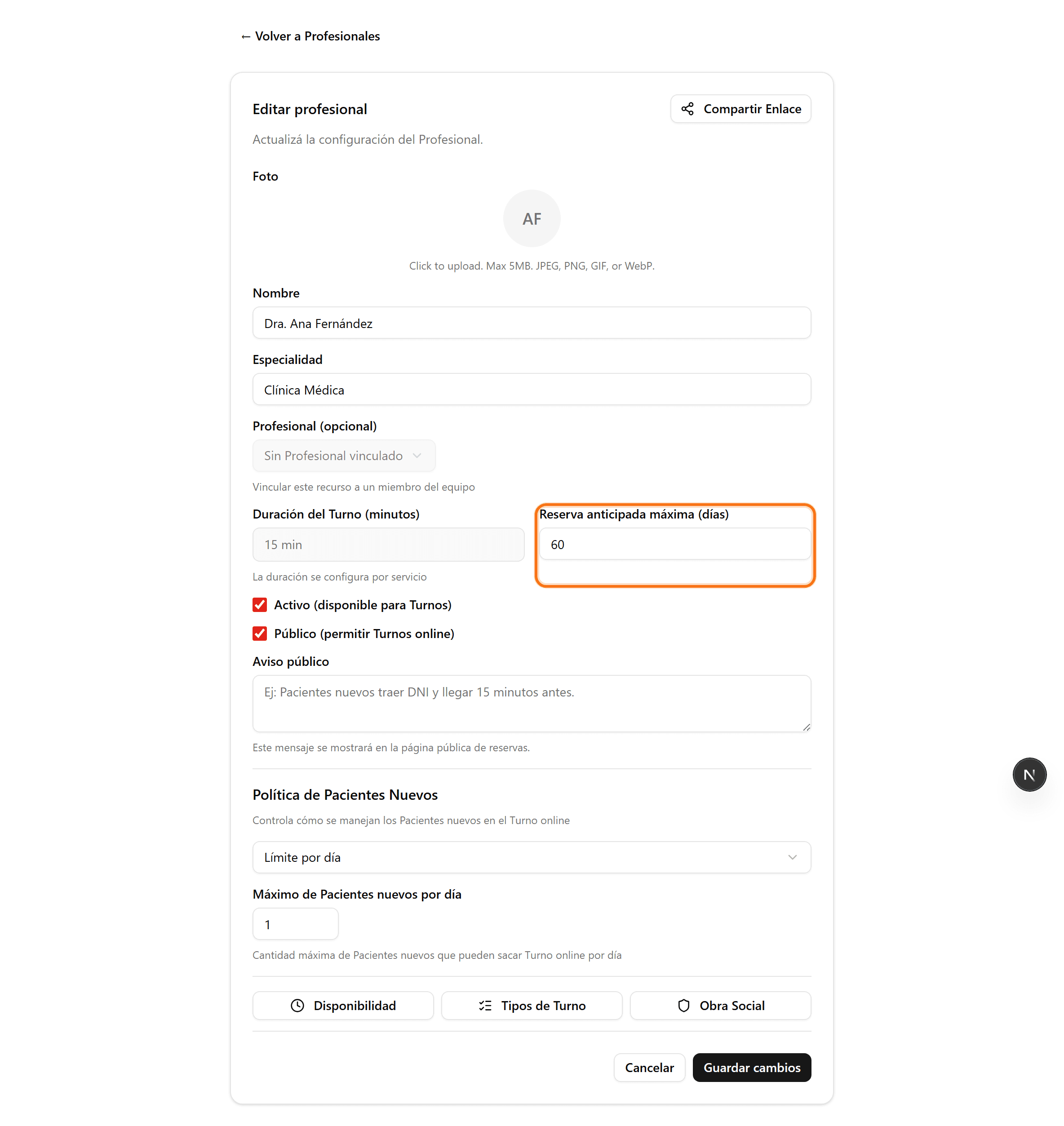
Buscá «Días de anticipación»
En la ficha del profesional, ubicá el campo «Días de anticipación». Ese número indica con cuántos días de anticipación un paciente puede reservar (por ejemplo, 30 = se ven turnos hasta 30 días hacia adelante).
- 3
Cambiá el valor y guardá
Escribí el nuevo número de días y hacé clic en «Guardar cambios». La agenda pública se actualiza al instante.