Volver a las guías
Política de pacientes nuevos (primera vez)
- 1
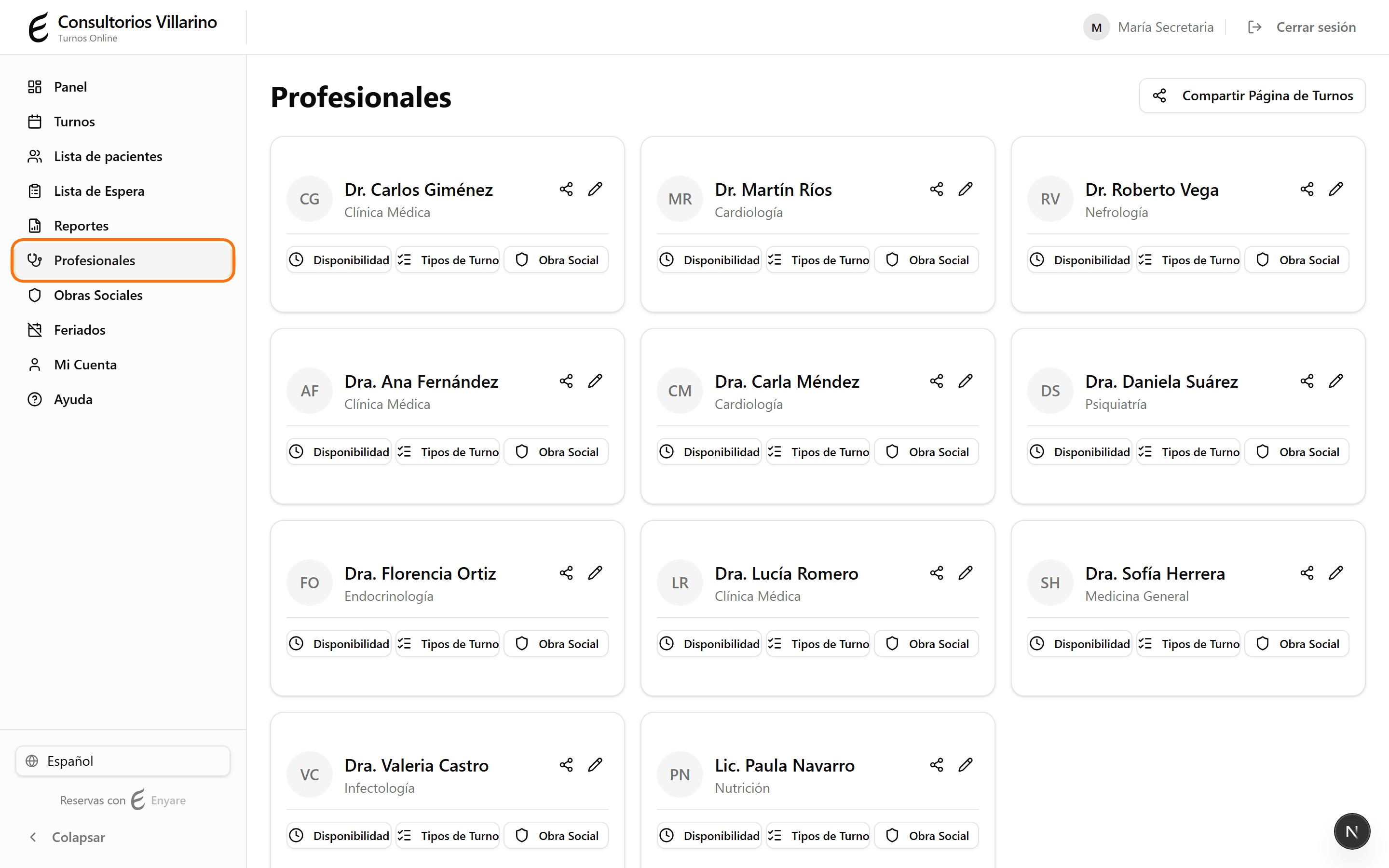
Entrá a la ficha del profesional
En el menú lateral, abrí «Profesionales» y hacé clic en el profesional que querés configurar.
- 2
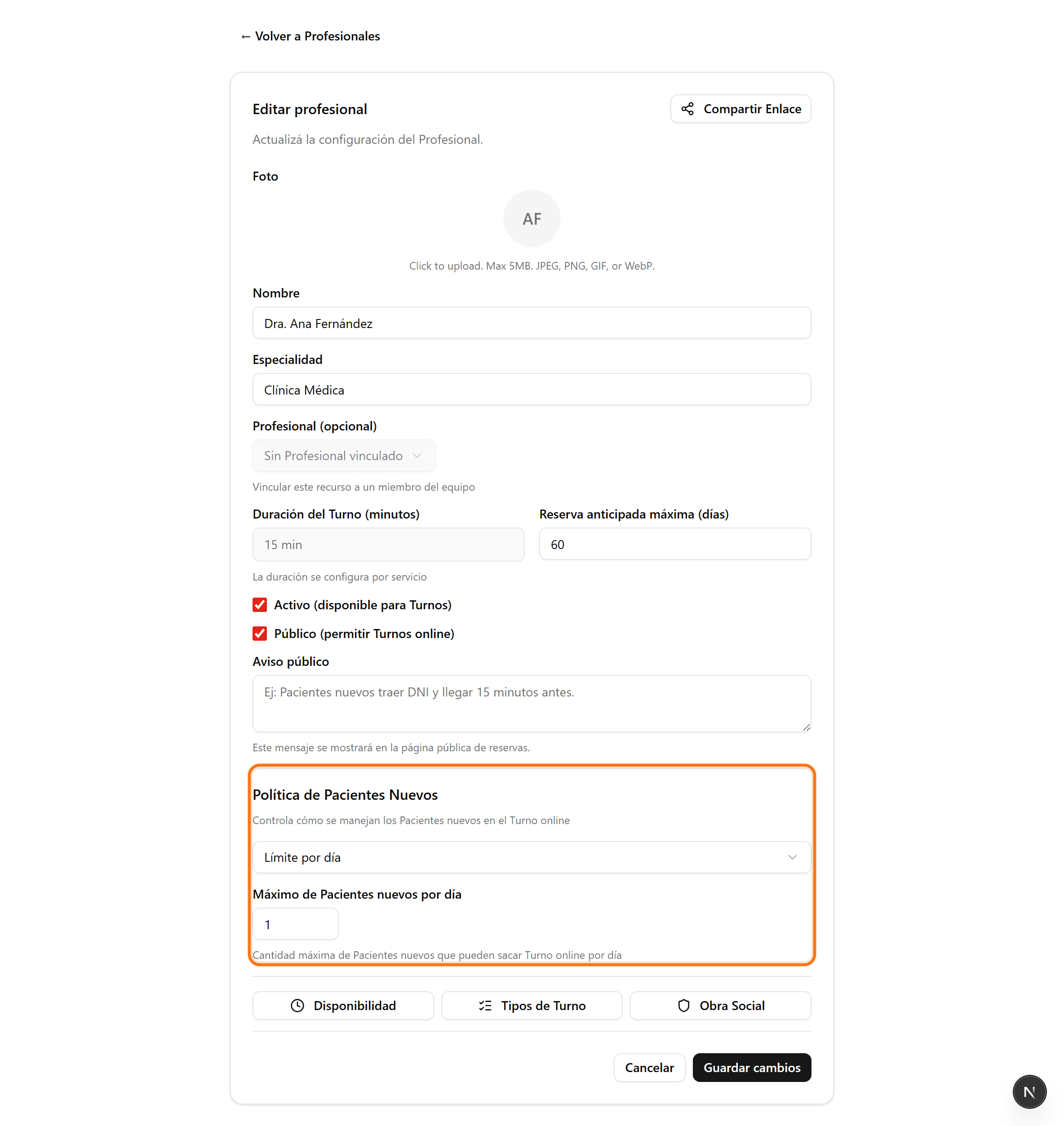
Buscá «Política de primera vez»
Bajá hasta la sección «Política de primera vez». Ahí elegís cómo se tratan los turnos de pacientes nuevos para este profesional.
- 3
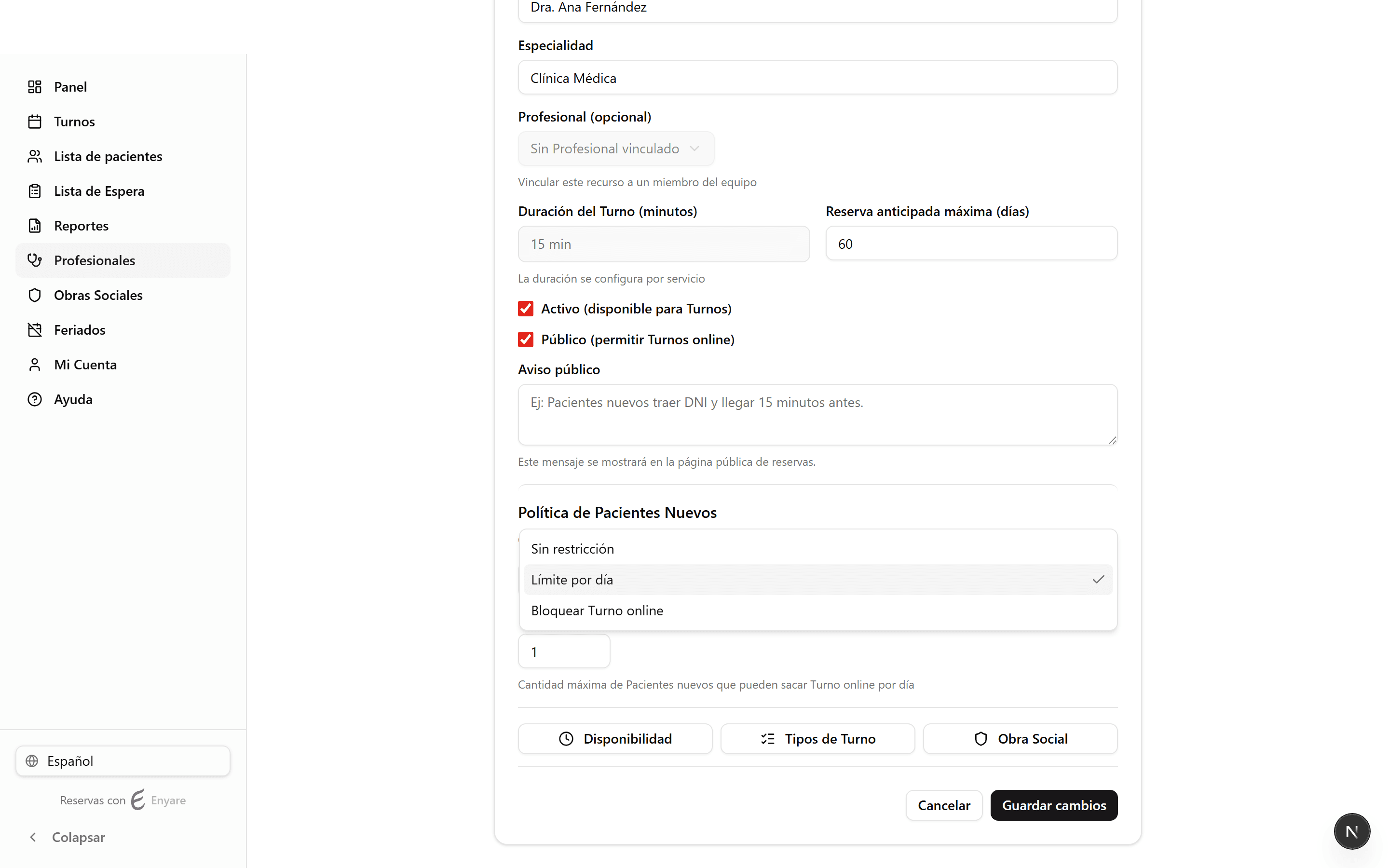
Elegí la política
«Sin restricción»: cualquier paciente nuevo puede reservar. «Limitar»: se permite una cantidad máxima de pacientes nuevos por día. «Bloquear»: los pacientes nuevos no pueden reservar online (se los deriva a llamar o escribir).
- 4
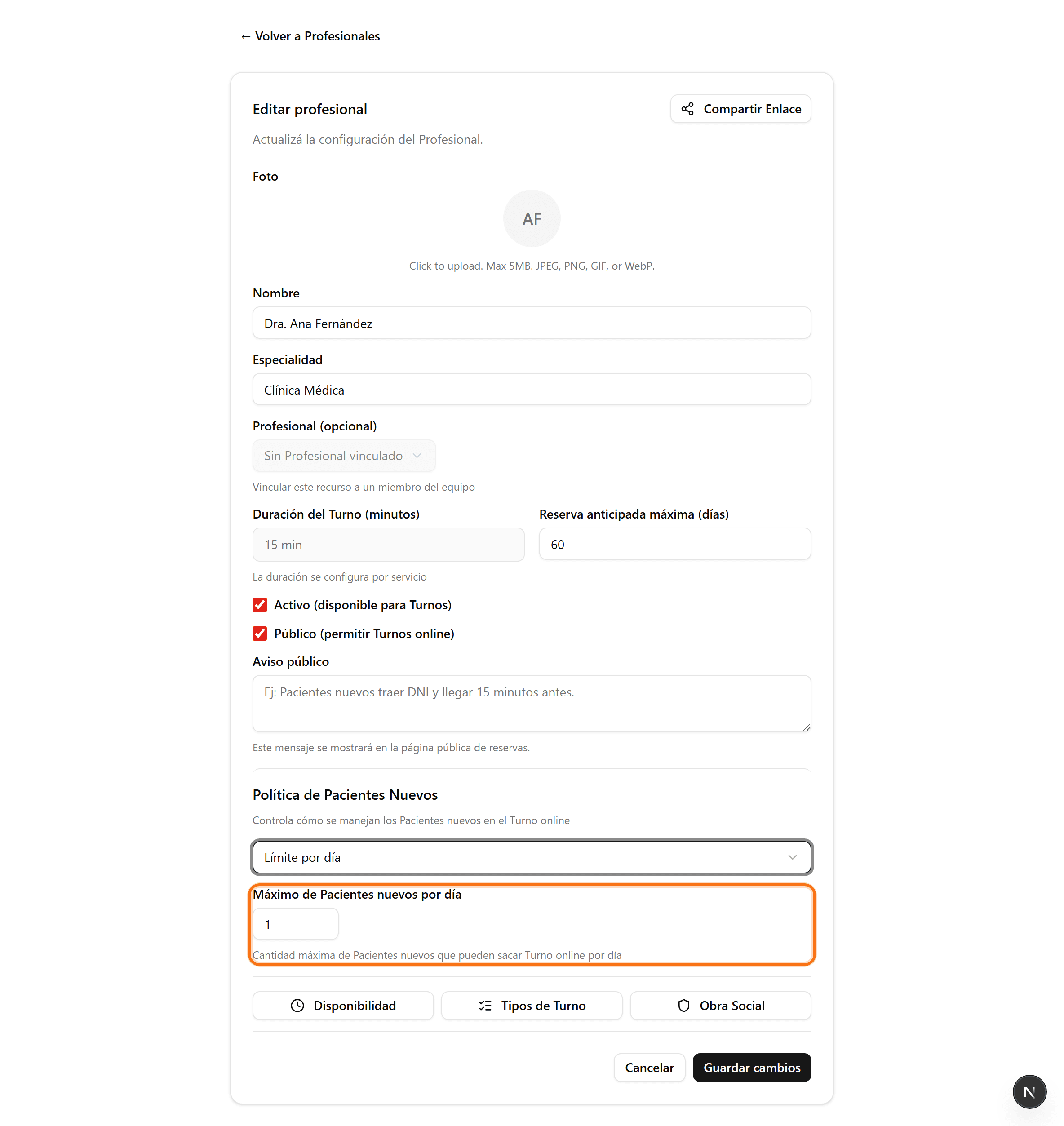
Definí el límite y guardá
Si elegiste «Limitar», escribí cuántos pacientes nuevos por día se aceptan. Luego hacé clic en «Guardar cambios».