Volver a las guías
Horas de atención especiales
- 1
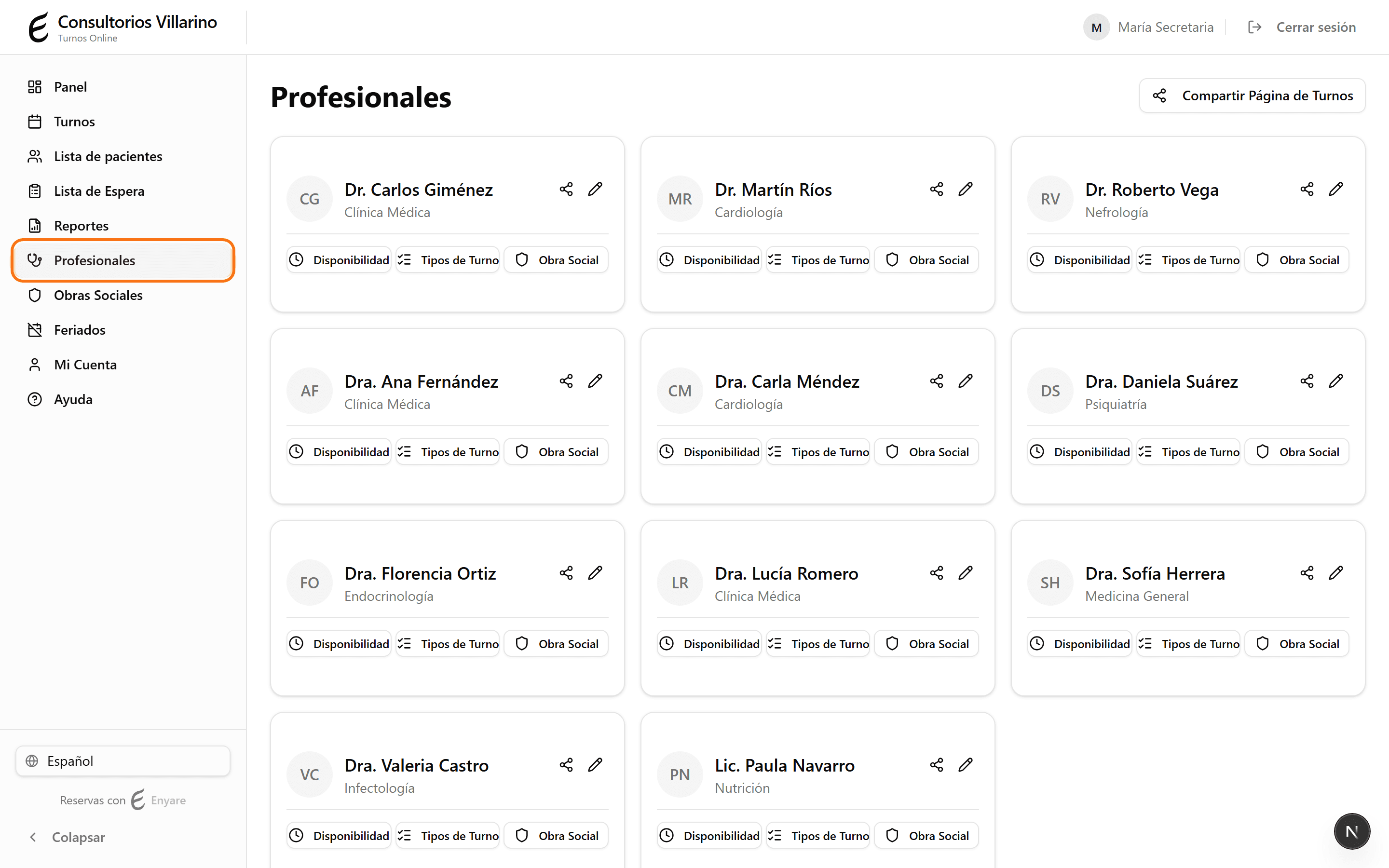
Abrí «Disponibilidad» y la pestaña «Horas extra»
En el menú lateral, abrí «Profesionales», entrá al profesional, hacé clic en «Disponibilidad» y elegí la pestaña «Horas extra». Sirve para abrir atención un día puntual, fuera del horario semanal.
- 2
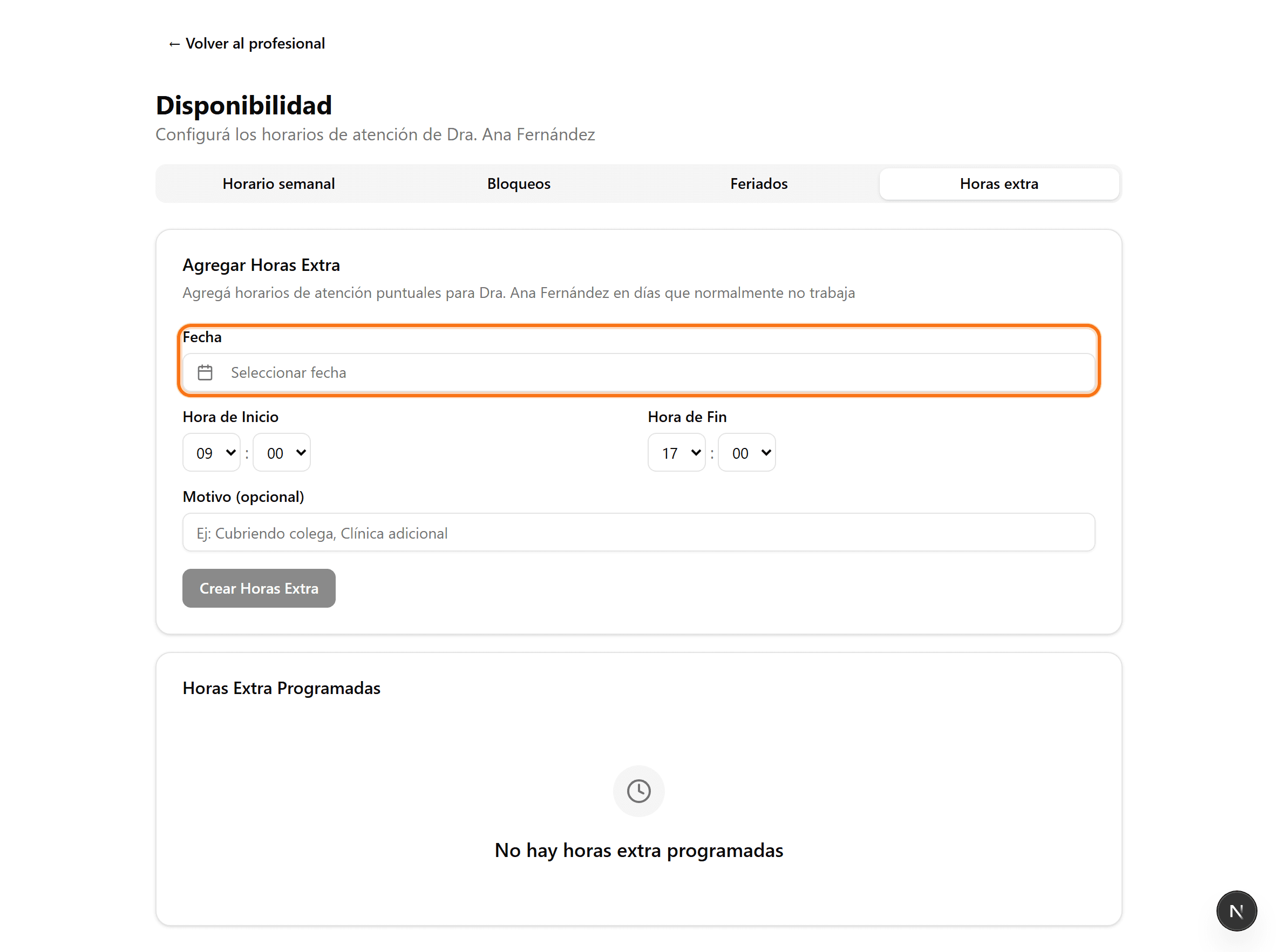
Elegí la fecha
En «Fecha», elegí el día en el que querés sumar atención extra (por ejemplo, un sábado puntual o un día que normalmente no atiende).
- 3
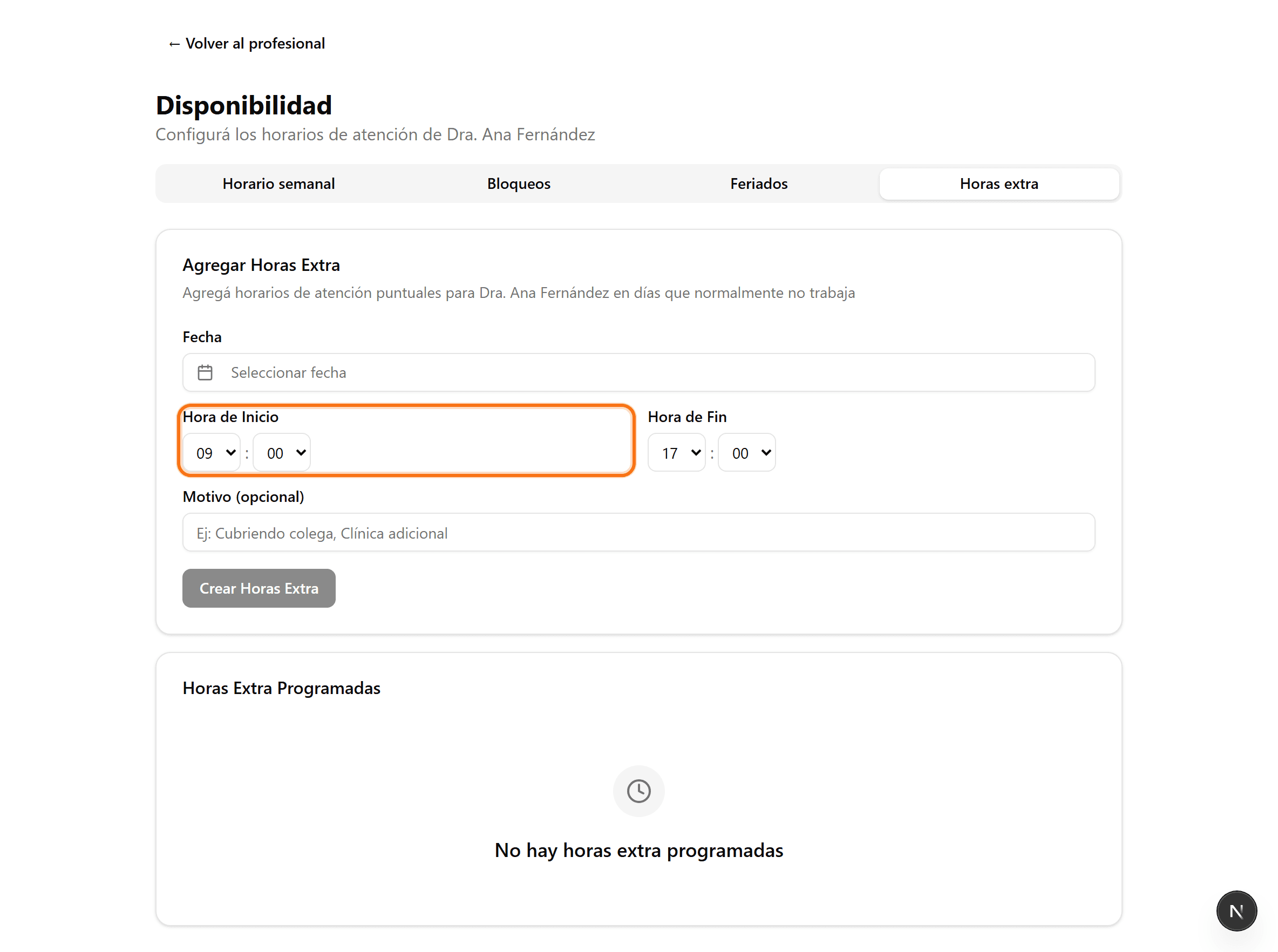
Definí el horario
Cargá la hora de inicio y de fin de esa atención especial. Opcionalmente agregá un motivo (Cubriendo colega, Clínica adicional, etc.).
- 4
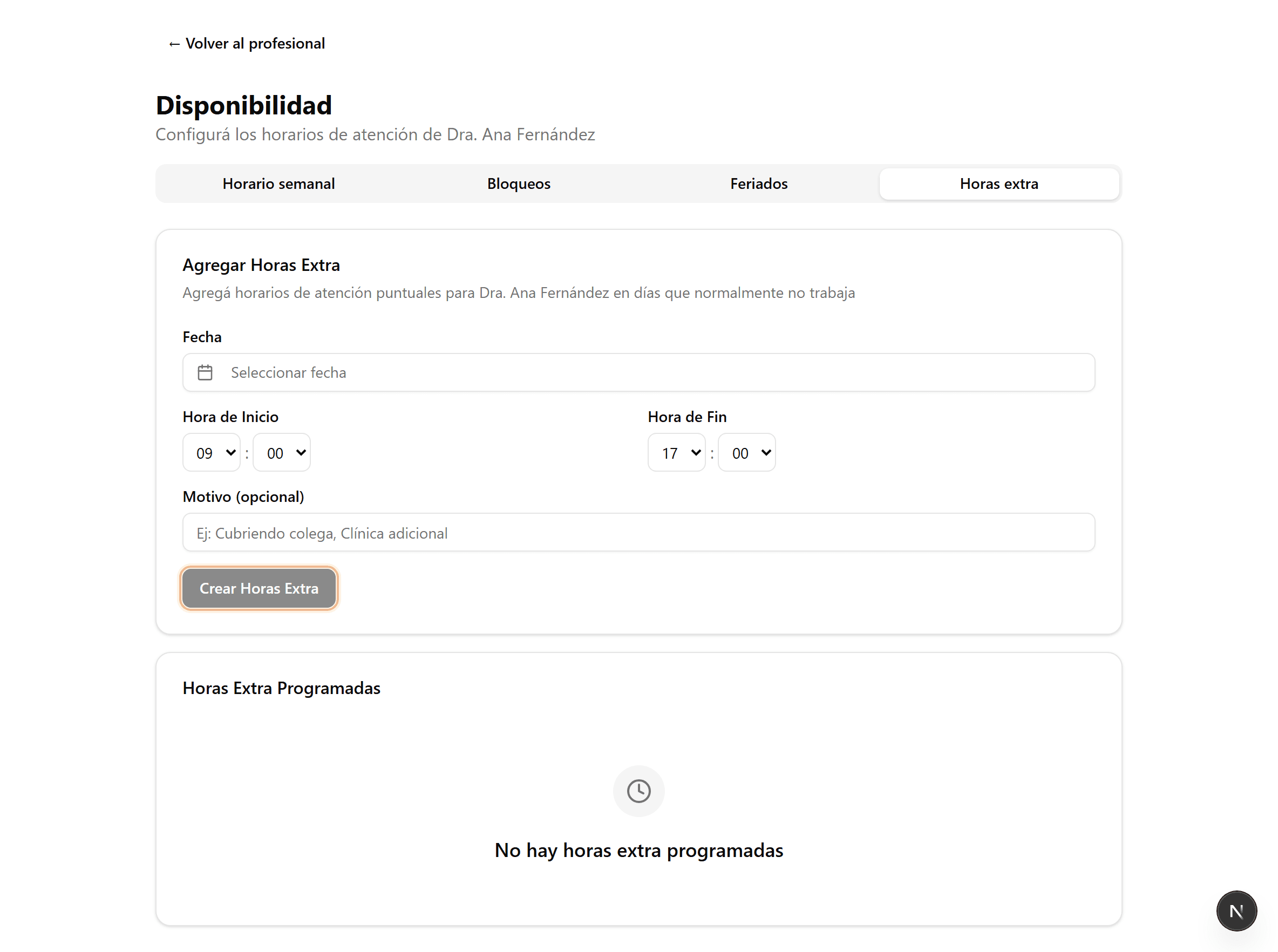
Creá las horas extra
Hacé clic en «Crear Horas Extra». Esos turnos quedan disponibles para reservar y aparecen en «Horas Extra Programadas».