Volver a las guías
Cancelar un turno
- 1
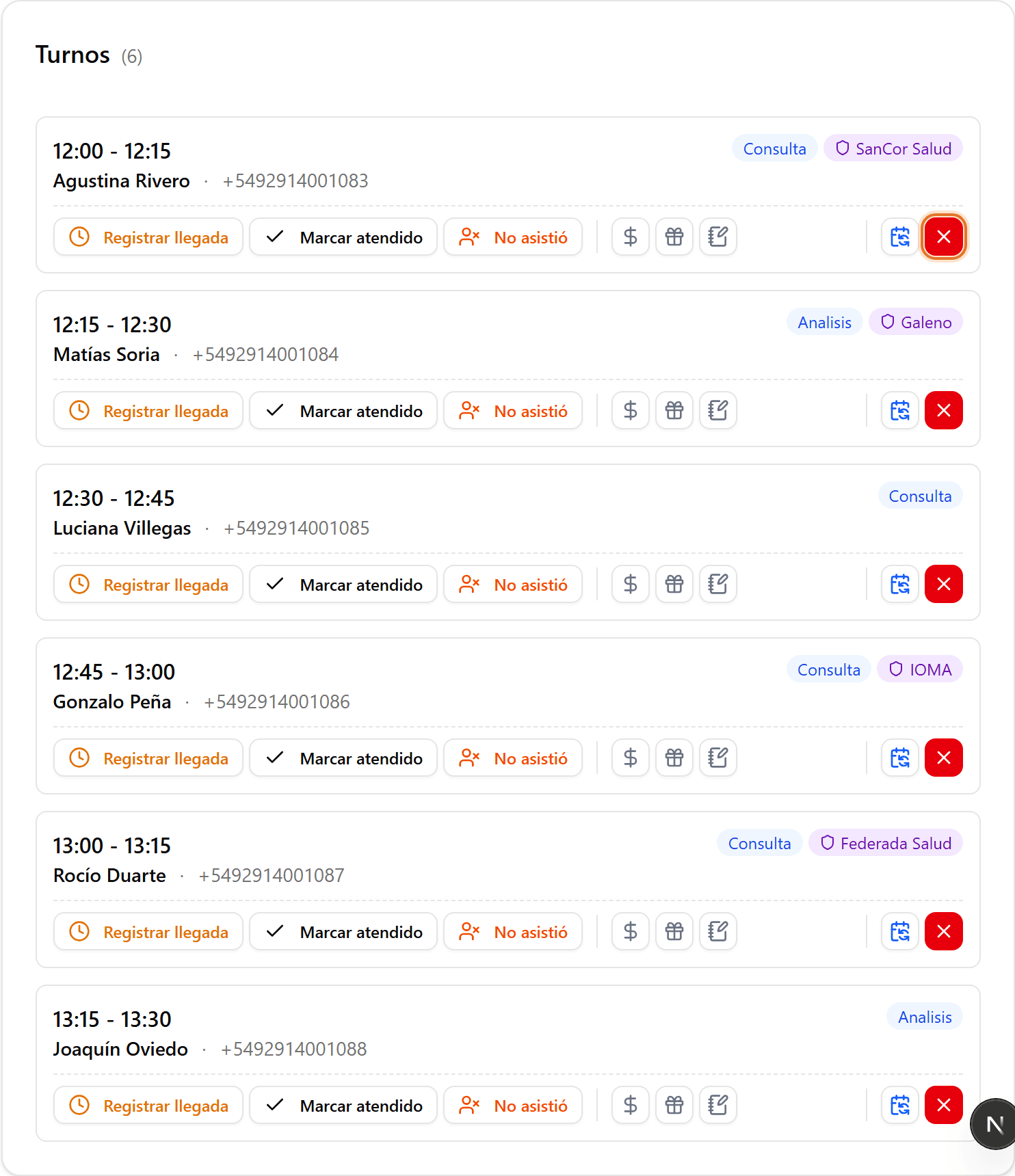
Encontrá el turno y hacé clic en cancelar
En «Turnos», ubicá el turno confirmado. En la tarjeta, hacé clic en el botón rojo de cancelar (la «X»).
- 2
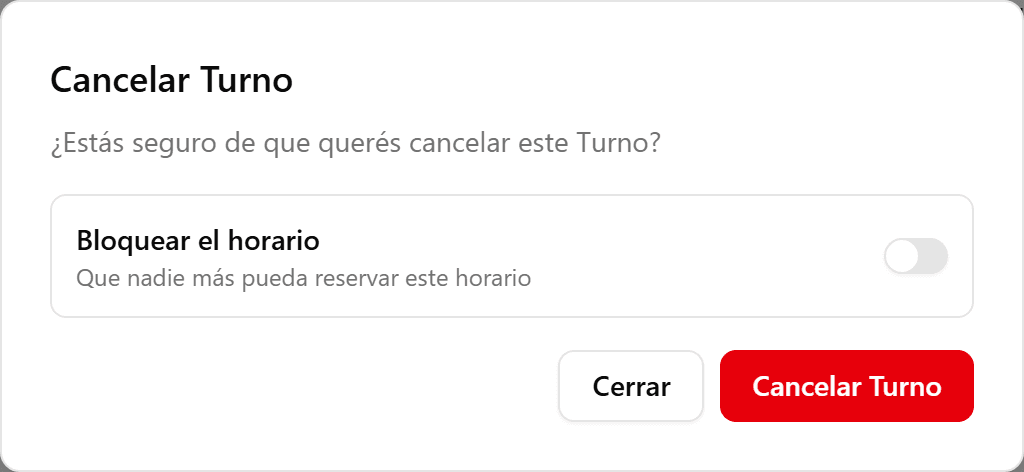
Elegí las opciones de cancelación
Podés activar «Bloquear el horario» para que nadie más reserve ese hueco, o «Notificar lista de espera» para avisarle al próximo en espera (si hay).
- 3
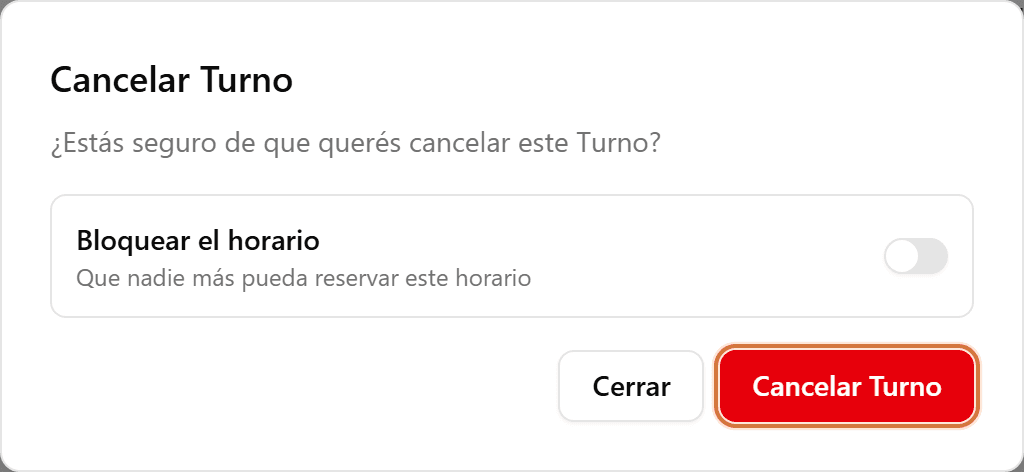
Confirmá la cancelación
Hacé clic en «Cancelar Turno» (o «Cancelar y bloquear horario» si activaste el bloqueo). El turno queda cancelado.