Volver a las guías
Reprogramar un turno
- 1
Encontrá el turno en la agenda
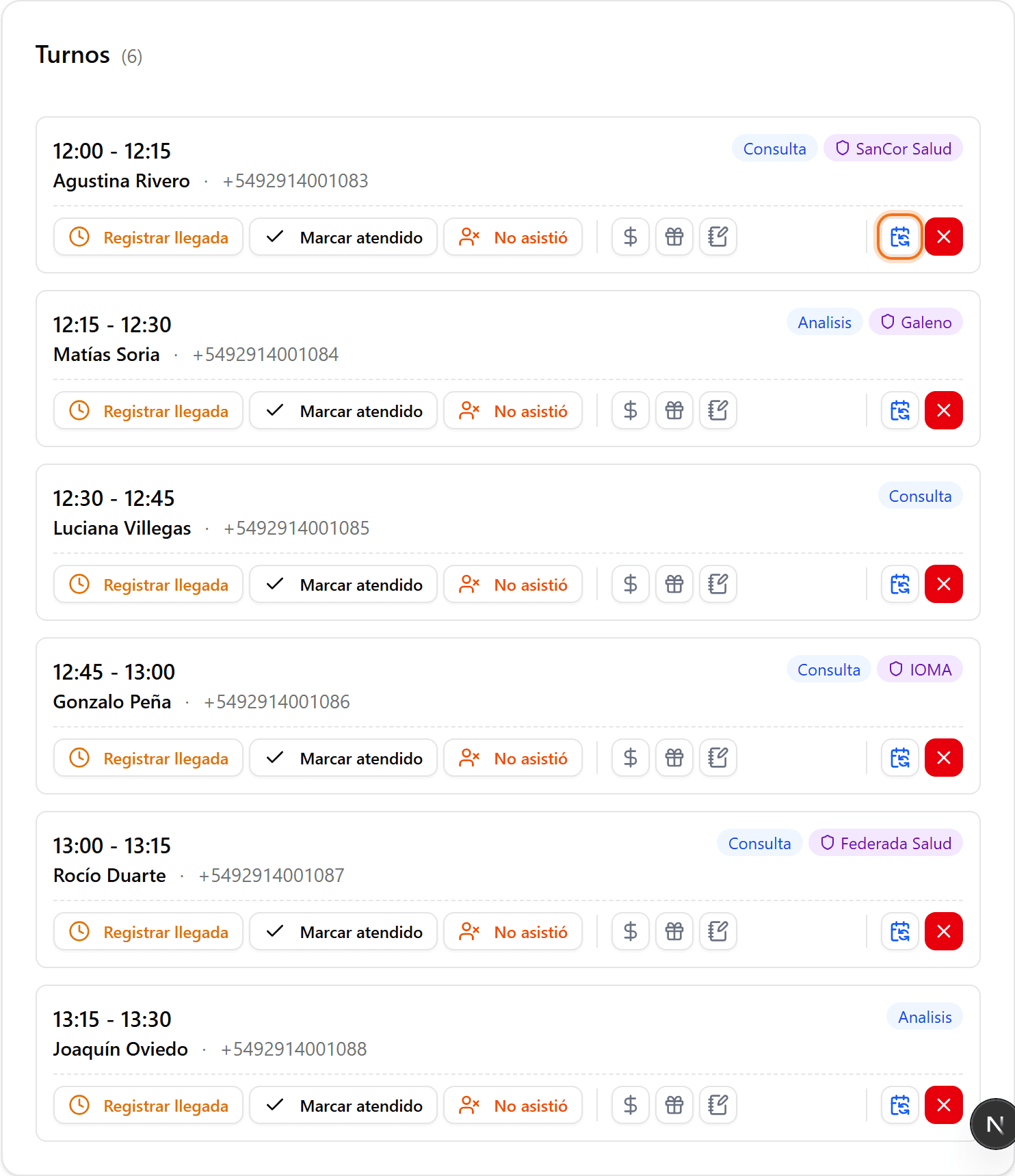
En «Turnos», ubicá el turno confirmado que querés mover. En la tarjeta del turno, hacé clic en el ícono de reprogramar.
- 2
Elegí la nueva fecha
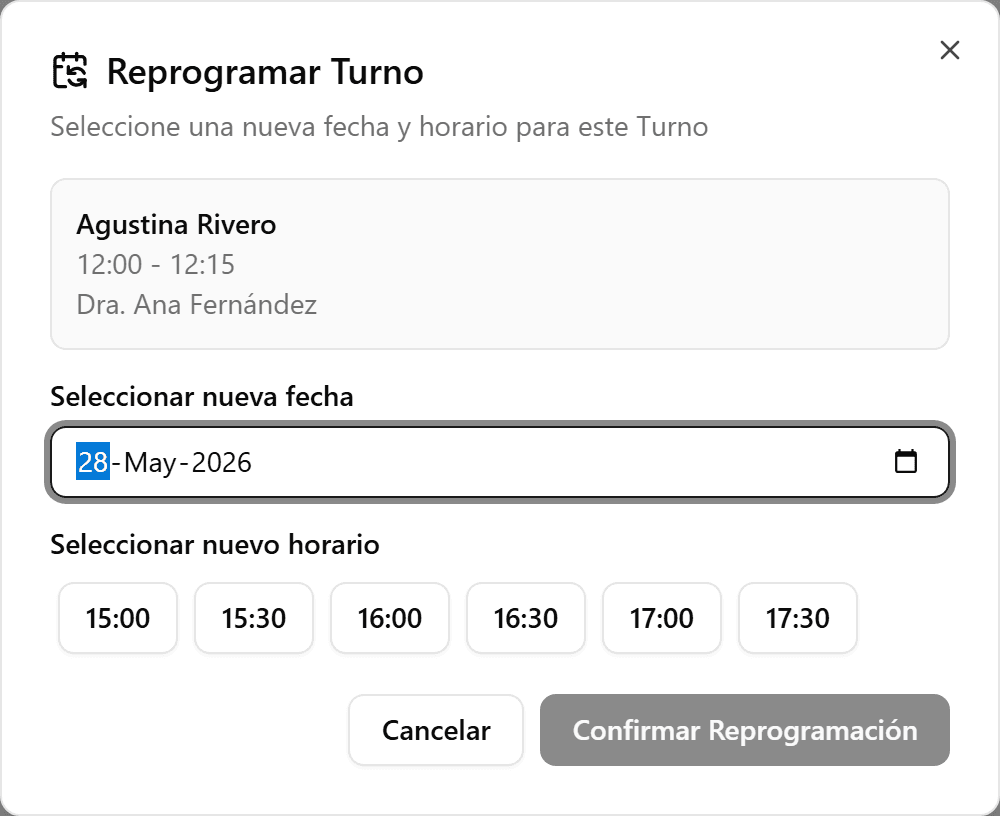
En el diálogo «Reprogramar Turno», elegí la nueva fecha. Se cargan los horarios disponibles para ese día.
- 3
Elegí el nuevo horario
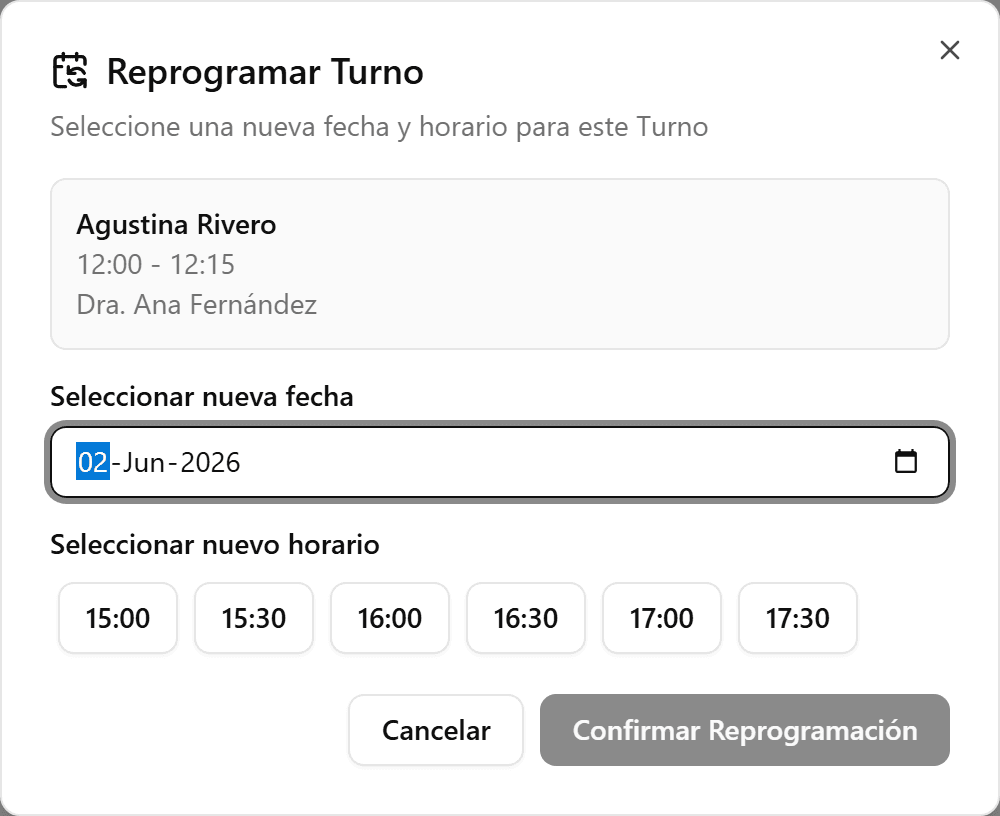
Seleccioná uno de los horarios disponibles. Si no hay horarios, probá con otra fecha.
- 4
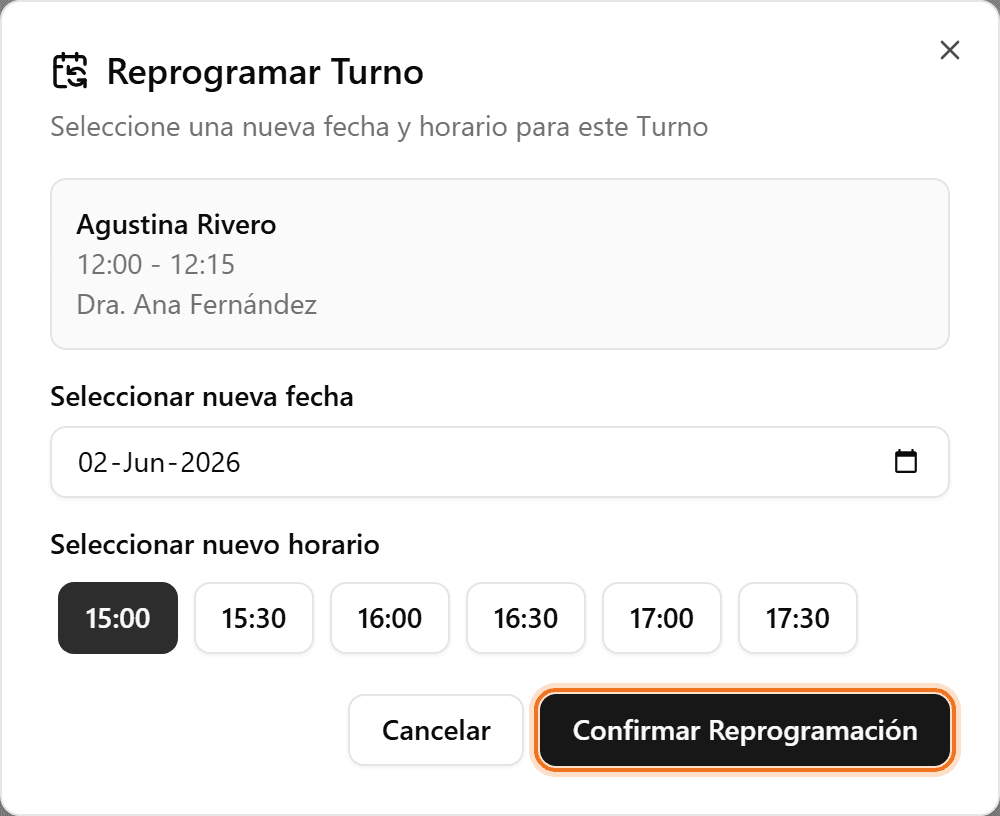
Confirmá la reprogramación
Hacé clic en «Confirmar Reprogramación». El turno se mueve al nuevo horario conservando el paciente, la obra social y las notas.