Volver a las guías
Crear una reserva rápida
- 1
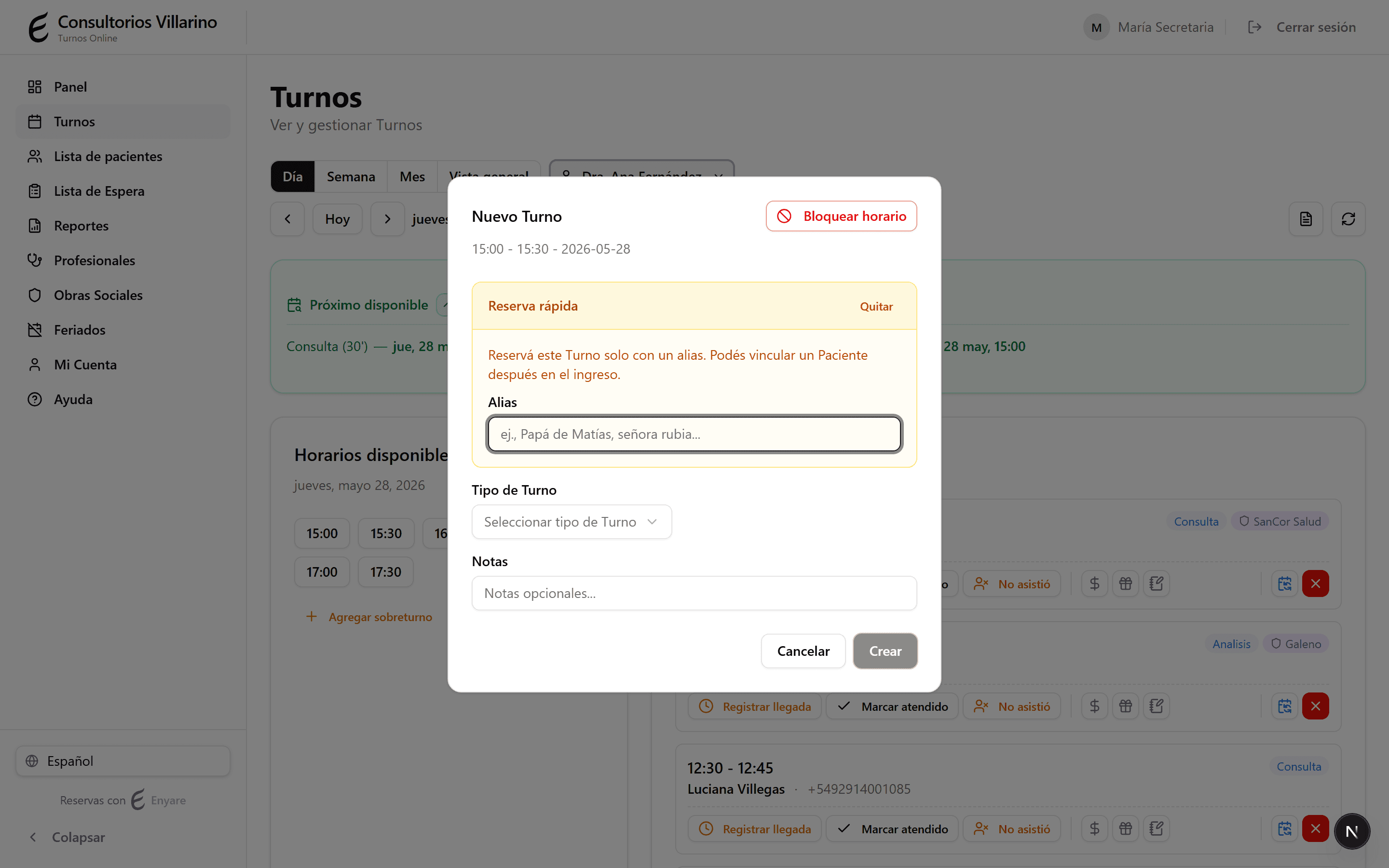
Abrí un horario libre
En «Turnos», hacé clic en un horario disponible de la agenda. Se abre el formulario para crear el turno.
- 2
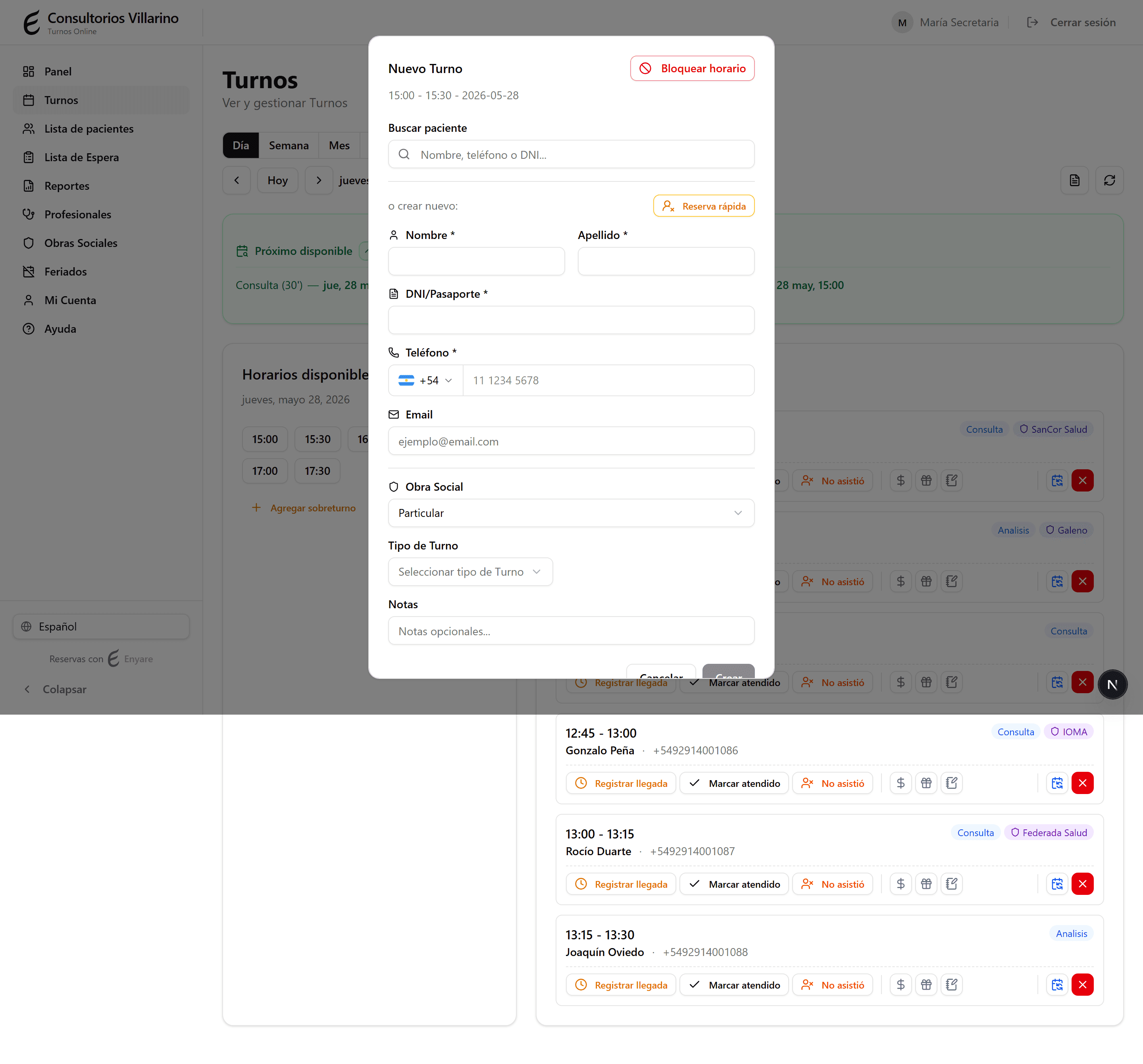
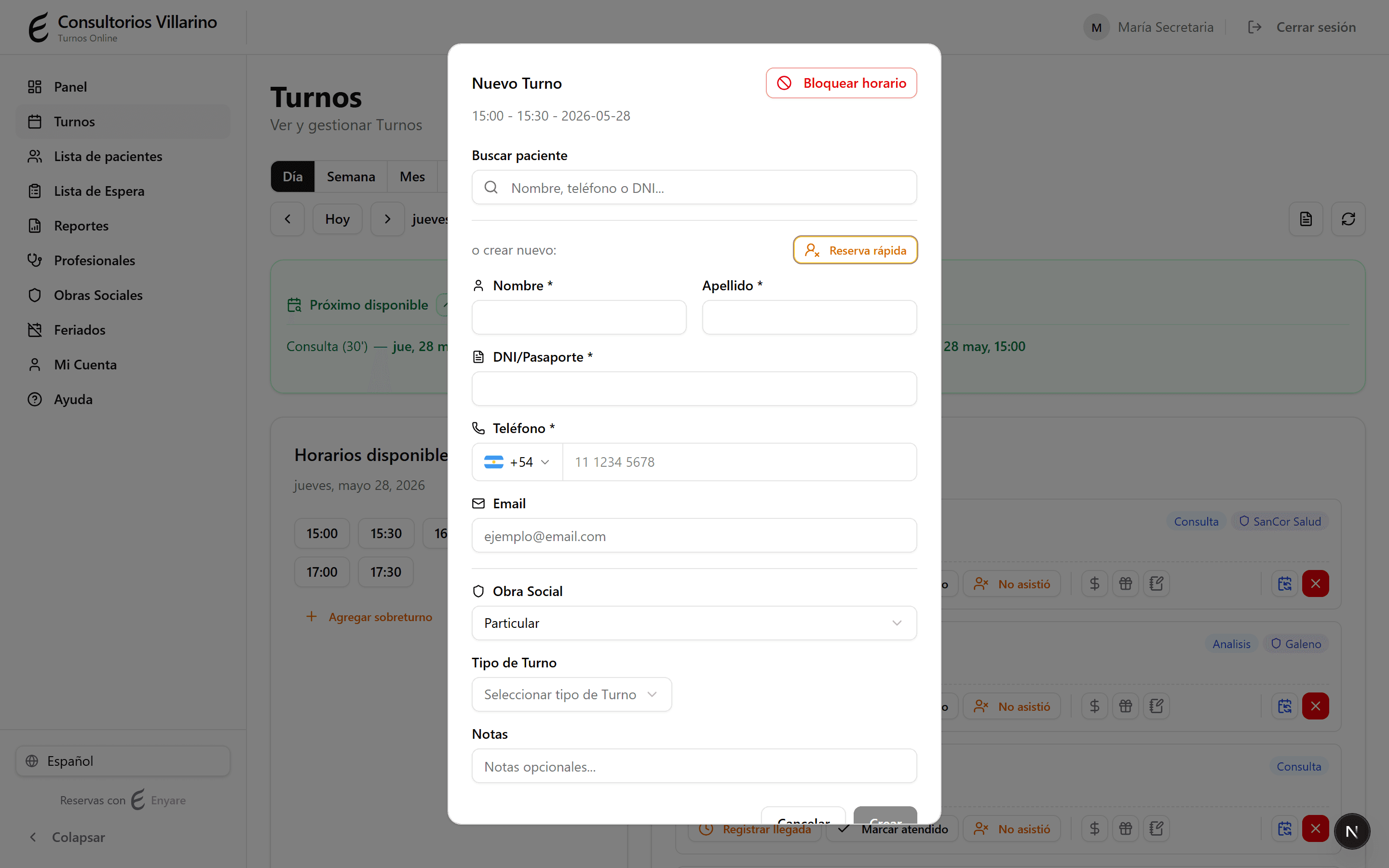
Activá «Reserva rápida»
En el buscador de paciente, hacé clic en «Reserva rápida». Sirve para agendar el turno sin cargar todos los datos del paciente.
- 3
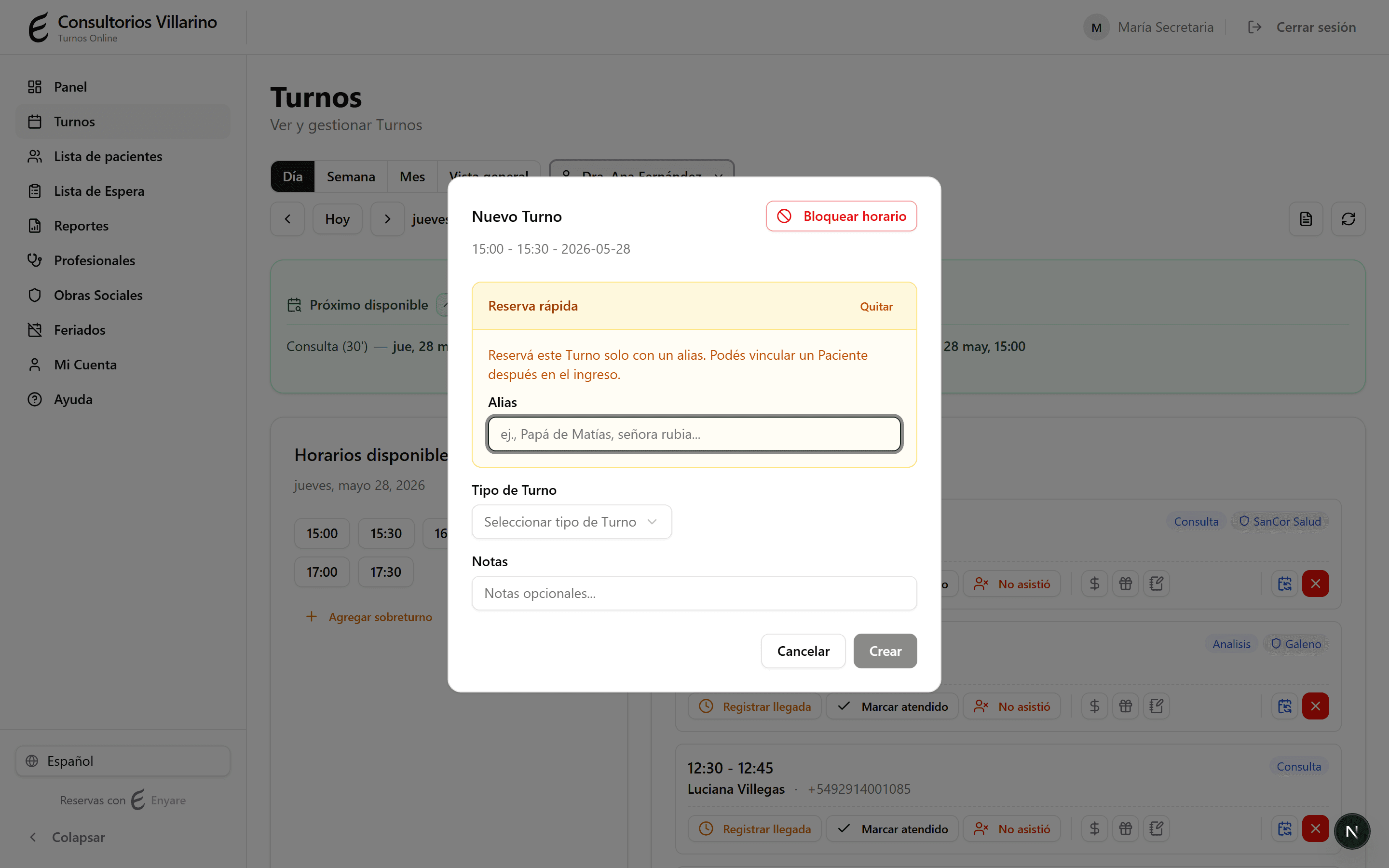
Escribí un alias
En «Alias», escribí una referencia para reconocer el turno (por ejemplo «Papá de Matías», «la señora rubia»). Elegí también el tipo de turno.
- 4
Creá el turno y completá después
Hacé clic en «Crear». El turno aparece con el alias y un ícono de aviso. Más tarde, al registrar la llegada, vinculás al paciente real con sus datos.