Volver a las guías
Encontrar info del paciente
- 1
Opción 1: en la tarjeta del turno
Si el paciente tiene un turno, encontralo en la agenda. El teléfono aparece junto al nombre en la tarjeta del turno.

- 2
Opción 2: entrá a «Pacientes»
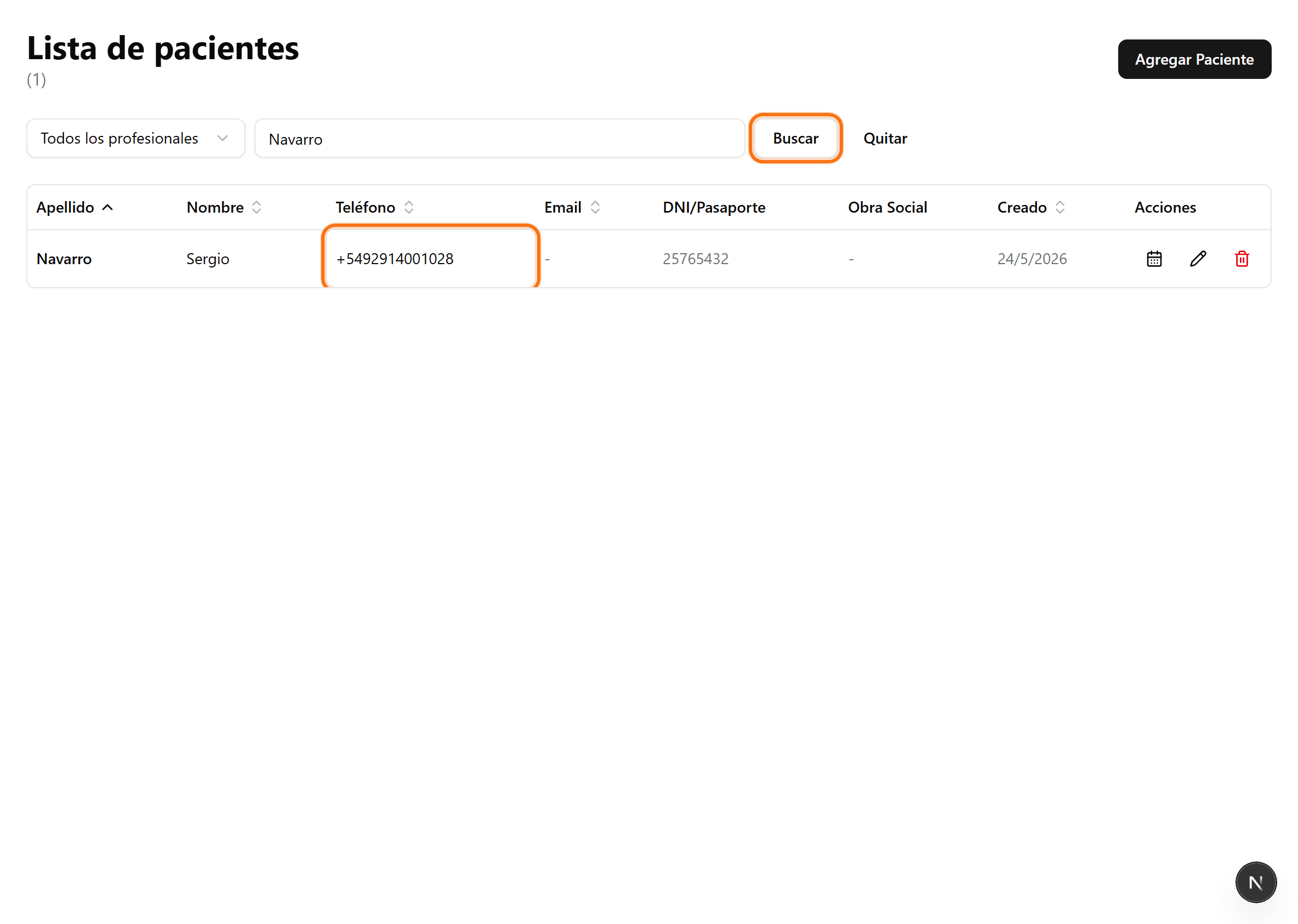
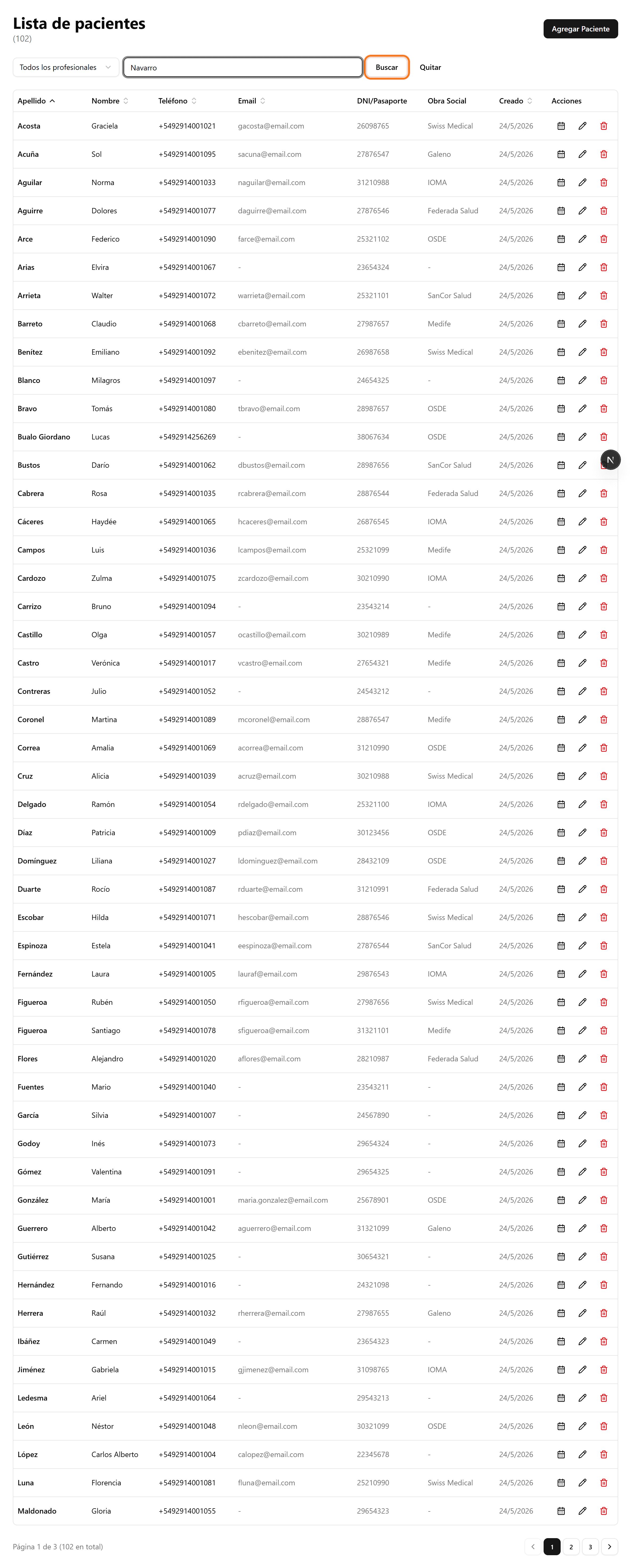
En el menú lateral, abrí «Pacientes» y buscá por nombre, teléfono o DNI. Luego hacé clic en «Buscar».
- 3
El teléfono aparece en la fila
El resultado muestra el teléfono del paciente junto al nombre, además del DNI, la obra social y el email.